spiritreader/uptime-kuma
my own fork of uptime kuma, for testing purposes only
283
spiritreader/uptime-kuma repository overview
Uptime Kuma





It is a self-hosted monitoring tool like "Uptime Robot".
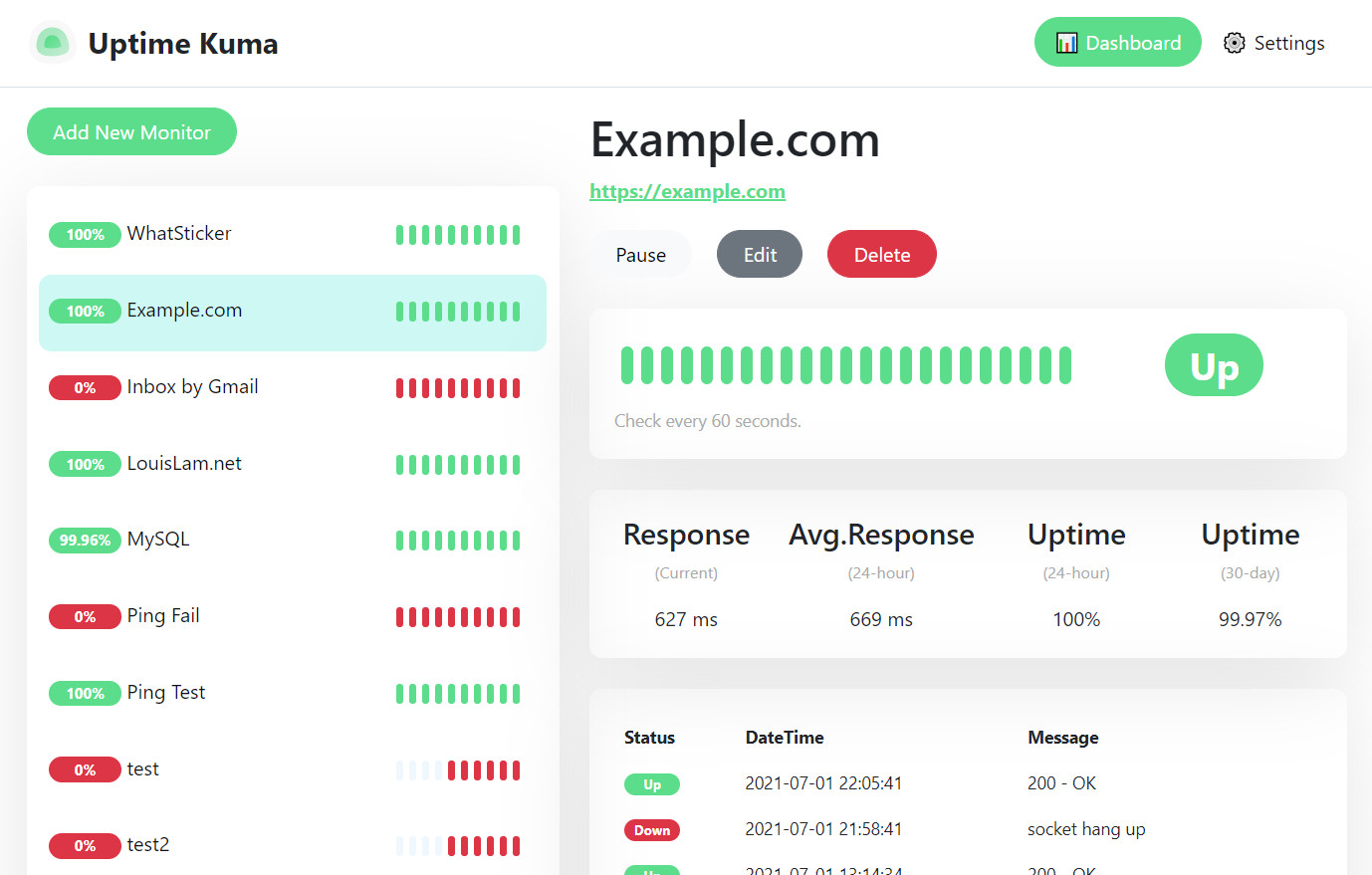
Features
- Monitoring uptime for HTTP(s) / TCP / Ping.
- Fancy, Reactive, Fast UI/UX.
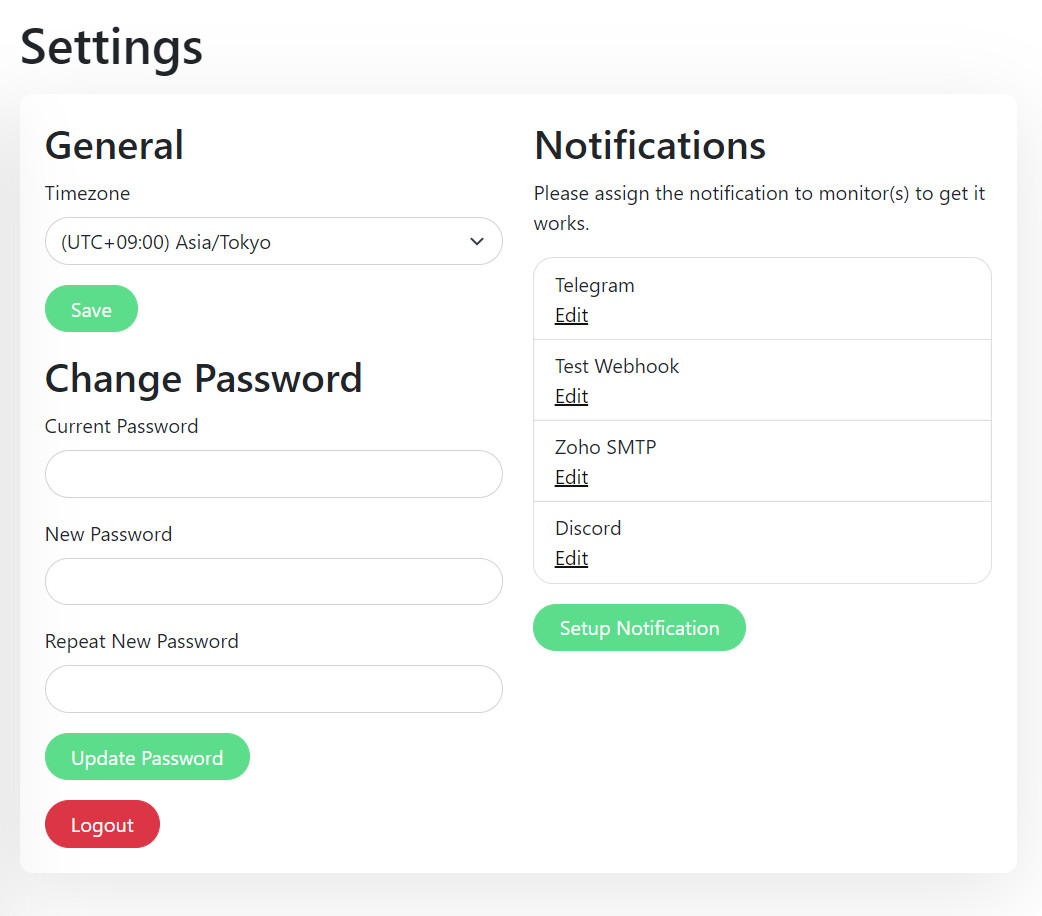
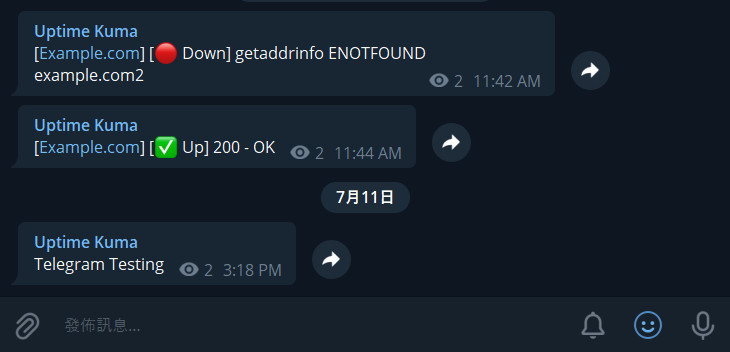
- Notifications via Webhook, Telegram, Discord and email (SMTP).
- 20 seconds interval.
How to Use
Docker
# Create a volume
docker volume create uptime-kuma

# Start the container
docker run -d --restart=always -p 3001:3001 -v uptime-kuma:/app/data --name uptime-kuma louislam/uptime-kuma:1
Browse to http://localhost:3001 after started.
Change Port and Volume
docker run -d --restart=always -p <YOUR_PORT>:3001 -v <YOUR_DIR OR VOLUME>:/app/data --name uptime-kuma louislam/uptime-kuma:1
Without Docker
Required Tools: Node.js >= 14, git and pm2.
git clone https://github.com/louislam/uptime-kuma.git
cd uptime-kuma
npm run setup

# Option 1. Try it
npm run start-server

# (Recommended)
# Option 2. Run in background using PM2
# Install PM2 if you don't have: npm install pm2 -g
pm2 start npm --name uptime-kuma -- run start-server

# Listen to different port or hostname
pm2 start npm --name uptime-kuma -- run start-server -- --port=80 --hostname=0.0.0.0
Browse to http://localhost:3001 after started.
One-click Deploy to DigitalOcean

Choose Cheapest Plan is enough. (US$ 5)
How to Update
Docker
Re-pull the latest docker image and create another container with the same volume.
PS: For every new release, it takes some time to build the docker image, please be patient if it is not available yet.
Without Docker
git fetch --all
git checkout 1.0.6 --force
npm install
npm run build
pm2 restart uptime-kuma
What's Next?
I will mark requests/issues to the next milestone. https://github.com/louislam/uptime-kuma/milestones
More Screenshots
Settings Page:
Telegram Notification Sample:
Motivation
- I was looking for a self-hosted monitoring tool like "Uptime Robot", but it is hard to find a suitable one. One of the close one is statping. Unfortunately, it is not stable and unmaintained.
- Want to build a fancy UI.
- Learn Vue 3 and vite.js.
- Show the power of Bootstrap 5.
- Try to use WebSocket with SPA instead of REST API.
- Deploy my first Docker image to Docker Hub.
If you love this project, please consider giving me a ⭐.
Contribute
If you want to report a bug or request a new feature. Free feel to open a new issue.
If you want to modify Uptime Kuma, this guideline maybe useful for you: https://github.com/louislam/uptime-kuma/wiki/%5BDev%5D-Setup-Development-Environment
English proofreading is needed too, because my grammar is not that great sadly. Feel free to correct my grammar in this Readme, source code or wiki.
Tag summary
Content type
Image
Digest
Size
80.9 MB
Last updated
almost 5 years ago
docker pull spiritreader/uptime-kuma:alpine