std66/tomisoft-youtubedownloader-webui repository overview
TomiSoft.YoutubeDownloader.WebUI
A simple WebUI for youtube-dl.
Requirements
- Microsoft Visual Studio 2019
- Microsoft .NET 5.0
- IIS 8.0 or newer with WebSockets enabled
Run in Docker
The easiest way to get started is to use my Docker image. It is preconfigured and it is immediately ready to use. https://hub.docker.com/r/std66/tomisoft-youtubedownloader-webui
docker run -d -p 28465:80 std66/tomisoft-youtubedownloader-webui
Running in Kubernetes
It will be available in the future. Since the application is heavily stateful, it needs some more refactoring work to be done to fully utilitize the benefits of Kubernetes.
Manual deploy to IIS
- Download the executable youtube-dl from https://rg3.github.io/youtube-dl/
- Download ffmpeg, ffprobe from https://www.ffmpeg.org/download.html and extract them next to the youtube-dl executable.
- Add IUSR read+execute rights to the folder that contains youtube-dl.
- Build solution and deploy TomiSoft.YoutubeDownloader.WebUI project to IIS:
- Create a new IIS website
- Configure the website's application pool:
- Set .NET CLR Version to "No managed code".
- The process model identity must be set to "LocalSystem", otherwise the youtube-dl cannot be executed.
- Deploy website
- Configure appsettings.json
- Set ExecutablePath to the path where the youtube-dl.exe is located.
- Set MaximumParallelDownloads according to how many downloads can be running simultaneously.
- Set DeleteFilesAfterMinutesElapsed according to how long do you want to keep downloaded files.
- Execute IISRESET in cmd.exe
Screenshots
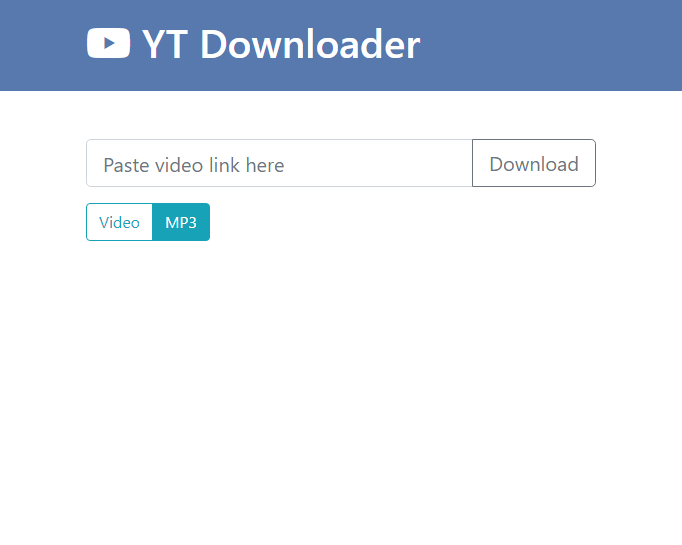
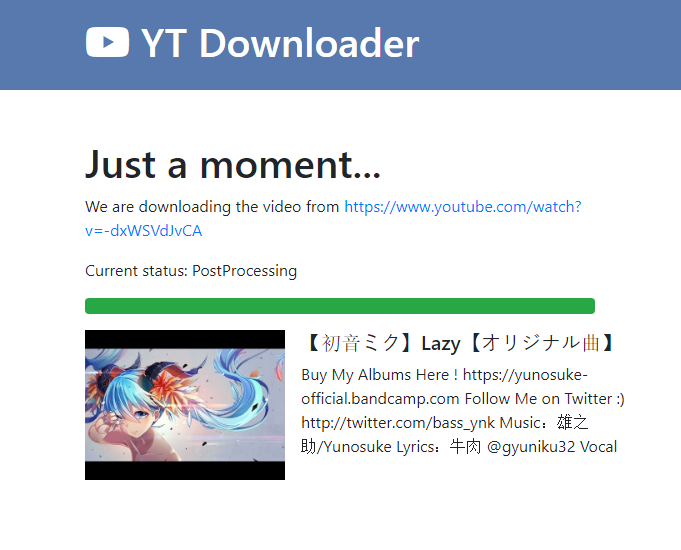
Contact
Tamás Sinku ([email protected])
Tag summary
Content type
Image
Digest
sha256:ecbe02de0…
Size
384.4 MB
Last updated
17 days ago
docker pull std66/tomisoft-youtubedownloader-webui