tabll/jupyter
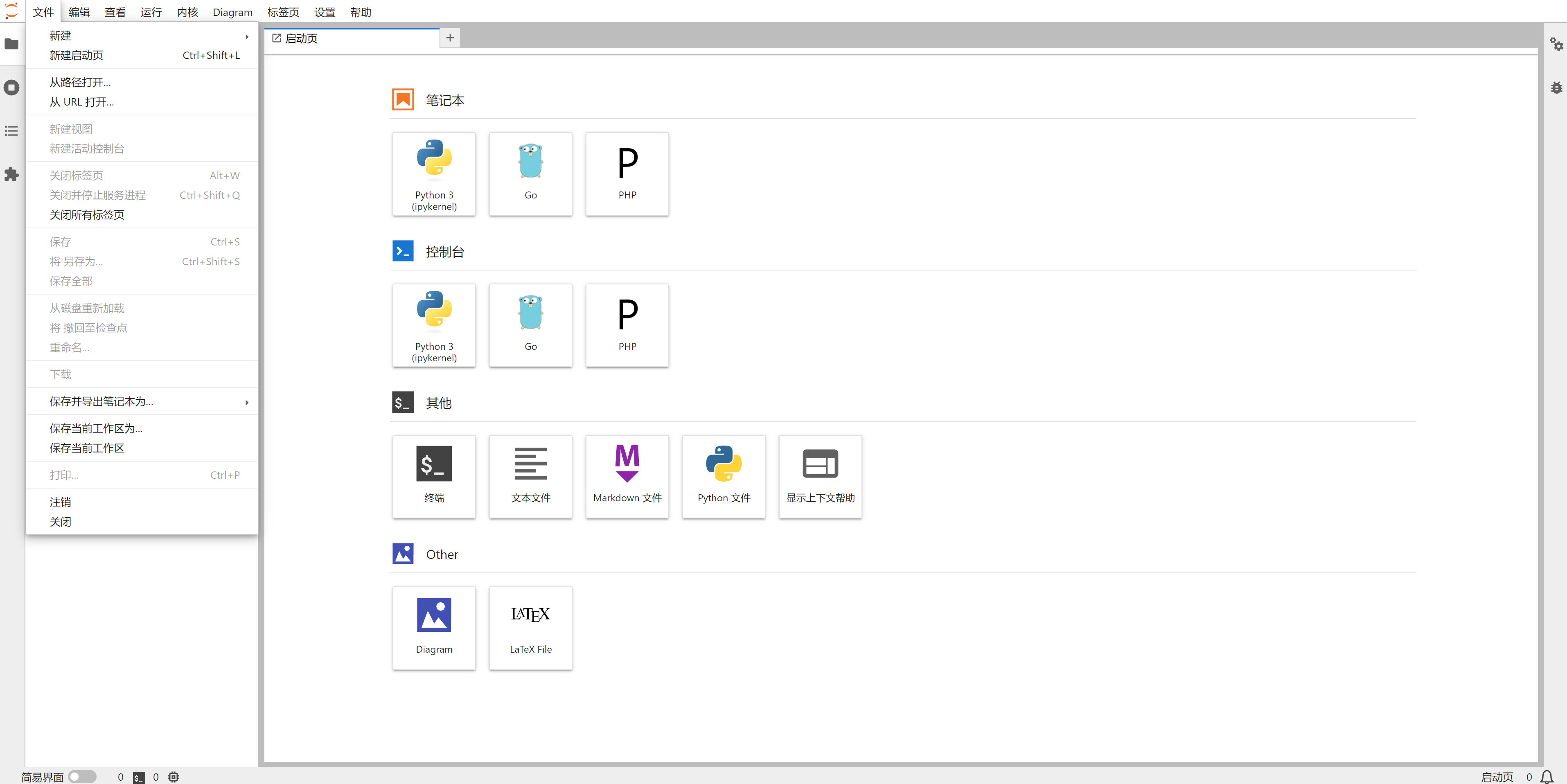
中文版 Jupyter Lab,支持 Go, PHP, Python 语言
Image
Machine learning & AI
Developer tools
Data science
1
3.0K
tabll/jupyter repository overview
Jupyter Lab


这是一个包含既定内核的 Jupyter Lab 容器镜像
使用方法
基本用法:
使用默认的配置并暴露指定端口:
docker run -p 8888:8888 tabll/jupyter:2.6
自定义用法:
以下用法需要加入 Docker 启动命令,更多用法可以查看 Docker 的官方文档
- 如果想要容器内数据持久化,则需要将
/workspace目录作为 Data Volume
例如:-v /home/user/my-jupyter:/workspace - 配置文件
jupyter_lab_config.py文件的生成方法,在容器内执行jupyter lab --generate-config命令,会将配置文件创建到/root/.jupyter/jupyter_lab_config.py如果要持久化可以将它映射出来
例如:-v /home/user/JupyterConf/jupyter_lab_config.py:/root/.jupyter/jupyter_lab_config.py - 默认启动的命令行设置,如果想要指定为
bash,需要指定容器环境变量-e SHELL=/bin/bash - 默认
hostname设置,如果不想要一个随机的字符串名字,需要手动指定一个-h "tabll-jupyter-server"
配置
中文版本
但首次使用时需要在设置 Settings->Language 中手动切换至中文版本
Nginx 设置
如果没有设置 Nginx 的反向代理则可以忽略
由于与 Kernel 的连接使用了 WebSocket 所以需要特殊配置,否则能够打开网页但无法连接到 Kernel
以下是示例配置文件:
location / {
    proxy_pass http://JupyterLab:8888; # 你的 Jupyter 容器内的服务地址与端口号
    proxy_set_header X-Real-IP $remote_addr;
    proxy_set_header Host $host;
    proxy_set_header X-Forwarded-For $proxy_add_x_forwarded_for;
    # WebSocket 支持
    proxy_http_version 1.1;
    proxy_set_header Upgrade $http_upgrade;
    proxy_set_header Connection "upgrade";
    proxy_set_header X-Scheme $scheme;

    proxy_buffering off;
}
location ~ /.well-known {
    allow all;
}
版本信息
Jupyter Lab 3.6.3
编程语言
Python 3.10.6
PHP 8.1.17
Go 1.20.3
Jupyter 插件
jupyterlab-fasta
jupyterlab-geojson
jupyterlab-katex
jupyterlab-mathjax3
jupyterlab-vega2
jupyterlab-vega3
jupyterlab_latex
jupyterlab-drawio
Tag summary
Content type
Image
Digest
sha256:5690f3a23…
Size
597.3 MB
Last updated
over 2 years ago
docker pull tabll/jupyter