taiga4112/ros-wrobot-simulation repository overview
ros-WRobot-simulation
A Docker image to provide HTML5 VNC interface to access Ubuntu LXDE + ROS including WRobot simulation demo.
Quick Start
- Run the docker container and access with port
6080.- Change the
shm-sizevalue depending on the situation.
- Change the
docker run -p 6080:80 --shm-size=512m taiga4112/ros-wrobot-simulation:latest
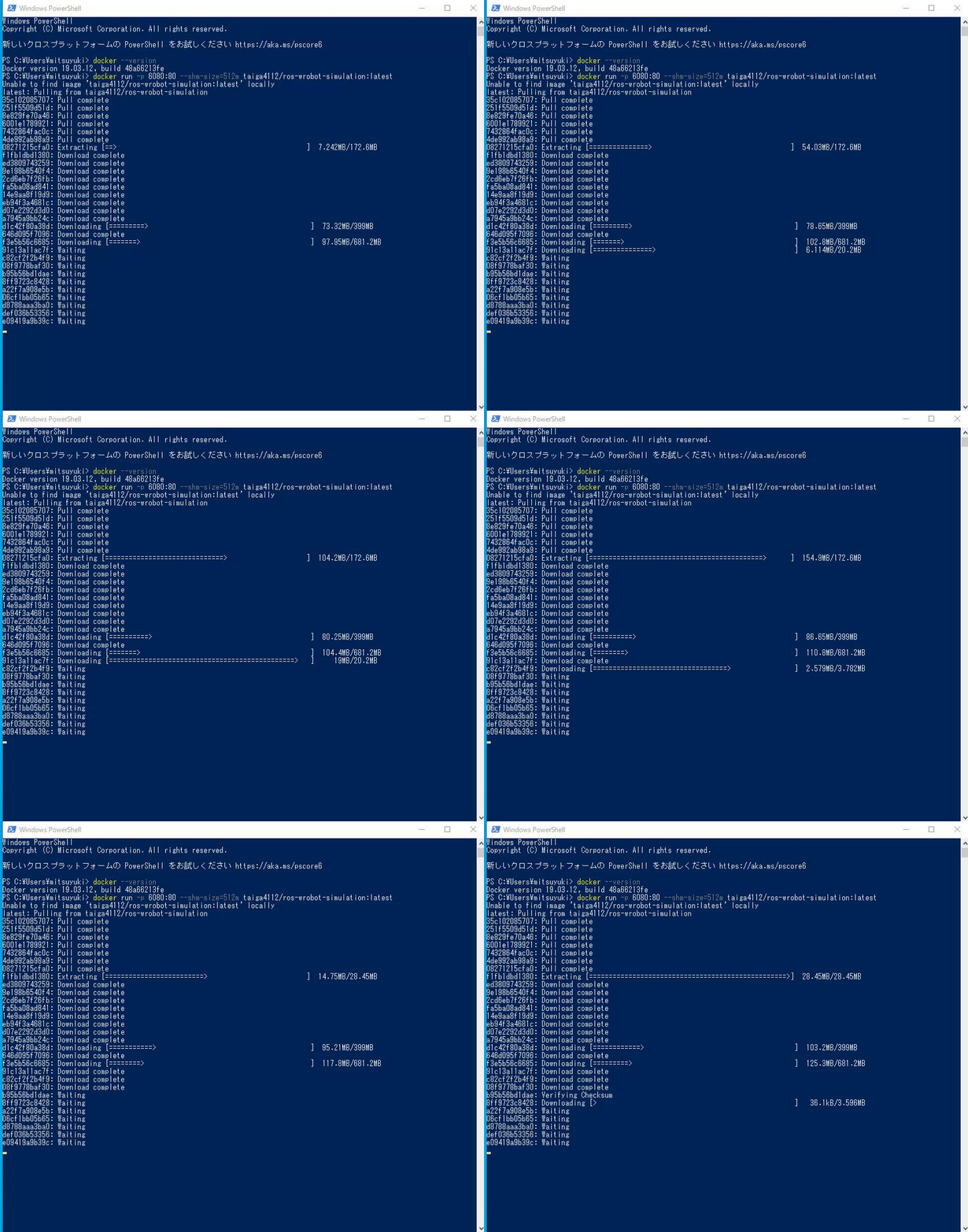
-
Browse http://127.0.0.1:6080.
-
Open your terminal in VNC viewer.
- MENU button in lower left -> System Tools -> LXTerminal (or Terminator)
- Launch WRobot simulator as follows/.
-
To control the robot with keyboard (
w, a, s, d, q, e, x), run:roslaunch robot simulation.launch tele_control:=true navigate:=false- For controlling the robot with keyboard, please turn your terminal active.
-
To test the navigation (move_base package), run :
roslaunch robot simulation.launch -
To test the SLAM including control the robot with keyboard (
w, a, s, d, q, e, x), run:roslaunch robot robot_slam.launch- For controlling the robot with keyboard, please turn your terminal active.
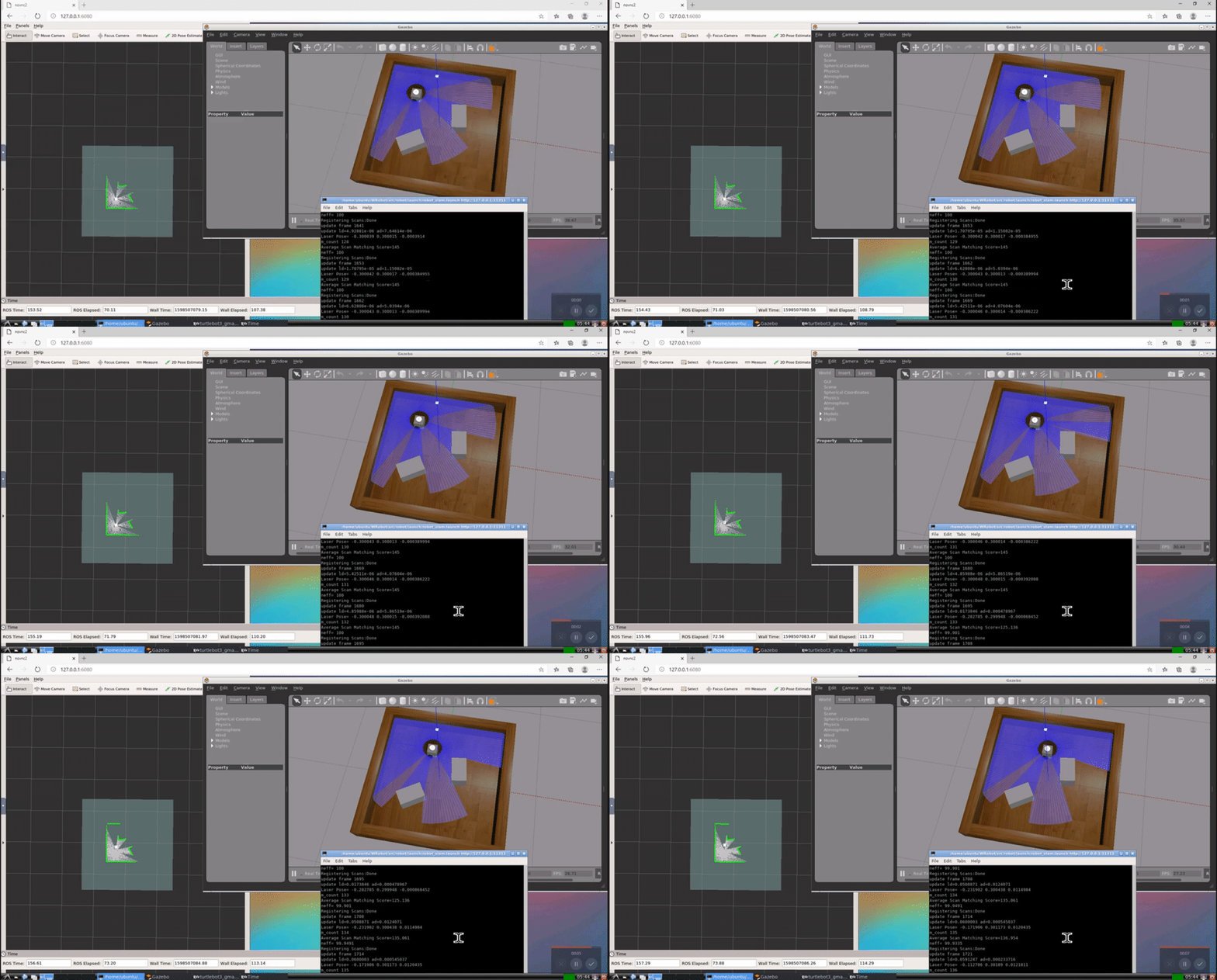
How to build
git clone [email protected]:taiga4112/ros_WRobot_simulation.git
cd ros_WRobot_simulation
docker build -t taiga4112/ros-wrobot-simulation .
Tag summary
Content type
Image
Digest
Size
1.4 GB
Last updated
about 6 years ago
docker pull taiga4112/ros-wrobot-simulation