tamago3keran/dotfiles
🔧 dotfiles of ubuntu, include neovim configurations on my MacBook.
4.6K
tamago3keran/dotfiles repository overview
dotfiles
Welcome to my world! Here are Docker Images for my dotfiles based on dark powered neovim plugins made by Shougo. I have prepared them so that you can use dark power immediately. If you want to know how the Docker Image was created, please see Dockerfiles.
Screenshots
| splash screen | editing code | filer UI |
|---|---|---|
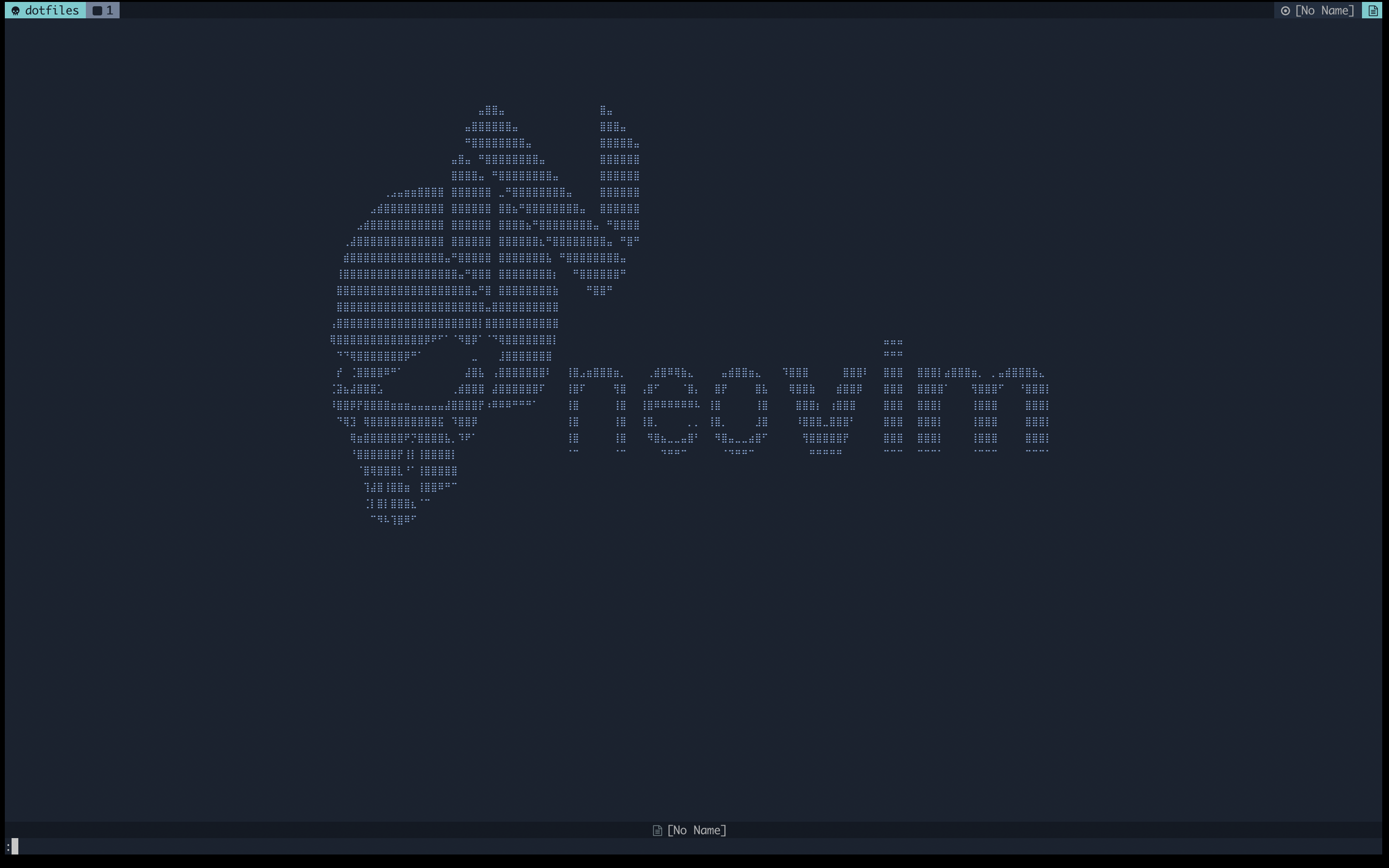 | 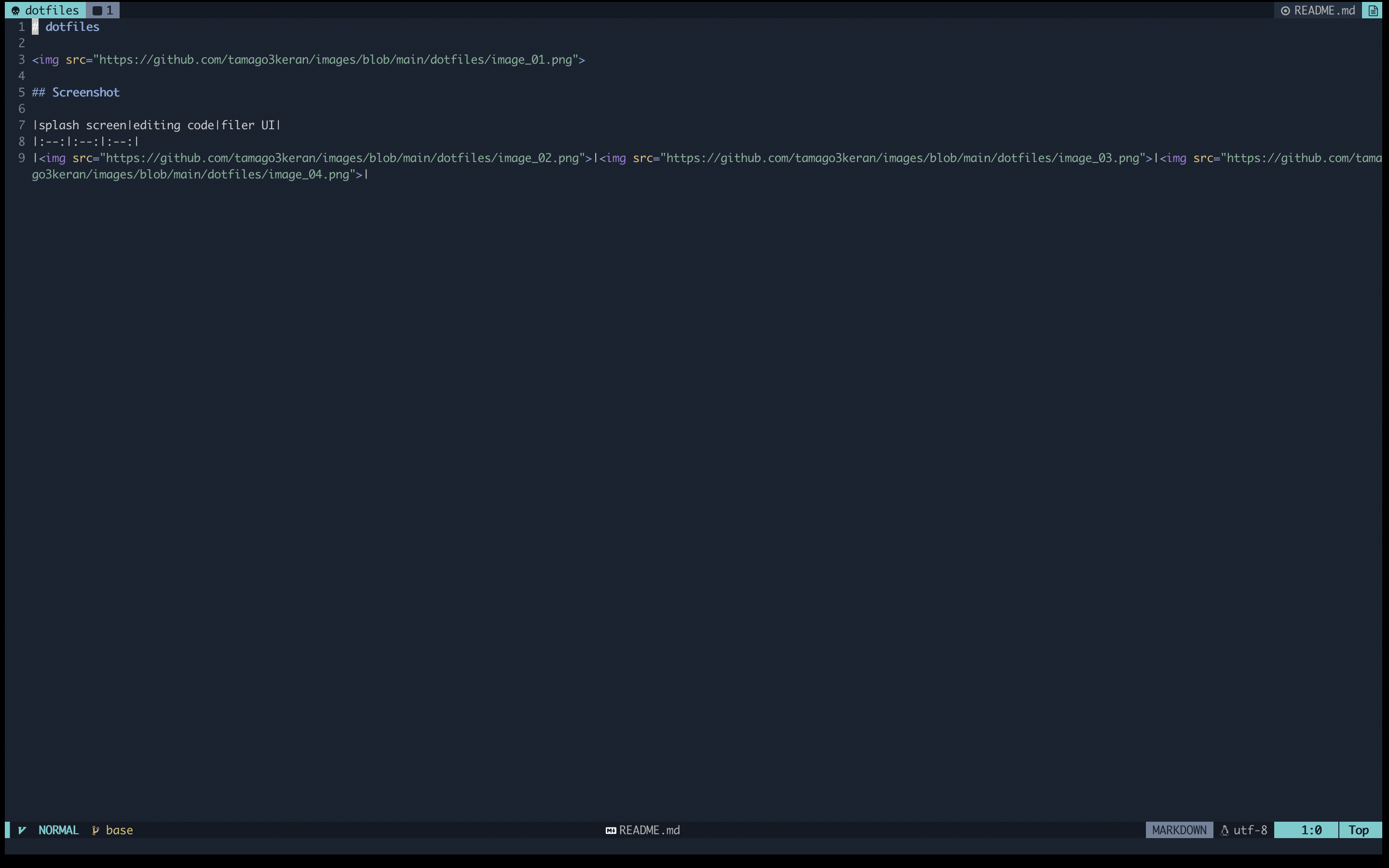 | 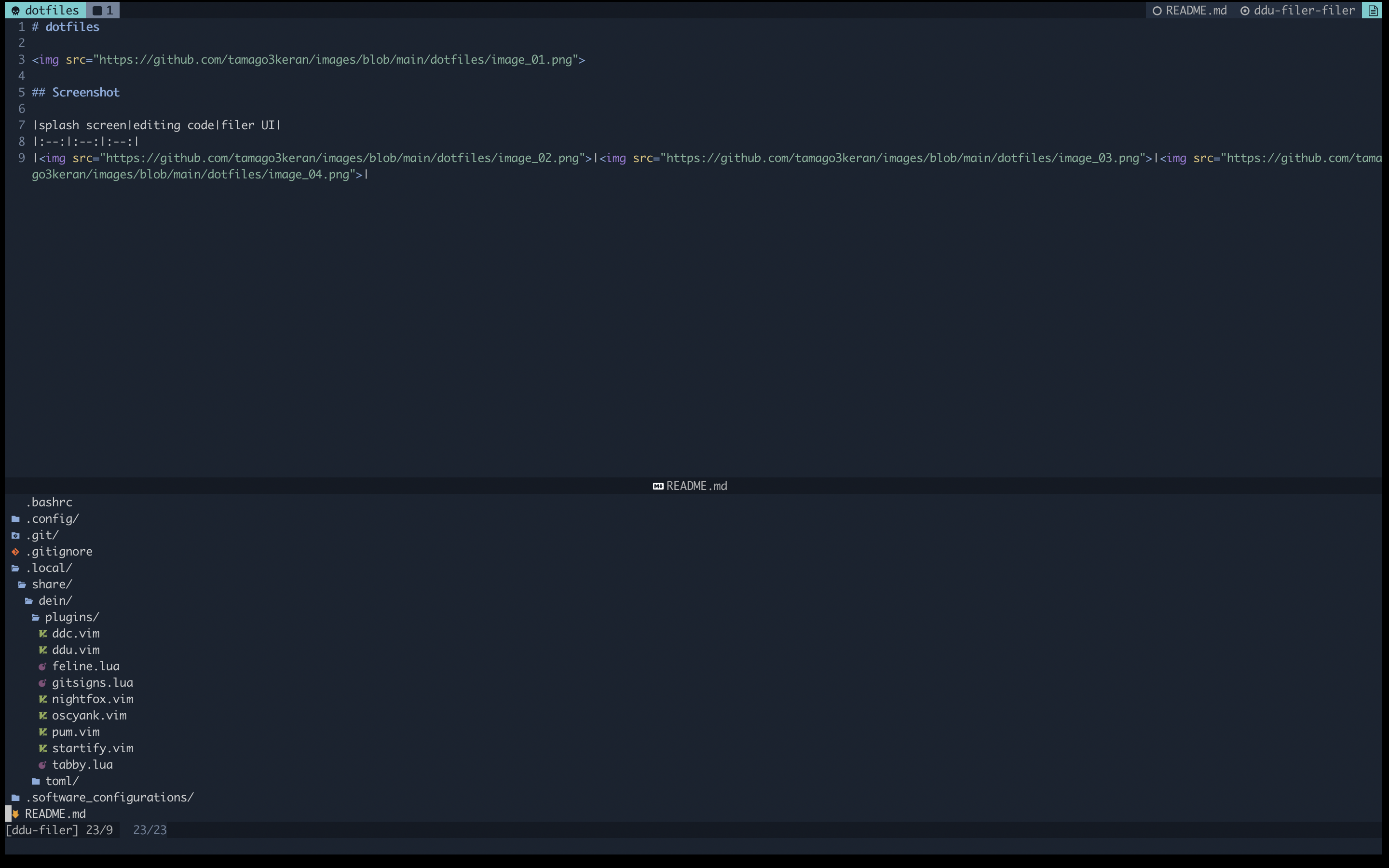 |
Requires
I usually use a MacBook. So the following requires assumes that you are using Docker on a MacBook.
WezTerm
My dotfiles are not displayed properly with Terminal.app which is installed by default on Mac. So I recommend using WezTerm. Please download WezTerm on the Website.
Sample
Here is a case where you have a Dockerfile for application development, and you want to develop it using the Docker Image from this repository.
rails_project/
├ Dockerfile
├ docker-compose.yml
└ entrypoint.sh
Dockerfile
FROM ruby:3.2.0

RUN apt update -qq && apt install -y vim postgresql-client
RUN git clone https://github.com/tamago3keran/hello_app.git
WORKDIR /hello_app
RUN bundle install

COPY entrypoint.sh /usr/bin/
RUN chmod +x /usr/bin/entrypoint.sh
ENTRYPOINT ["entrypoint.sh"]
EXPOSE 3000

CMD ["rails", "server", "-b", "0.0.0.0"]
docker-compose.yml
version: "1.0"
services:
  database:
    image: postgres
    container_name: database
    volumes:
      - database:/var/lib/postgresql/data
    environment:
      POSTGRES_PASSWORD: password
  application:
    build: .
    image: application
    container_name: application
    command: bash -c "rm -f tmp/pids/server.pid && bundle exec rails s -p 3000 -b '0.0.0.0'"
    ports:
      - "3000:3000"
    volumes:
      - application:/hello_app
    depends_on:
      - database
  dotfiles:
    image: tamago3keran/dotfiles:ruby
    platform: linux/amd64
    volumes:
      - application:/hello_app
    profiles:
      - extra

volumes:
  database:
    name: database
  application:
    name: application
entrypoint.sh
#!/bin/bash
set -e

rm -f /hello_app/tmp/pids/server.pid

exec "$@"
First, builds, (re)creates, starts to containers for a service.
> cd rails_project
> docker compose build
> docker compose up -d
And then, start the Docker Container including the dotfiles and run /bin/bash .
> docker compose run --name dotfiles dotfiles /bin/bash
You can use the dotilfes to edit your application code.
Tag summary
Content type
Image
Digest
sha256:233a9a108…
Size
246.6 MB
Last updated
4 months ago
docker pull tamago3keran/dotfiles