tamasp/visma repository overview
Visma is visualizing Hisma state machines.
Intro
This image provides the visma tool that renders hierarchical state machines created with the hisma package to interactive state machine diagrams. It gets state machine status updates from its counterpart hisma monitor called hisma_visual_monitor and renders them to interactive web pages with the help of the pumli package.
Changelog
Changelog is available at https://pub.dev/packages/visma/changelog.
NOTE In case a '_' character is seen in a docker tag, it is a '+' character on the pub.dev visma Changelog page. It is to be compliant with docker tag naming rules, the '+' character is replaced with '_' when the docker image is tagged.
Running visma
Visma can be started by the standard docker run command as shown in the examples bellow. Please note that the port
mapping -p 127.0.0.1:4040:4040 is restricting the visma service to be accessible only from the localhost. If you want to enable access visma from remote hosts please remove 127.0.0.1 from the port mapping: -p 4040:4040 (firewall rules of your machine might also need to be adjusted).
Running in interactive mode
This way visma will be running in the foreground and you will see the logs in the console and you can easily stop visma by pressing CTRL+C.
$ docker run -it -p 127.0.0.1:4040:4040 tamasp/visma
Running in detached mode
This way visma will be running detached from the terminal in the background. In this case to stop visma you need to use docker stop.
$ docker run -d -p 127.0.0.1:4040:4040 tamasp/visma
Using visma
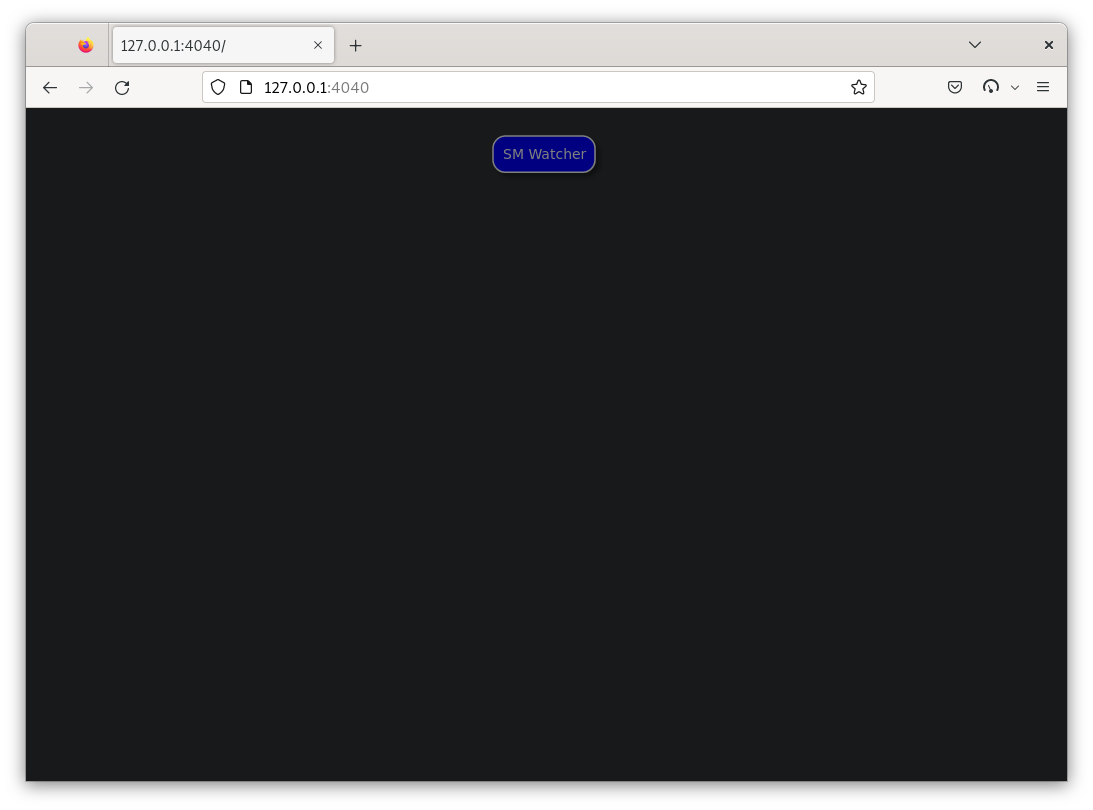
After you started visma you can simply access it by opening the http://127.0.0.1:4040 URL. This will show the (initially empty) state machine overview page in the web browser:
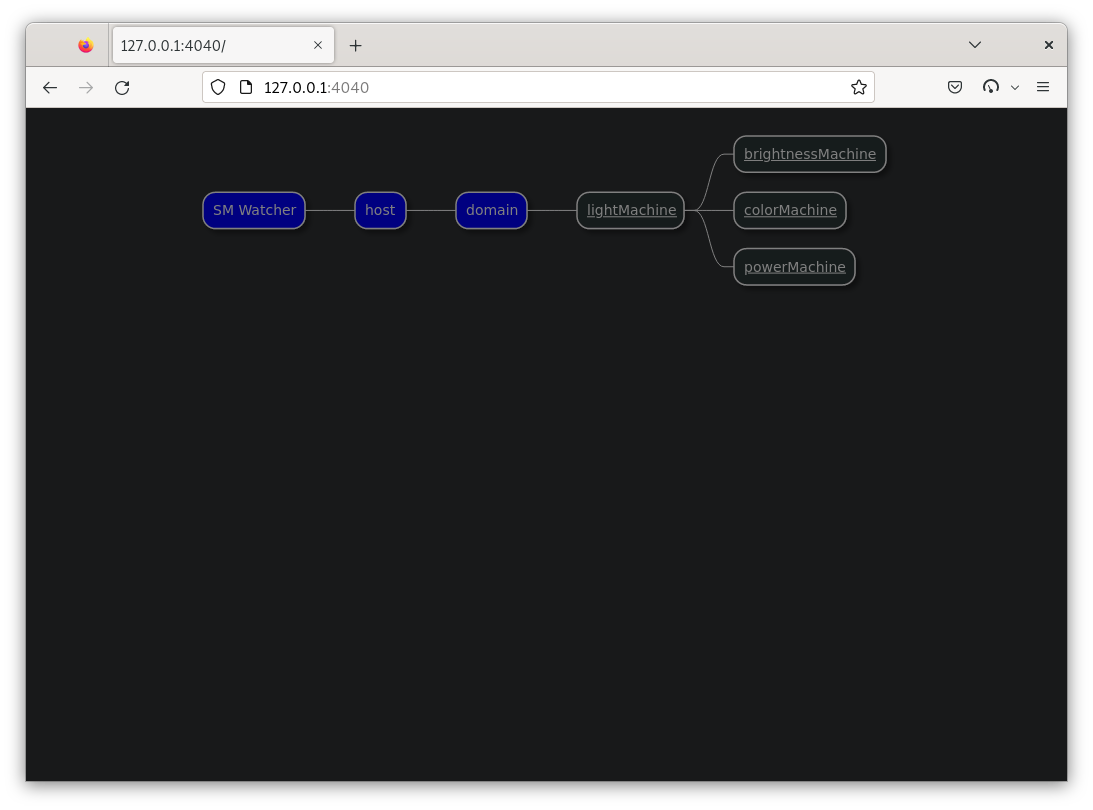
If you run the 04_entry_and_exit_points.dart example the overview page will look like:
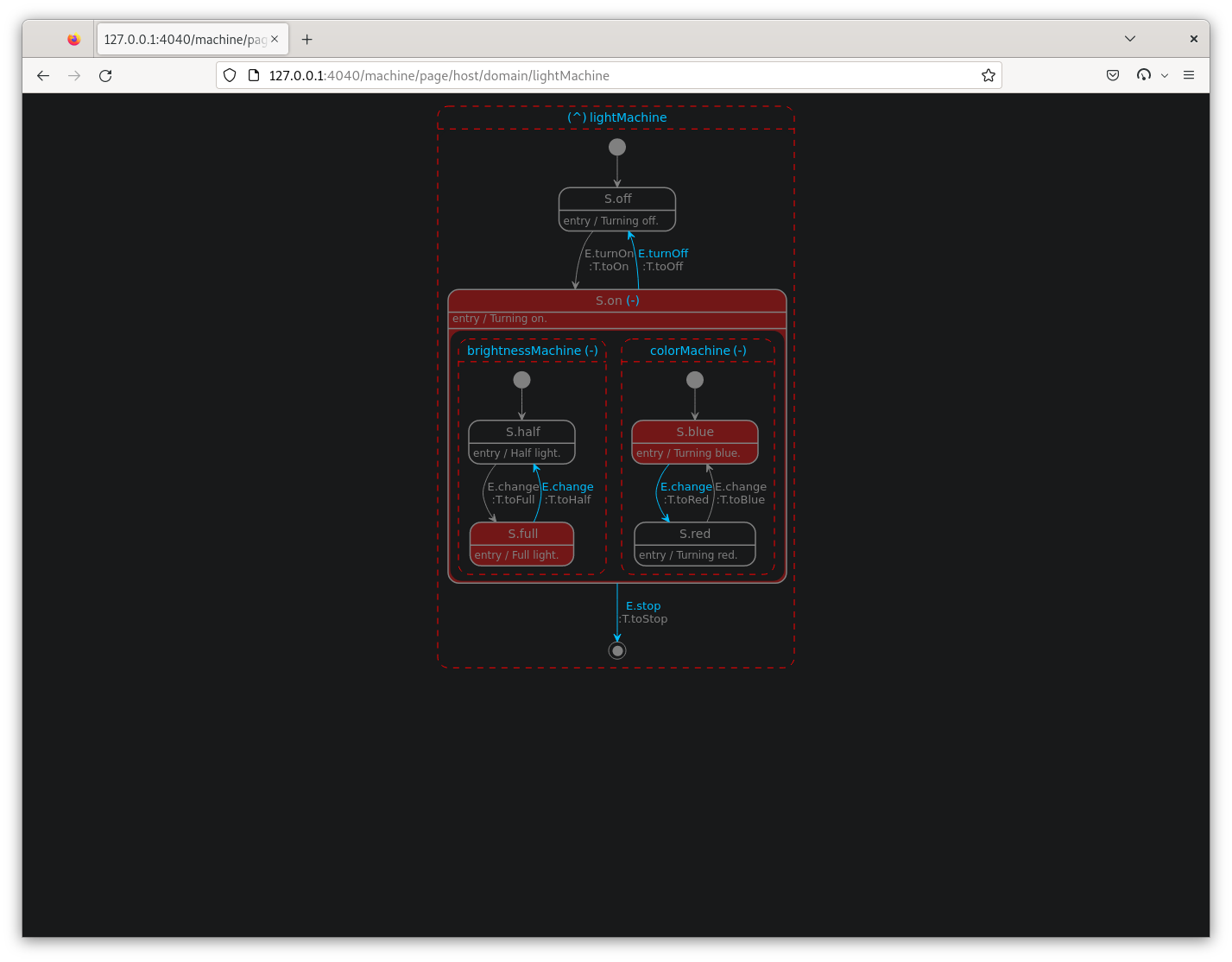
If we continue and select the hierarchical state machine named lightMachine on the overview page, the rendered state machine diagram will look similar to this:
More information
Please visit https://pub.dev/packages/visma and other hisma pages for more information.
Tag summary
Content type
Image
Digest
sha256:93886c10c…
Size
140.7 MB
Last updated
4 months ago
docker pull tamasp/visma