tebwritescode/subwaysurfers-text20
Subway Surfers transforms articles or text into engaging gameplay videos with subtitles
4.6K
tebwritescode/subwaysurfers-text20 repository overview
🎮 Subway Surfers Text-to-Video Generator
A comprehensive Flask web application that automatically generates engaging Subway Surfers-style videos with text-to-speech narration and synchronized captions from articles or text input.


⚡ Overview
Transform articles and text into captivating TikTok-style videos with Subway Surfers gameplay backgrounds. This application helps users absorb information more effectively by creating engaging video content that captures and maintains attention.
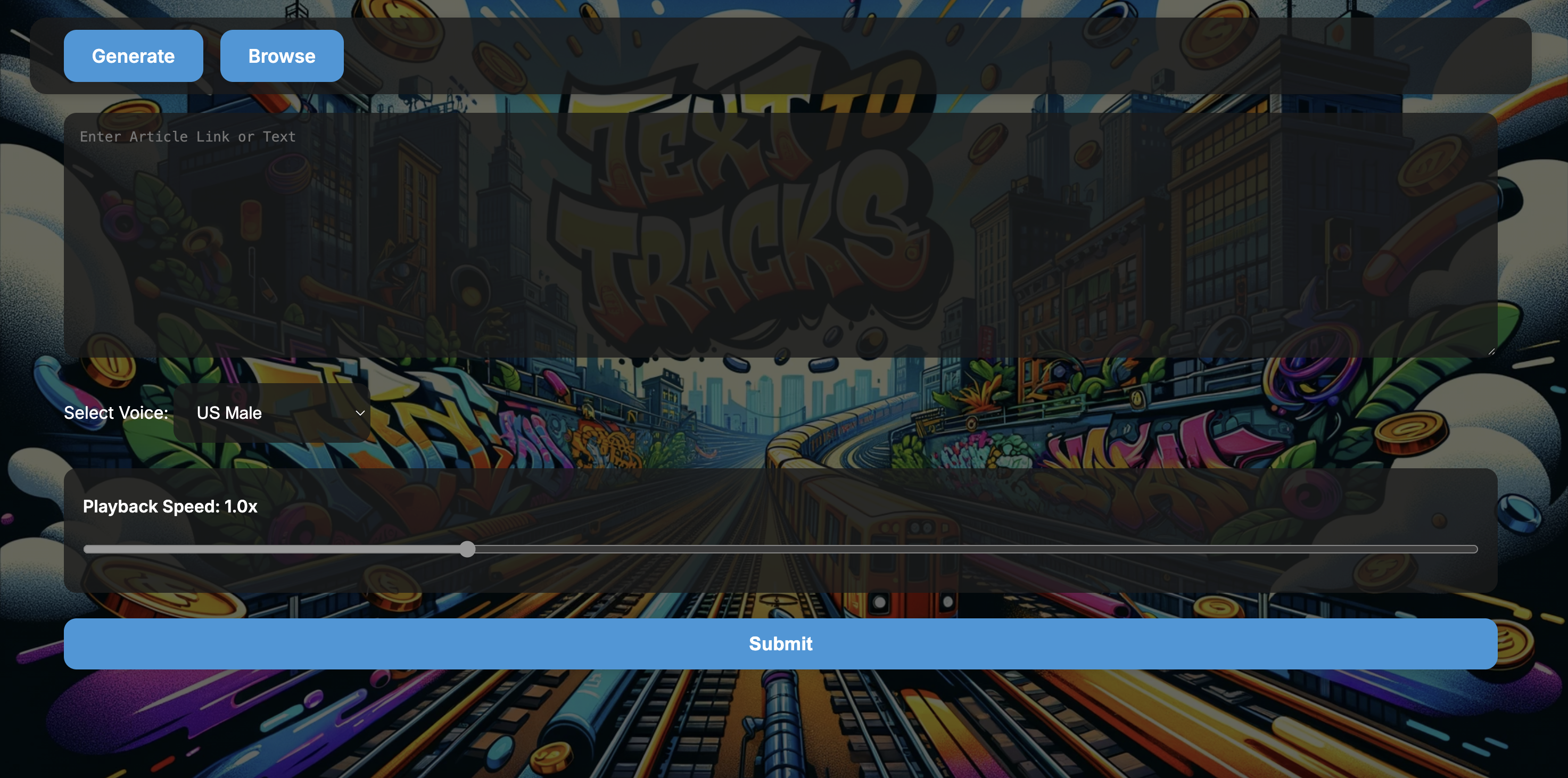
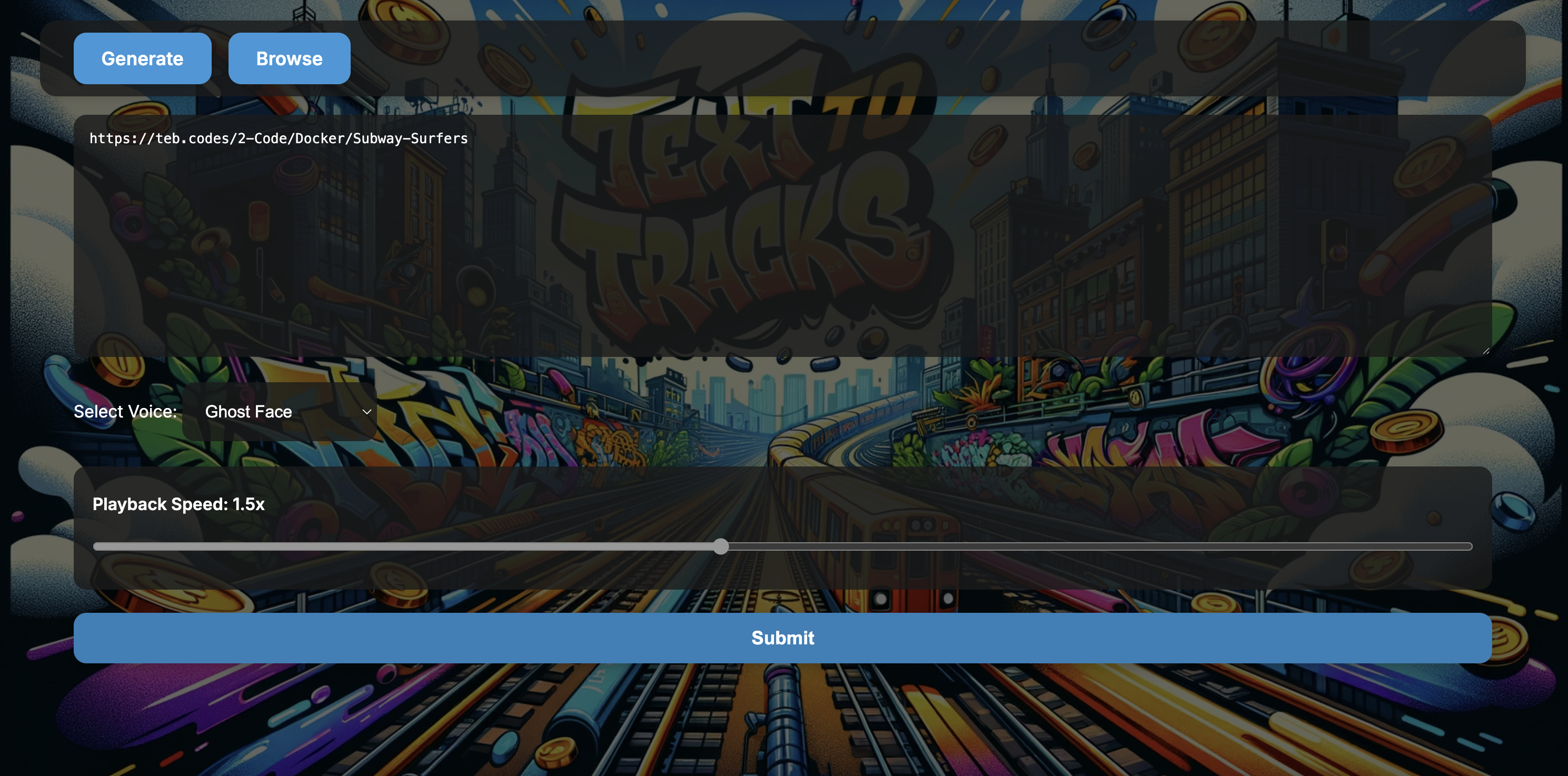
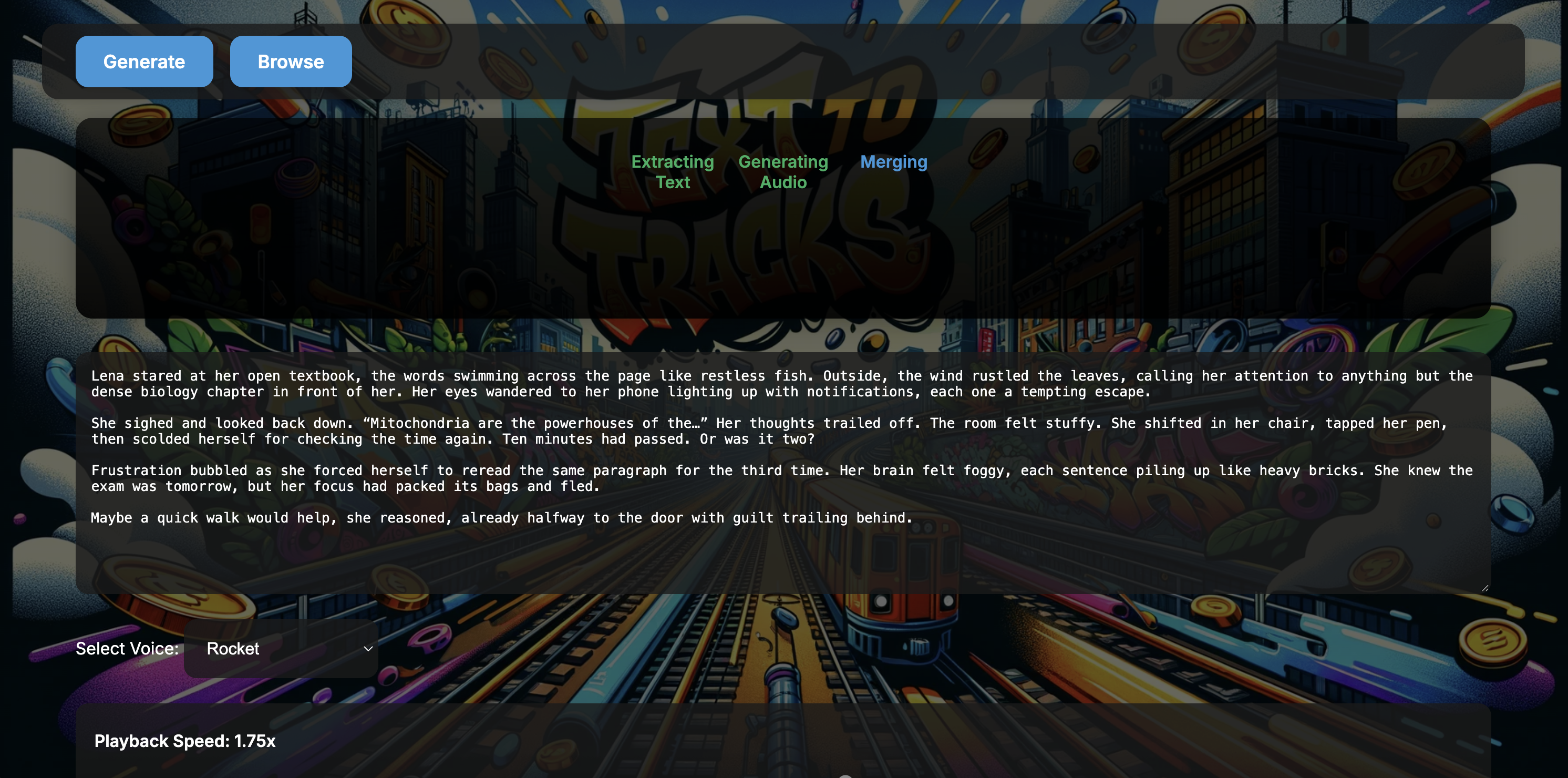
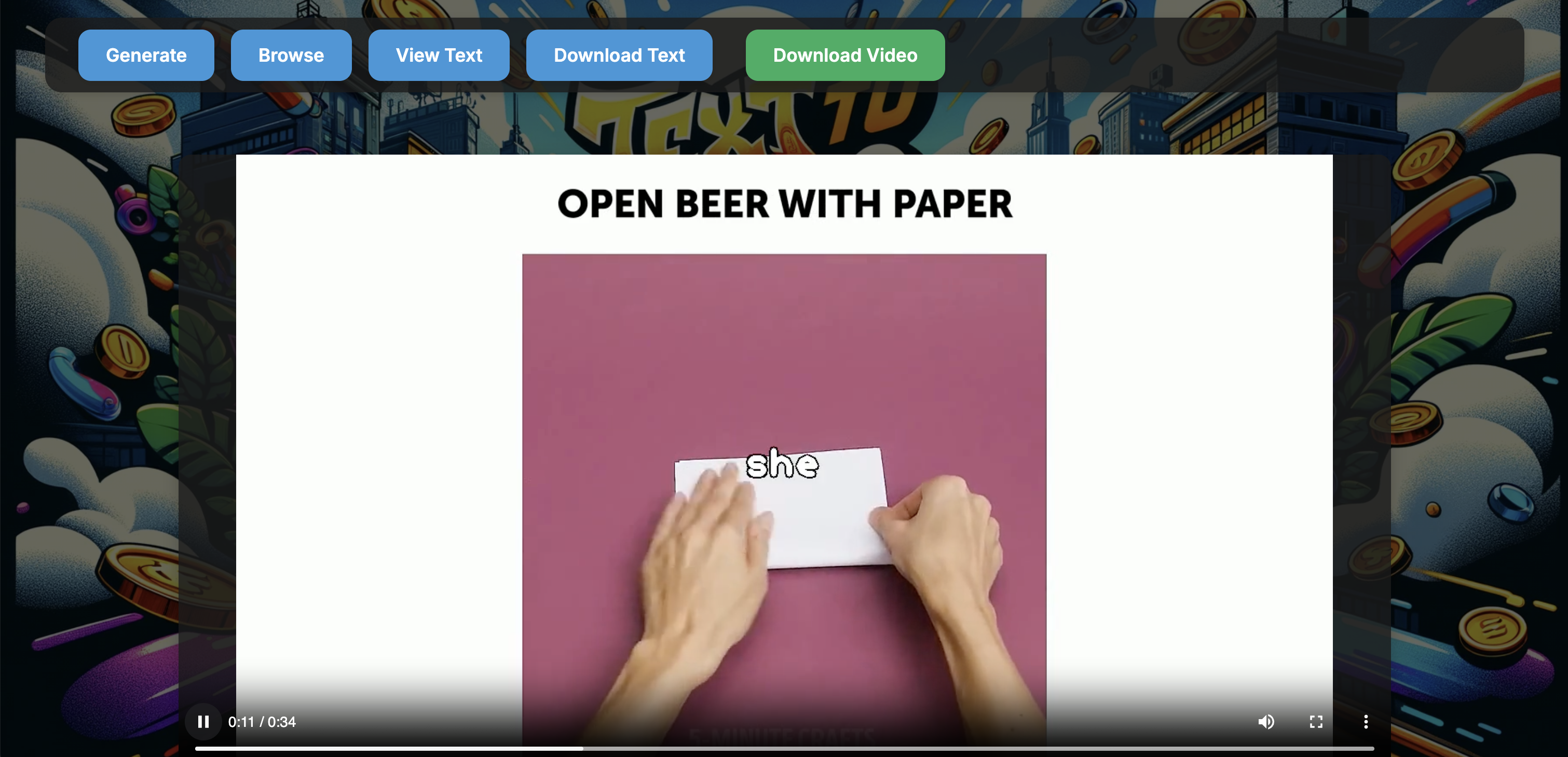
Screenshots
Click to show screenshots
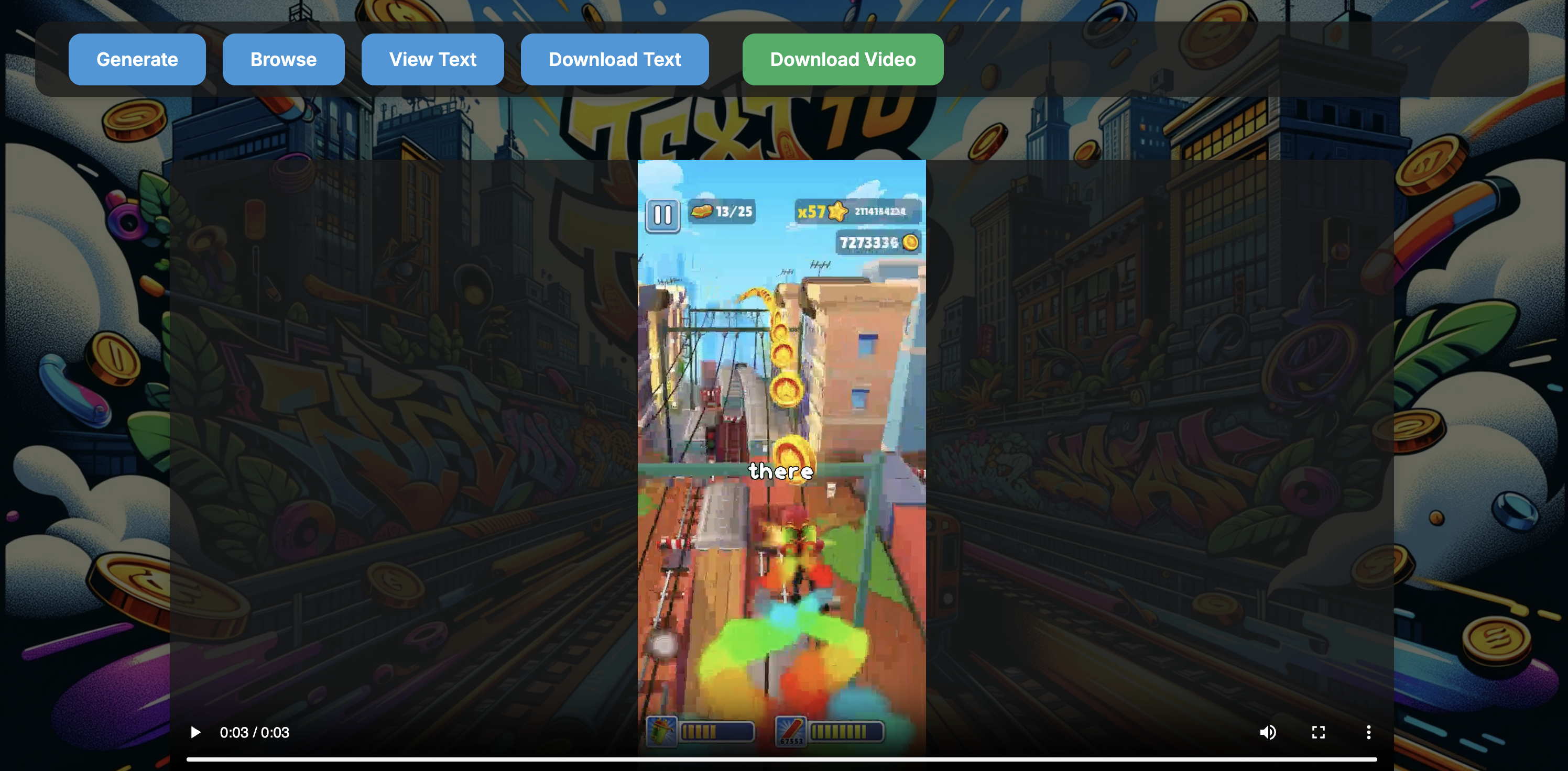
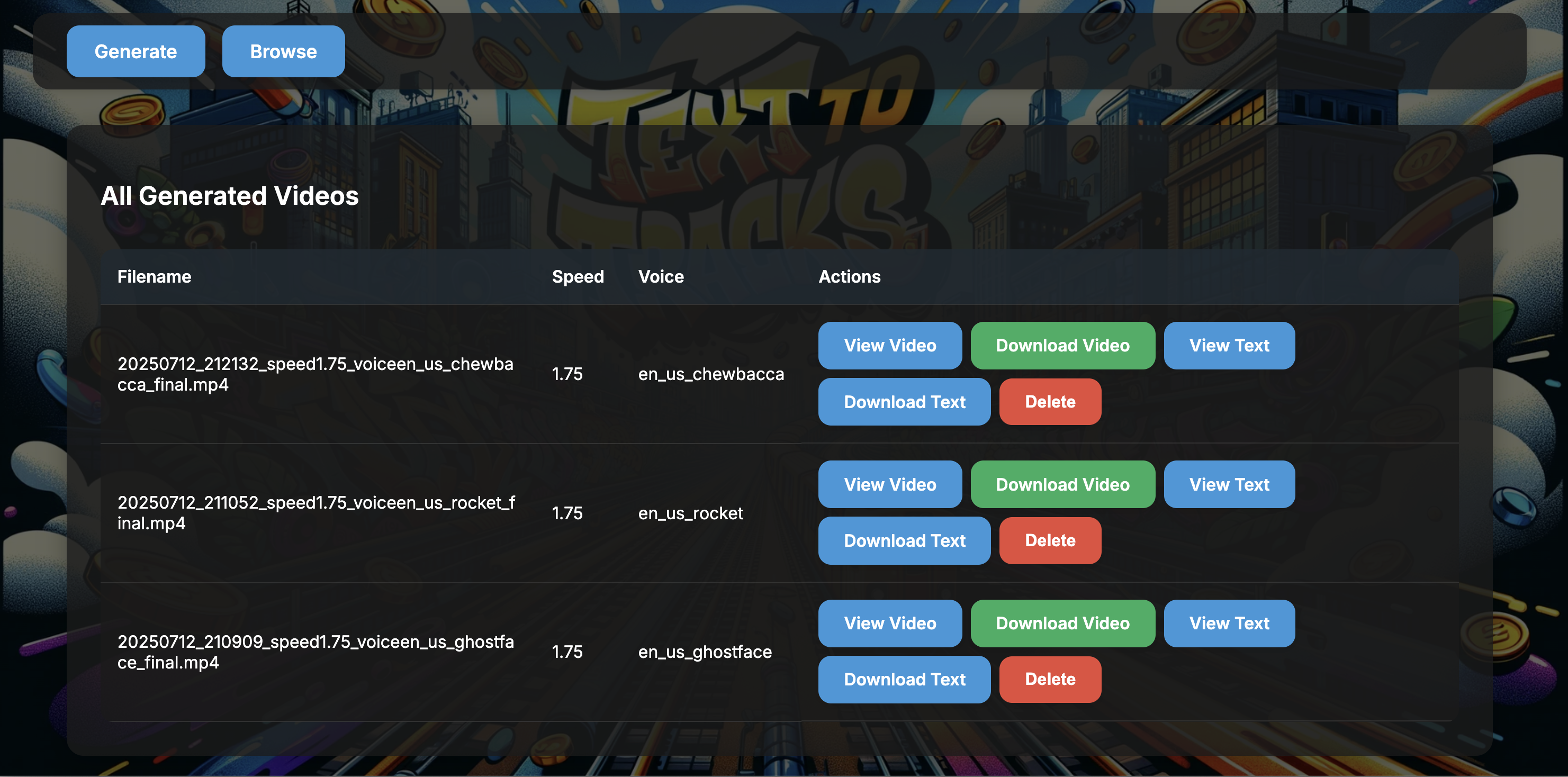
🆕 What's New in v1.1.22
🎯 Latest Release - Production Ready
- ✅ WhisperASR Integration: Perfect caption timing synchronization
- ✅ Multi-section Processing: Handles long texts without truncation
- ✅ Configurable Caption Timing: Adjustable caption offset for perfect sync
- ✅ Docker Optimized: Streamlined build with proper dependency management
- ✅ Clean Codebase: Removed test outputs and temporary files
🚀 Previous Features (v1.1.x)
- ✅ Real-time Progress Tracking: Live updates during video generation
- ✅ Multiple Voice Options: Support for various TikTok voices
- ✅ Browse Generated Videos: View and manage previously created content
- ✅ Error Recovery: Resilient handling of TTS and video processing failures
For complete version history, see version.py
✨ Features
🎬 Video Generation
- Automatic text extraction from URLs or direct input
- Multiple TikTok voice options for narration
- Synchronized captions with adjustable timing
- Background gameplay from multiple games (Subway Surfers, Minecraft, etc.)
- Real-time progress tracking during generation
🎙️ Text-to-Speech
- High-quality TikTok voices
- Adjustable speech speed
- Support for long texts with automatic sectioning
- Clean text preprocessing for better pronunciation
📱 User Interface
- Clean, modern web interface
- Mobile-responsive design
- Real-time generation progress with visual indicators
- Video browsing and management
- Flash message notifications
🔧 Technical Features
- WhisperASR integration for accurate speech timing
- Docker containerization for easy deployment
- Configurable caption timing offset
- Robust error handling and recovery
- Support for custom video sources
🚀 Quick Start
Prerequisites
- Python 3.12+ and pip
- FFmpeg installed on your system
- OR Docker and Docker Compose
Installation Options
Option 1: Docker (Recommended)
# Pull and run the latest version
docker run -p 5000:5000 \
  -e WHISPER_ASR_URL=http://your-whisper-server:9000 \
  -v /path/to/videos:/app/static \
  tebwritescode/subwaysurfers-text20:latest

# Or use Docker Compose
docker-compose up -d
Option 2: Local Development
# Clone the repository
git clone https://github.com/tebwritescode/subwaysurfers-text-multi.git
cd subwaysurfers-text-multi

# Set up Python environment
python3.12 -m venv .venv
source ./.venv/bin/activate

# Install dependencies
pip install -r requirements-pip.txt

# Download required models
# 1. Download Vosk English Model from:
#    https://alphacephei.com/vosk/models/vosk-model-en-us-0.22.zip
#    Extract to ./static/vosk-model-en-us-0.22/

# 2. Add background videos to ./static/
#    Download sample: https://drive.google.com/file/d/1ZyFZKIB1HiZM_XDQPRRiiAIvU4sgl10k/view

# Start the application
python app.py
# Or with Flask
flask run
Access the application at http://localhost:5000
🔧 Configuration
Environment Variables
| Variable | Default | Description |
|---|---|---|
FLASK_PORT | 5000 | Web server port |
WHISPER_ASR_URL | http://localhost:9000 | WhisperASR service URL |
CAPTION_TIMING_OFFSET | 0.25 | Caption display offset in seconds |
SOURCE_VIDEO_DIR | ./static | Directory containing background videos |
MODEL_PATH | ./static/vosk-model-en-us-0.22 | Path to Vosk speech model |
DOCKER_ENV | false | Set to true when running in Docker |
Docker Deployment
# Using Docker Hub image
docker run -p 5000:5000 \
  -e WHISPER_ASR_URL=http://your-whisper-server:9000 \
  -e CAPTION_TIMING_OFFSET=-0.1 \
  -v /path/to/videos:/app/static \
  tebwritescode/subwaysurfers-text20:latest

# Using Docker Compose
docker-compose up -d
Docker Hub: https://hub.docker.com/r/tebwritescode/subwaysurfers-text20
📖 Usage Guide
Generating Videos
- Navigate to the home page
- Enter text directly or provide a URL
- Select a voice from the dropdown (Jessie, Brian, Stitch, Echo, etc.)
- Choose speech speed (optional)
- Click "Generate" and watch real-time progress
- Download or view the generated video
Voice Options
- Jessie: Female, upbeat and energetic
- Brian: Male, British accent
- Stitch: Quirky character voice
- Echo: Deep, dramatic narration
- And more! Multiple TikTok voices available
Background Videos
The application randomly selects from:
- Subway Surfers gameplay
- Minecraft parkour
- Pokemon gameplay
- Factorio automation
- StarCraft matches
- Satisfying slice videos
🏗️ Architecture
subwaysurfers-text-multi/
├── 📄 app.py                # Flask application and routes
├── 📄 sub.py                # Core video generation logic
├── 📄 tiktokvoice.py        # TikTok TTS integration
├── 📄 whisper_timestamper.py # WhisperASR timing sync
├── 📄 videomaker.py         # Video composition and captioning
├── 📄 cleantext.py          # Text preprocessing utilities
├── 📄 version.py            # Version tracking and history
├── 📄 requirements-pip.txt   # Python dependencies
├── 📄 requirements-docker.txt # Docker-specific dependencies
├── 📄 Dockerfile            # Container configuration
├── 📄 docker-compose.yml    # Docker composition
├── 📁 templates/            # HTML templates
│   ├── index.html          # Main generation interface
│   ├── videos.html         # Video browser
│   ├── progress.html       # Progress tracking
│   └── output.html         # Video display page
├── 📁 static/              # Static assets
│   ├── styles.css          # Application styles
│   ├── *.mp4               # Background videos
│   └── vosk-model-en-us-0.22/ # Speech recognition model
└── 📁 final_videos/        # Generated video storage
Tech Stack
- Backend: Python 3.12 + Flask
- TTS: TikTok Voice API integration
- Speech Recognition: Vosk + WhisperASR
- Video Processing: MoviePy + FFmpeg + OpenCV
- Frontend: HTML + CSS + JavaScript
- Containerization: Docker + Docker Compose
🔐 Security
- Input validation for all user submissions
- URL validation to prevent malicious inputs
- Secure file handling with sanitized filenames
- Process isolation in Docker containers
- No user authentication required (public tool)
🛠️ Development
Running Tests
# Run with test data
python app.py --test

# Clean generated videos
./clean.sh

# Process multiple texts
./concat.sh
Building Docker Image
# Build multi-arch image
docker buildx build --platform linux/amd64,linux/arm64 \
  -t tebwritescode/subwaysurfers-text20:latest \
  -t tebwritescode/subwaysurfers-text20:v1.1.22 \
  --push .
🐛 Known Issues
- Large videos may take several minutes to generate
- Some special characters in text may cause TTS issues
- Browser may timeout on very long texts (use smaller sections)
- WhisperASR server required for optimal caption timing
📊 Performance
- Average generation time: 2-5 minutes per minute of video
- Supports texts up to 10,000 words
- Optimized for videos under 10 minutes
- Multi-section processing for long texts
🚀 Roadmap
- Offload transcoding to separate container for scalability
- Source video selection dropdown in UI
- Upload custom background videos via web interface
- Additional TTS voice providers
- Real-time preview during generation
- Batch processing for multiple articles
🤝 Contributing
- Fork the repository
- Create a feature branch (
git checkout -b feature/amazing-feature) - Test thoroughly with various text inputs
- Commit your changes (
git commit -m 'Add amazing feature') - Push to the branch (
git push origin feature/amazing-feature) - Open a Pull Request
📝 License
This project is licensed under the MIT License - see the LICENSE file for details.
🙏 Acknowledgments
- TikTok for voice synthesis technology
- Vosk for offline speech recognition
- WhisperASR for accurate timing synchronization
- The open source community for various dependencies
Created by: tebbydog0605
Docker Hub: tebwritescode
Website: teb.codes
Tag summary
Content type
Image
Digest
sha256:240227851…
Size
236.6 MB
Last updated
3 months ago
docker pull tebwritescode/subwaysurfers-text20