techblog/deepstack-trainer
About deepstack trainer is a Flask powerd, easy to use web appplication.
10K+
techblog/deepstack-trainer repository overview
Please :star: this repo if you find it useful

DeepStack Trainer
DeepStack is an AI server that empowers every developer in the world to easily build state-of-the-art AI systems both on premise and in the cloud. The promises of Artificial Intelligence are huge but becoming a machine learning engineer is hard. DeepStack is device and language agnostic. You can run it on Windows, Mac OS, Linux, Raspberry PI and use it with any programming language.
DeepStack’s source code is available on GitHub via https://github.com/johnolafenwa/DeepStack
DeepStack Trainer is a Flask powerd web application that helps us train and test Deepstack AI easelly as possible.
Features
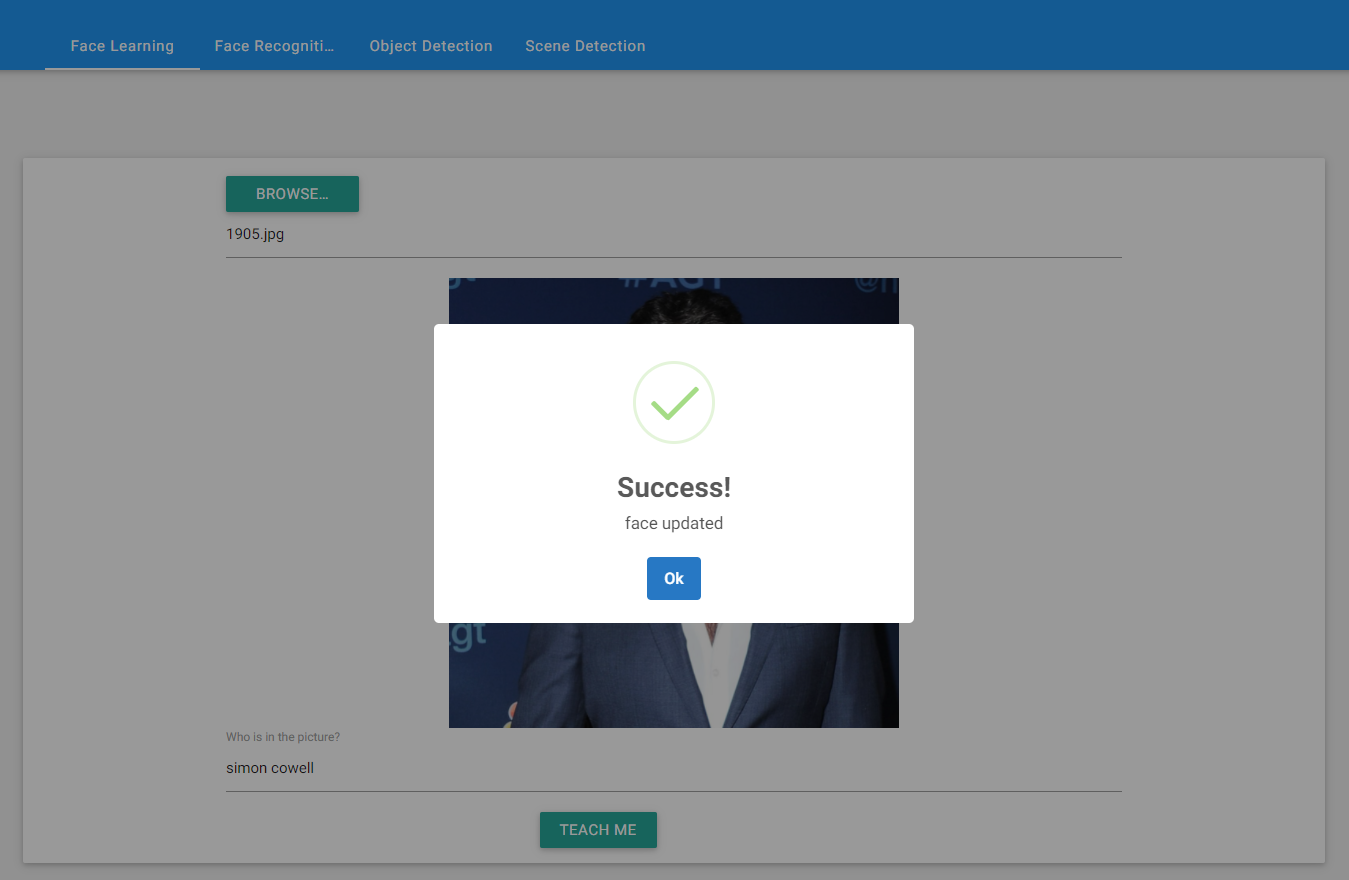
- Face Registring.
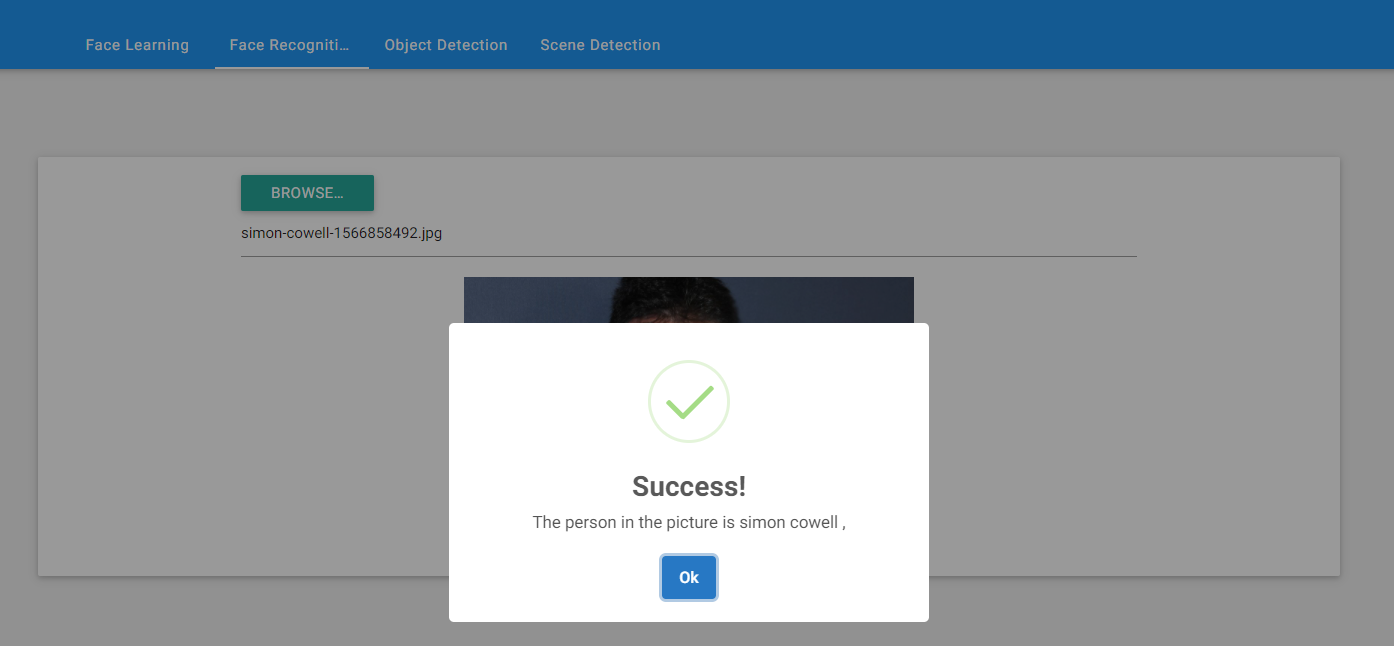
- Test face recognition.
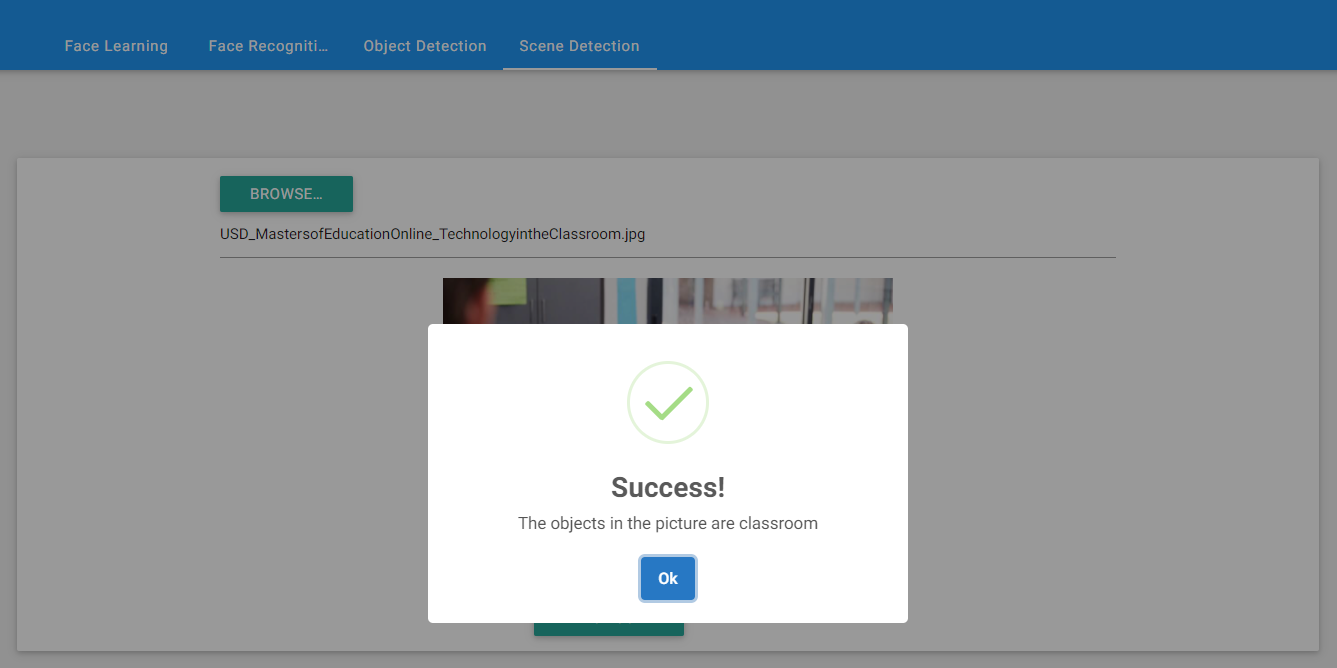
- Test scene recognition.
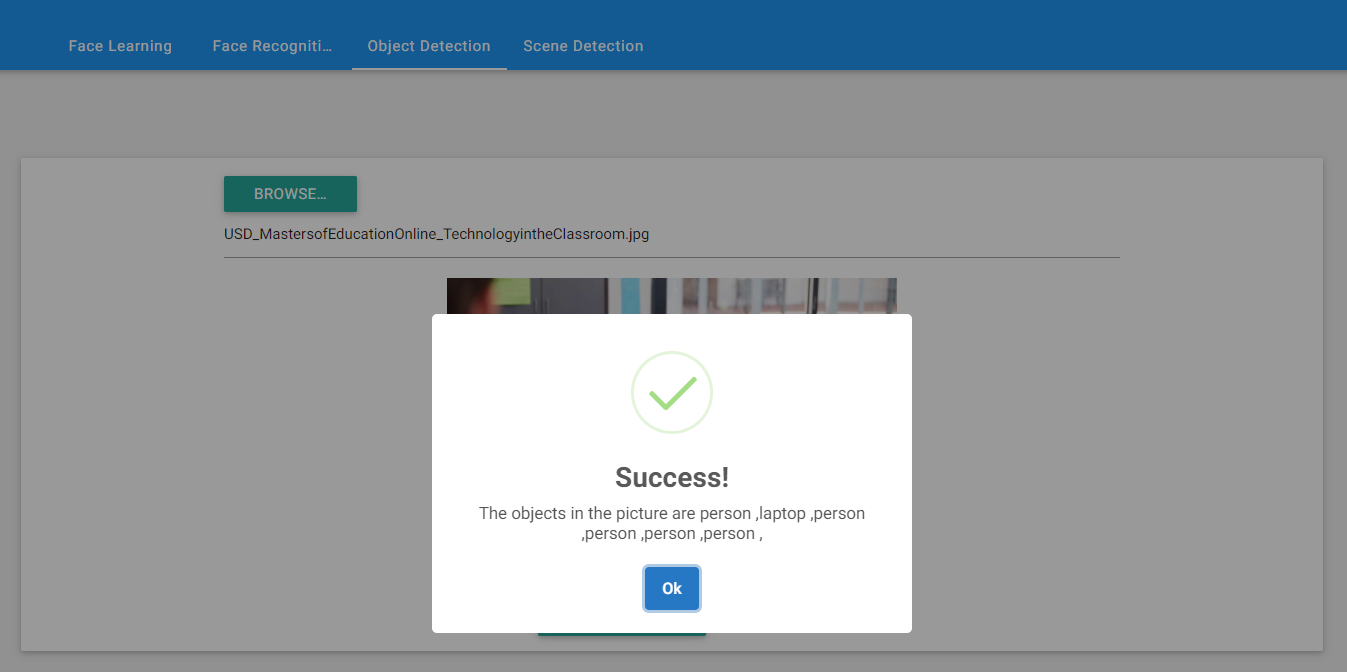
- Test object detection.
Components used in Deepstack Trainer
- Flask - For running web server
- materializecss - For web forms
- sweetalert2 - For alerts and messages
Installation
Deepstack Installation
In order to use Deepstack Trainer we need to install Deepstack. We can do that by running the following command:
docker run -e VISION-FACE=True -v localstorage:/datastore -p 80:5000 deepquestai/deepstack
Basic Parameters:
- -e VISION-FACE=True This enables the face recognition APIs.
- -v localstorage:/datastore This specifies the local volume where deepstack will store all data.
- -p 80:5000 This makes deepstack accessible via port 80 of the machine.
We can also install Deepstack using docker-compose:
version: "3.7"
services:
  deepstack:
    image: deepquestai/deepstack:latest
    restart: unless-stopped
    container_name: deepstack
    ports:
      - "80:5000"
    environment:
      - TZ=Asia/Jerusalem
      - VISION-FACE=True
      - VISION-DETECTION=True
      - VISION-SCENE=True
    volumes:
      - ./deepstack:/datastore
Deepstack Trainer Installation
Deepstack Trainer installation is very easy using docker-compose:
version: "3.7"
services:
  deepstack_trainer:
    image: techblog/deepstack-trainer
    container_name: deepstack_trainer
    privileged: true
    restart: always
    environment:
      - DEEPSTACK_HOST_ADDRESS=
      - DEEPSTACK_API_KEY=
      - MIN_CONFIDANCE=
    ports:
      - "8080:8080"
Basic Parameters:
- DEEPSTACK_HOST_ADDRESS - Deepstack API Url (http://localhost:5000)
- DEEPSTACK_API_KEY - If your Deepstack API is token protected enter your token here or alse leave blank
- MIN_CONFIDANCE - Minimum Confidence level to identify object or face (Default is 0.70)
Working with Deepstack Trainer
After the docker is up and running, open your browser and navigate to your Deepstack Trainer url. you will be able to see four tabs:
-
Face Learning (Registring).
-
Face Recognition
-
Object Detection
-
Scene Detection
Integrations and Community
The DeepStack ecosystem includes a number of popular integrations and libraries built to expand the functionalities of the AI engine to serve IoT, industrial, monitoring and research applications. A number of them are listed below
Tag summary
Content type
Image
Digest
Size
184 MB
Last updated
over 4 years ago
docker pull techblog/deepstack-trainer