techroy23/docker-wipter repository overview
Docker-Wipter
Overview
This repository provides a containerized environment for running the Wipter desktop application inside a lightweight Debian‑based image.
The setup includes both amd64/arm64, headless X11 stack with Xvfb, Openbox, x11vnc, and noVNC, allowing remote access through both VNC and a browser.
Links
| DockerHub | GitHub | Invite |
|---|---|---|
 |  |  |
The container also integrates:
- Automated DBus system/session bus initialization
- gnome-keyring for secure credential storage
- A scripted login flow for Wipter
- Optional Discord webhook integration for periodic screenshot reporting
- This design enables reproducible, isolated execution of the Wipter client with minimal host dependencies.
Features
-
Debian Trixie Slim Base
- Lightweight, up‑to‑date foundation with only required packages installed.
-
Headless GUI Stack
Xvfbvirtual framebuffer for X11 renderingopenboxas a minimal window managerx11vncfor VNC accessnoVNC+websockifyfor browser‑based access
-
Custom System Identity Simulation
custom.shdynamically generates randomized host metadata (hostname, machine ID, vendor/model, firmware version/date)- Overrides
lsb_releaseandhostnamectloutputs for consistency
-
DBus & Keyring Integration
- Automatic startup of system and session DBus daemons
gnome-keyring-daemonfor secrets management
-
Automated Wipter Login
entrypoint.shlaunches the Wipter client- Uses
wmctrl+xautomationto inject credentialsWIPTER_EMAILWIPTER_PASSWORDif no valid keyring secret is found.
-
Discord Webhook Reporting (Optional)
- Periodic screenshots captured with
scrot - Uploaded to a configured Discord channel with hostname metadata
- Periodic screenshots captured with
-
Resource Limits & Stability
- File descriptor limits raised (
ulimit -n 65536) - Trap‑based startup sequencing with retries for Xvfb display allocation
- File descriptor limits raised (
Run
docker run -d \
  --name=docker-wipter \
  --cpus=0.25 --pull=always --restart=always \
  --log-driver=json-file --log-opt max-size=1m --log-opt max-file=1 \
  --cap-add=NET_ADMIN --cap-add=NET_RAW --sysctl net.ipv4.ip_forward=1 \
  --shm-size=2gb \
  -e WIPTER_EMAIL="[email protected]" \
  -e WIPTER_PASSWORD="your_secure_password" \
  -e DISCORD_WEBHOOK_INTERVAL=300 \
  -e DISCORD_WEBHOOK_URL="your_dicord_webhook_url" \
  -e VNC_PORT=5900 \
  -e NOVNC_PORT=6080 \
  -p 5900:5900 -p 6080:6080 \
  techroy23/docker-wipter:latest
Access
- VNC Client: localhost:5900
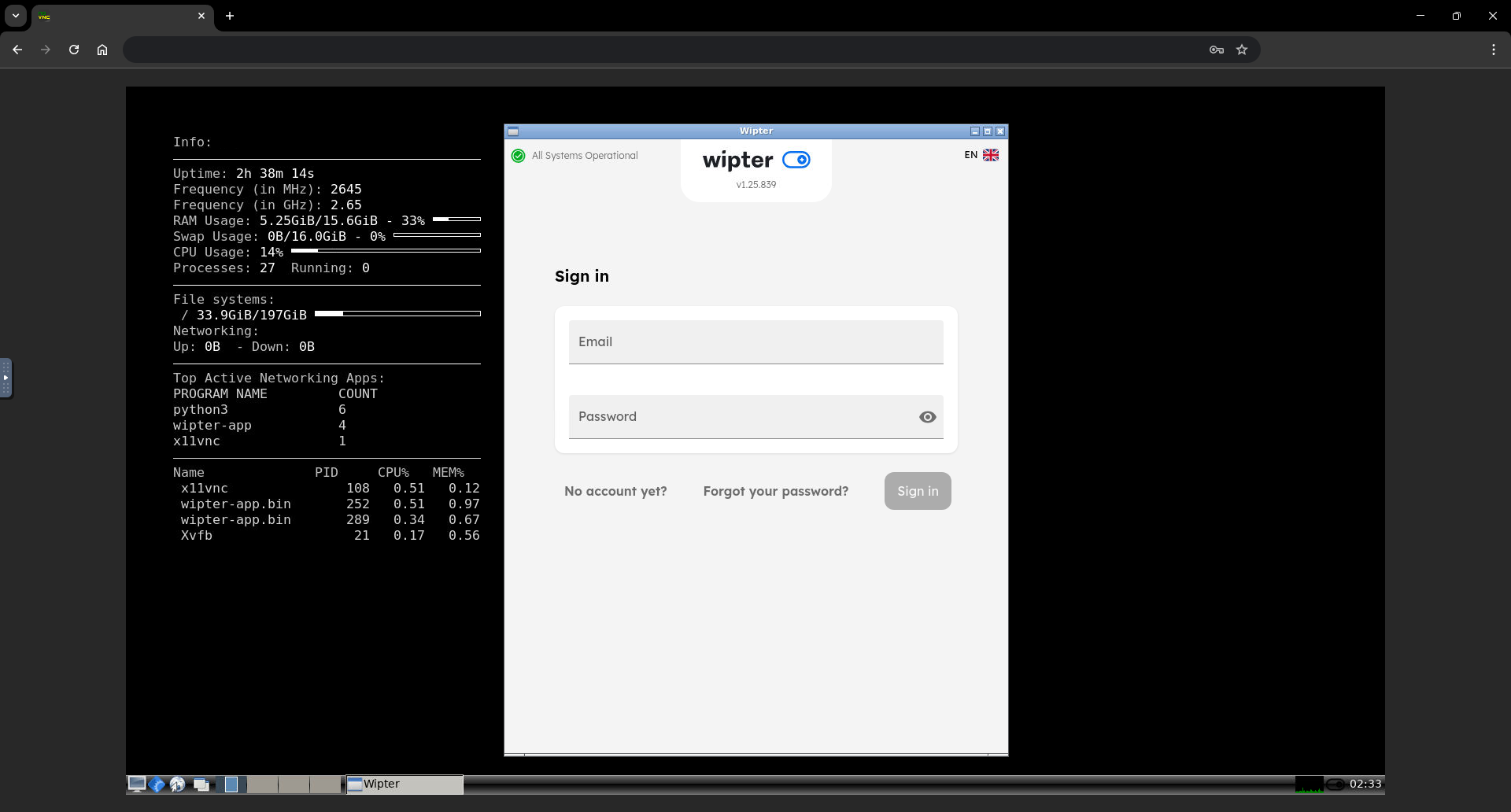
- Web Interface (noVNC): http://localhost:6080
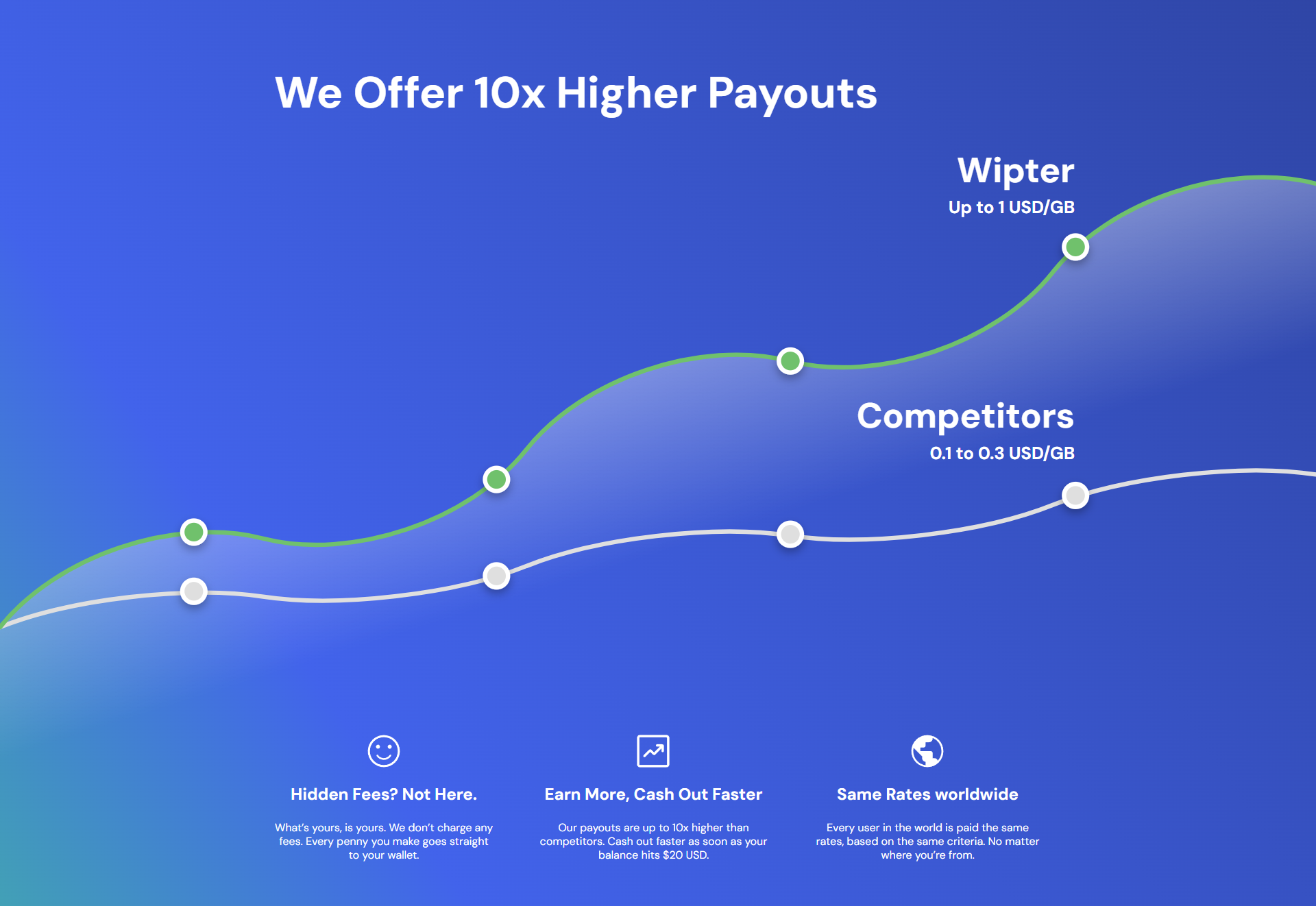
Promo
Screenshot
Tag summary
Content type
Image
Digest
sha256:efa06d779…
Size
373.3 MB
Last updated
29 days ago
docker pull techroy23/docker-wipter