thebronway/calendar-app
A Simple Self-Hosted Calendar App
7.1K
thebronway/calendar-app repository overview
A Simple Self-Hosted Calendar App

Try it yourself: Live Demo
A self-hosted, real-time calendar and activity tracker built with React, Node.js, and Docker.
This project was developed with AI assistance to help build, refactor, and enhance features.
Features
-
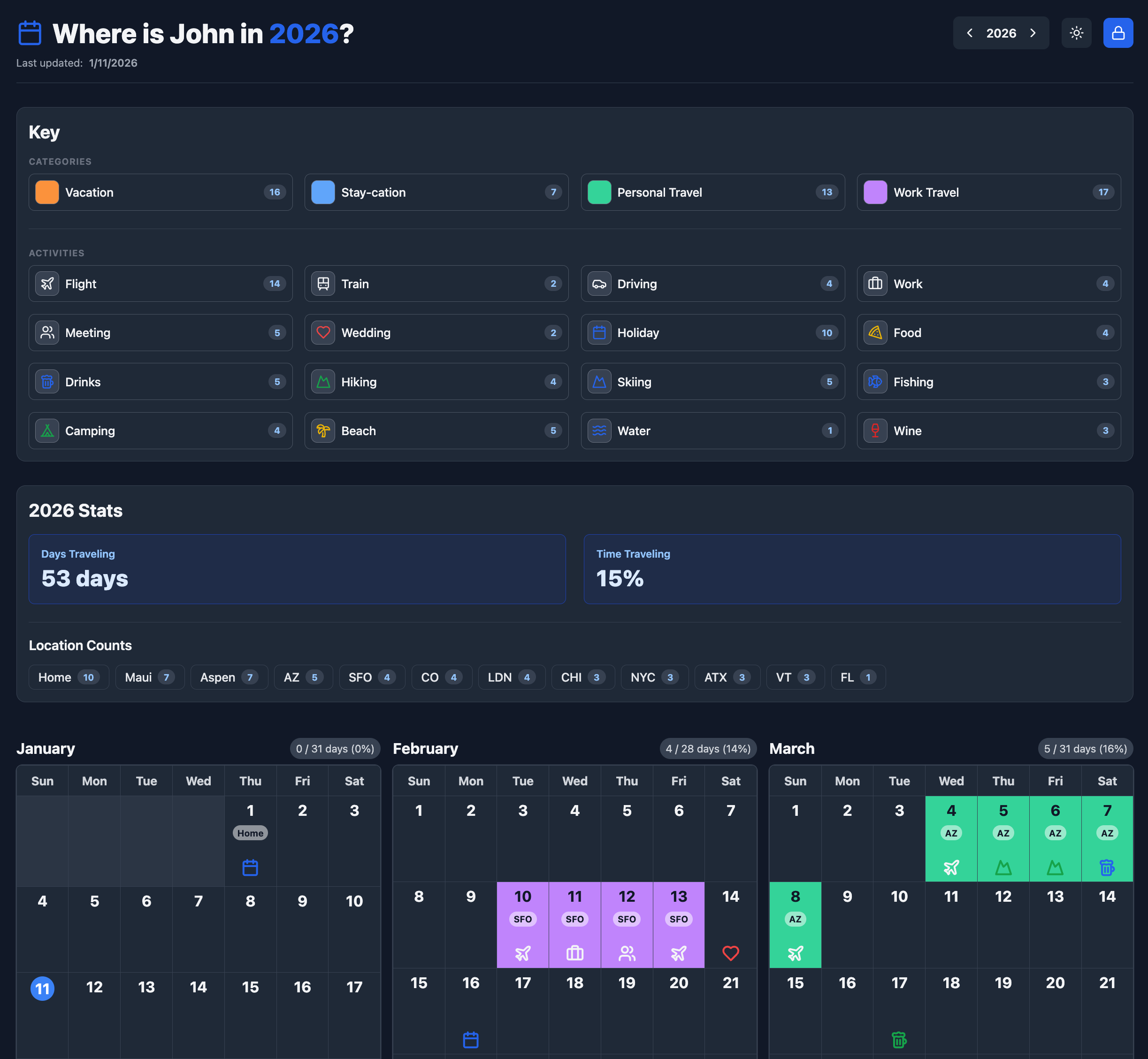
Year-at-a-Glance: Visual dashboard for the entire year.
-
Deep Customization: Define color-coded categories and custom activity icons.
-
Smart Tracking: Log locations, rich text notes, and visualize travel stats.
-
Interactive Filters: Click stats or key items to highlight specific days instantly.
-
Real-Time Sync: Updates are pushed via WebSockets to all connected clients.
-
Admin Mode: Password-protected editing with a public read-only view.
-
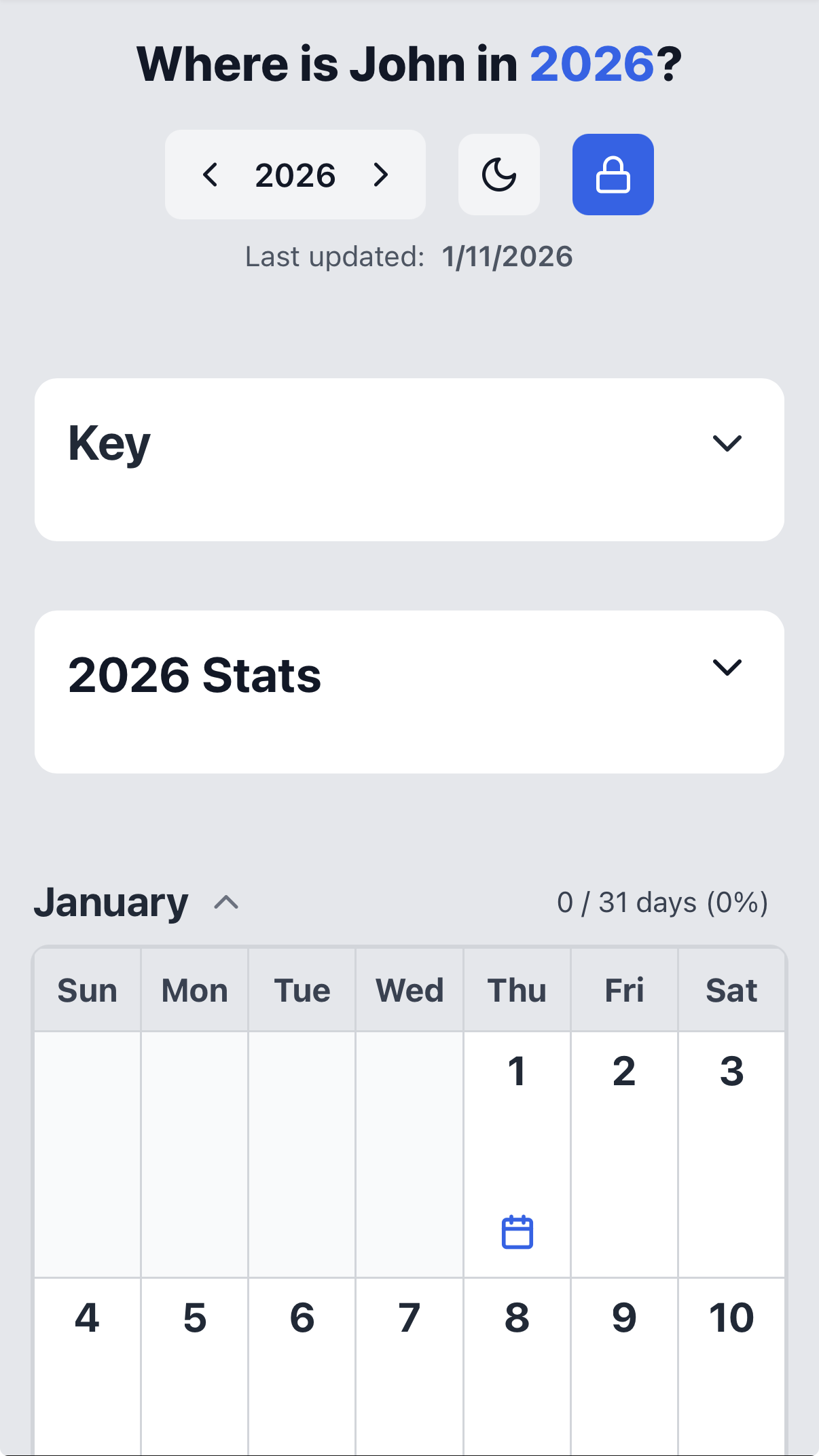
Responsive & Dark Mode: Optimized for mobile with automatic dark theme support.
-
Note: For production use, it is strongly recommended to protect your instance using a reverse proxy and authentication service (e.g., Nginx and Authentik).
Screenshots
Deafult View Mode (Desktop)
Deafult View Mode (Mobile)
Quick Start
This application is designed to be run with Docker, or compile the code yourself if you'd like.
-
Create a
docker-compose.ymlfile:version: '3.8' services: calendar-app: image: thebronway/calendar-app:latest container_name: calendar restart: unless-stopped ports: - "8080:80" volumes: - ./calendar_data:/app/data environment: # REQUIRED: Set this to a secure password - ADMIN_PASSWORD=your_secure_password_here -
Create the data directory and run the container:
mkdir calendar_data
docker-compose up -d
Your calendar will be running at http://localhost:8080.
Configuration (Environment Variables)
| Variable | Required | Default | Description |
|---|---|---|---|
ADMIN_PASSWORD | Yes | null | A secure password to enable Admin Mode (editing/saving). |
Author
Check out my other projects at brian.conway.im.
This software is provided "as is", without warranty of any kind, express or implied.
Tag summary
Content type
Image
Digest
sha256:4e025e62f…
Size
52.9 MB
Last updated
about 1 month ago
docker pull thebronway/calendar-app