toomas633/xmrig-proxy
XMRig Proxy with web server for statistics
Image
Networking
API management
Monitoring & observability
0
986
toomas633/xmrig-proxy repository overview
XMRig Proxy

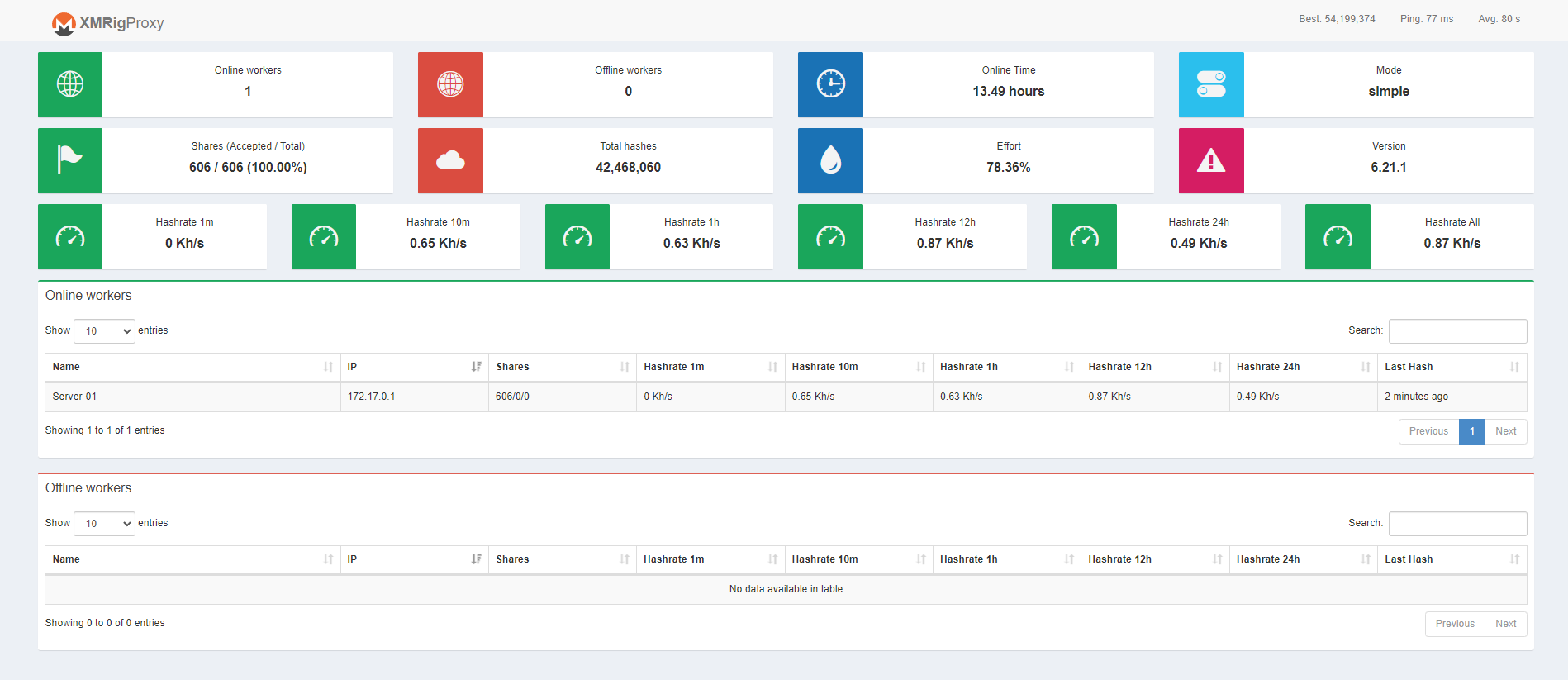
Simple ubuntu docker image with the latest XMRig Proxy cloned from official xmrig repo and a statistics overview ui.
| Param | Default value | Description |
|---|---|---|
| -p 3333 | Port 3333 used to connect miners to proxy | |
| -p 80 | Port 80 used to serve the statistics panel | |
| -p 8080 (optional) | Port 8080 to access xmrig proxy http api directly if needed | |
| -e POOL_URL | null | URL or IP:Port to desired mining pool |
| -e USER | null | Wallet address (wallet.display_name if supported by pool) |
| -e PASS (optional) | x | Pass or display name for supported pools |
| -e ALGO (optional) | rx/0 | Mining algorithm |
Running
Run the Docker container with the following command, passing the necessary environment variables:
docker pull toomas633/xmrig-proxy:latest && \
docker run -d -p 3333:3333 -p 8080:8080 -p 80:80\
    -e POOL_URL="YOUR_MINING_POOL_URL" \
    -e USER="YOUR_WALLET_ADDRESS" \
    -e PASS="x" \
    -e ALGO="rx/0" \
    --name xmrig-proxy toomas633/xmrig-proxy:latest
Or with docker-compose.yml:
version: '3.8'

services:
  xmrig-proxy:
    image: toomas633/xmrig-proxy:latest
    container_name: xmrig-proxy-container
    ports:
      - "3333:3333"
      - "80:80"
      - "8080:8080"
    environment:
      - POOL_URL=randomxmonero.auto.nicehash.com:9200
      - USER=3NPFV9ivECdSgyCXeNk4h5Gm3q1xiDRnPV.Home
      - PASS=x
      - ALGO=rx/0
    restart: unless-stopped
Replace "YOUR_MINING_POOL_URL", "YOUR_WALLET_ADDRESS", "x", and "YOUR_ACCESS_TOKEN" with your actual values.
Generate "ACCESS_TOKEN" with openssl rand -hex 16 or random string.
Port 8080 is optional if you want direct access to XMRig proxy http api.
Suggestions
Suggestions are welcome and can be posted under the issues.
Donate
Tag summary
Content type
Image
Digest
sha256:19d103df9…
Size
205.9 MB
Last updated
over 2 years ago
docker pull toomas633/xmrig-proxy