traefik/gallienii repository overview
Myrmica Gallienii - Keep Forks Synchronized



Keep forks synchronized by making PR on forks.
Synchronize Forks
Configuration
You must define which fork you want to sync to a TOML file. See the sample.
By default using ./gallienii.toml file.
To override the configuration file path, you must use --config-path.
[[repository]]
  # if set to true, gallienii don't verify if the fork is a really fork in GitHub.
  NoCheckFork = true
  # if set to true, gallienii will ignore a whole repository configuration.
  Disable = false
  # Describe the base repository of fork (the source/the parent).
  [repository.Base]
    Owner = "moby"
    Name = "moby"
    Branch = "master"
  # Describe the fork repository.
  [repository.Fork]
    Owner = "login"
    Name = "moby"
    Branch = "master"
  # Labels that gallienii put on created pull request.
  [repository.Marker]
    # If and only the PR have conflicts, gallienii put this label.
    # Keep empty to disable.
    NeedResolveConflicts = "human/need-resolve-conflicts"
    # gallienii add this label on all the pull requests he creates.
    ByBot = "bot/upstream-sync"
Examples
gallienii sync -t mytoken
Help
gallienii sync -h
Synchronize forks.

Usage: sync [--flag=flag_argument] [-f[flag_argument]] ...     set flag_argument to flag(s)
   or: sync [--flag[=true|false| ]] [-f[true|false| ]] ...     set true/false to boolean flag(s)

Flags:
    --config-path Path to the configuration file.    (default "./gallienii.toml")
    --dry-run     Dry run mode.                      (default "true")
    --port        Server port.                       (default "80")
    --server      Server mode.                       (default "false")
-t, --token       GitHub Token [required].
    --verbose     Verbose mode.                      (default "false")
-h, --help        Print Help (this message) and exit
Generate Configuration File
You can generate a default configuration file from an GitHub organisation or a user or just a simple sample.
gallienii gen --sample
# the token is required only if you want detect your private fork.
gallienii gen --org="MyOrganisation" -t mytoken
# the token is required only if you want detect your private fork.
gallienii gen --user="MyLogin" -t mytoken
Help (gallienii gen -h):
Generate configuration file.

Usage: gen [--flag=flag_argument] [-f[flag_argument]] ...     set flag_argument to flag(s)
   or: gen [--flag[=true|false| ]] [-f[true|false| ]] ...     set true/false to boolean flag(s)

Flags:
    --org    Generate a default configuration file for an organization name.
    --sample Generate a sample configuration file.                           (default "true")
-t, --token  GitHub Token.
    --user   Generate a default configuration file for a user name.
-h, --help   Print Help (this message) and exit
Main Help
gallienii -h
Myrmica gallienii: Keep forks synchronized.

Usage: gallienii [--flag=flag_argument] [-f[flag_argument]] ...     set flag_argument to flag(s)
   or: gallienii [--flag[=true|false| ]] [-f[true|false| ]] ...     set true/false to boolean flag(s)

Available Commands:
        gen                                                Generate configuration file.
        sync                                               Synchronize forks.
        version                                            Display the version.
Use "gallienii [command] --help" for more information about a command.

Flags:
-h, --help Print Help (this message) and exit
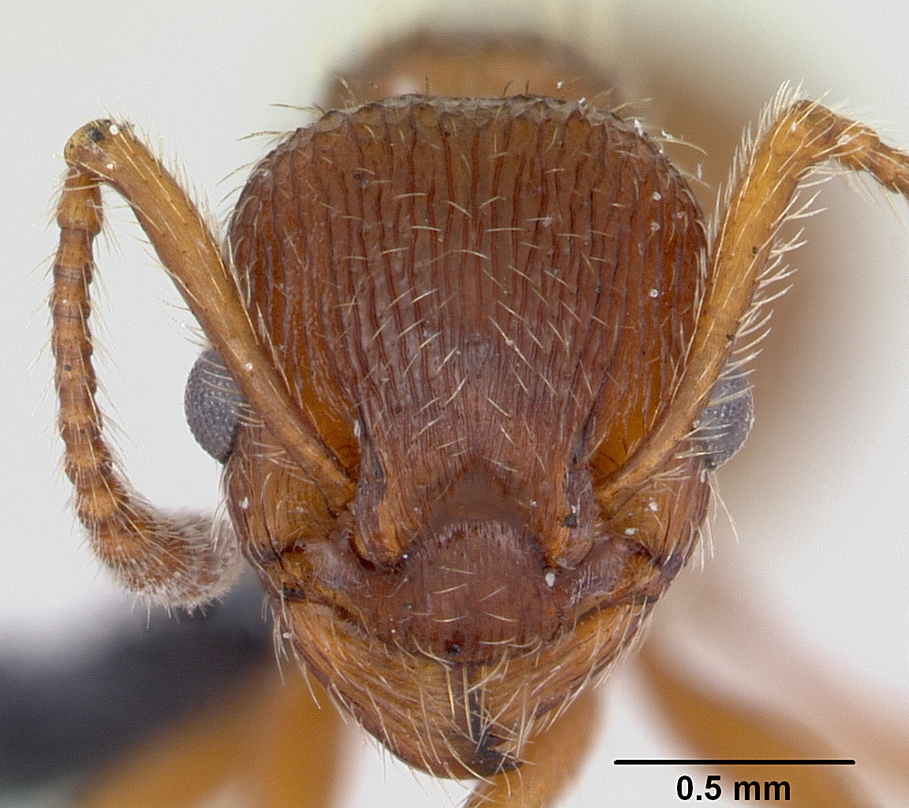
What does Myrmica Gallienii mean?
Tag summary
Content type
Image
Digest
Size
8.6 MB
Last updated
over 5 years ago
docker pull traefik/gallienii