ukjp/kwik
quickly start working on your github project from a ubuntu image
Image
0
767
ukjp/kwik repository overview
KWIK
Quickly Scaffold and setup a new project with a code-server.
Clone any github project and download and bootstrap a code-server running ready for you to start coding.
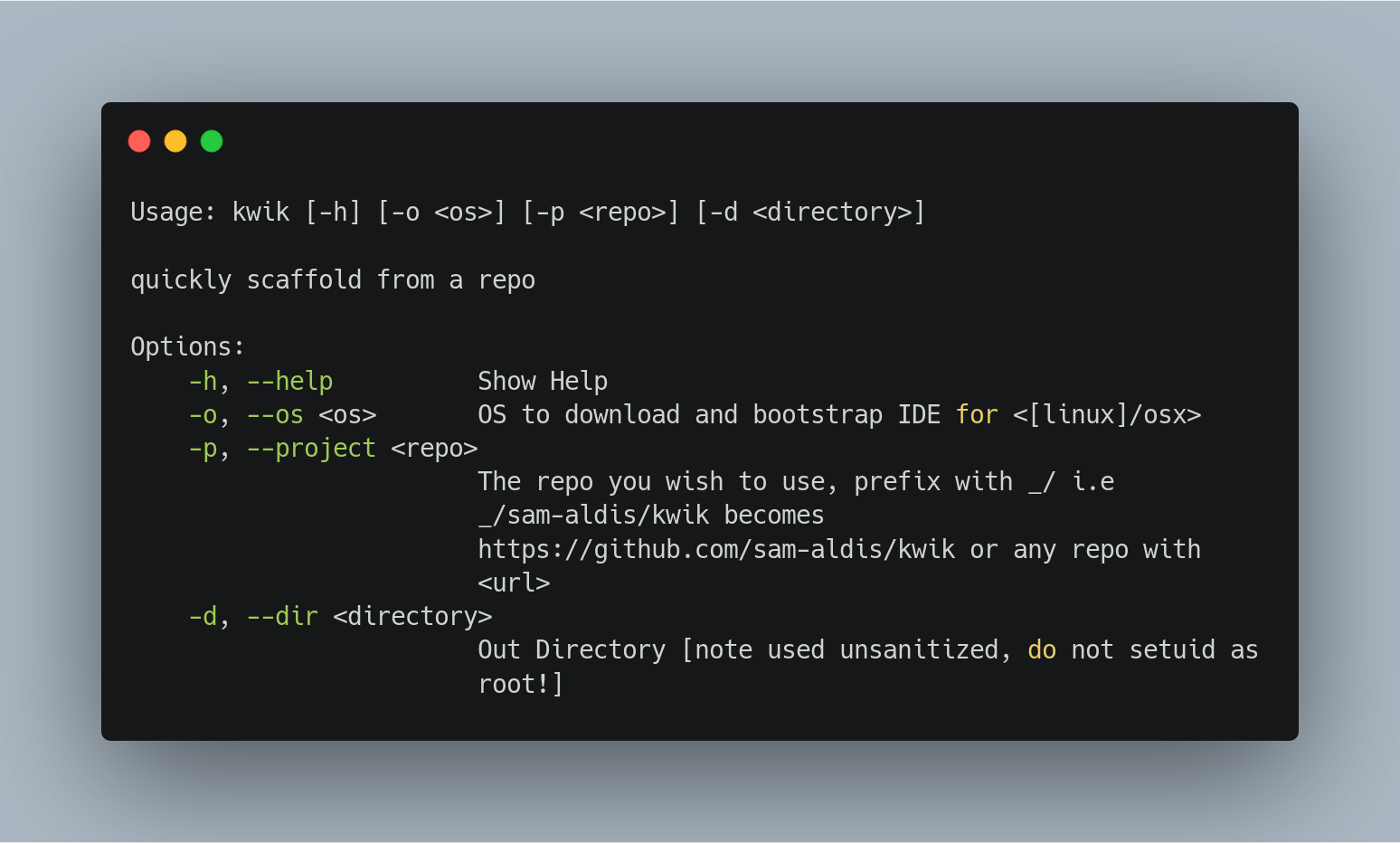
# use kwik -h for access to the usage:
~/Projects $ kwik -h
Usage: kwik [-h] [-o <os>] [-p <Scaffold>] [-d <Directory>]

quickly scaffold from a repo

Options:
    -h, --help          Show Help
    -o, --os <os>       OS to download and bootstrap IDE for <[linux]/osx>
    -p, --project <Scaffold>
                        The Scaffold you wish to use i.e sam-aldis/RustPython
			#note this converts to https://github.com/sam-aldis/RustPython
    -d, --dir <Directory>
                        Out Directory
building:
$ git clone https://github.com/sam-aldis/kwik.git
$ cd kwik
$ cargo build --release
$ sudo cp ./target/release/kwik /usr/local/bin/
quickstart for new projects (with docker)
$ docker run -it -p 9091:9091 ukjp/kwik
> kwik -o linux -p sam-aldis/kiwk -d kwik-dev
Tag summary
Content type
Image
Digest
Size
80.2 MB
Last updated
almost 7 years ago
docker pull ukjp/kwik