unibimas/rise
A Robotics Integration and Scenario-Management Extensible-Architecture for creating HRI experiments.
1.1K
unibimas/rise repository overview
Welcome to RISE
The open-source architecture RISE (A Robotics Integration and Scenario-Management Extensible-Architecture) is a tool for researcher that want to create Human-Robot-Interaction (HRI) scenarios. RISE offers the possibility to connect initially with the robots Nao, Pepper and is extensible for the use of own robots with custom actions (e.g. the agent Floka)!
The software is developed within the Transregional Collaborative Research Centre "Constructing Explainability" (TRR 318) and is used for internal projects as well as in coorperation with partners. The main focus of the system is to support the work in interdisciplinary teams and to enable also non-computer scientists to create, discuss and understand behaviors of robots in HRI.
The documentation and also the whole project is under development mainly by (PhD) students and research assistants. The system and its documentation exhibit a continuous state of development and change. For direct instructions, how to use this docker image follow the docker section.

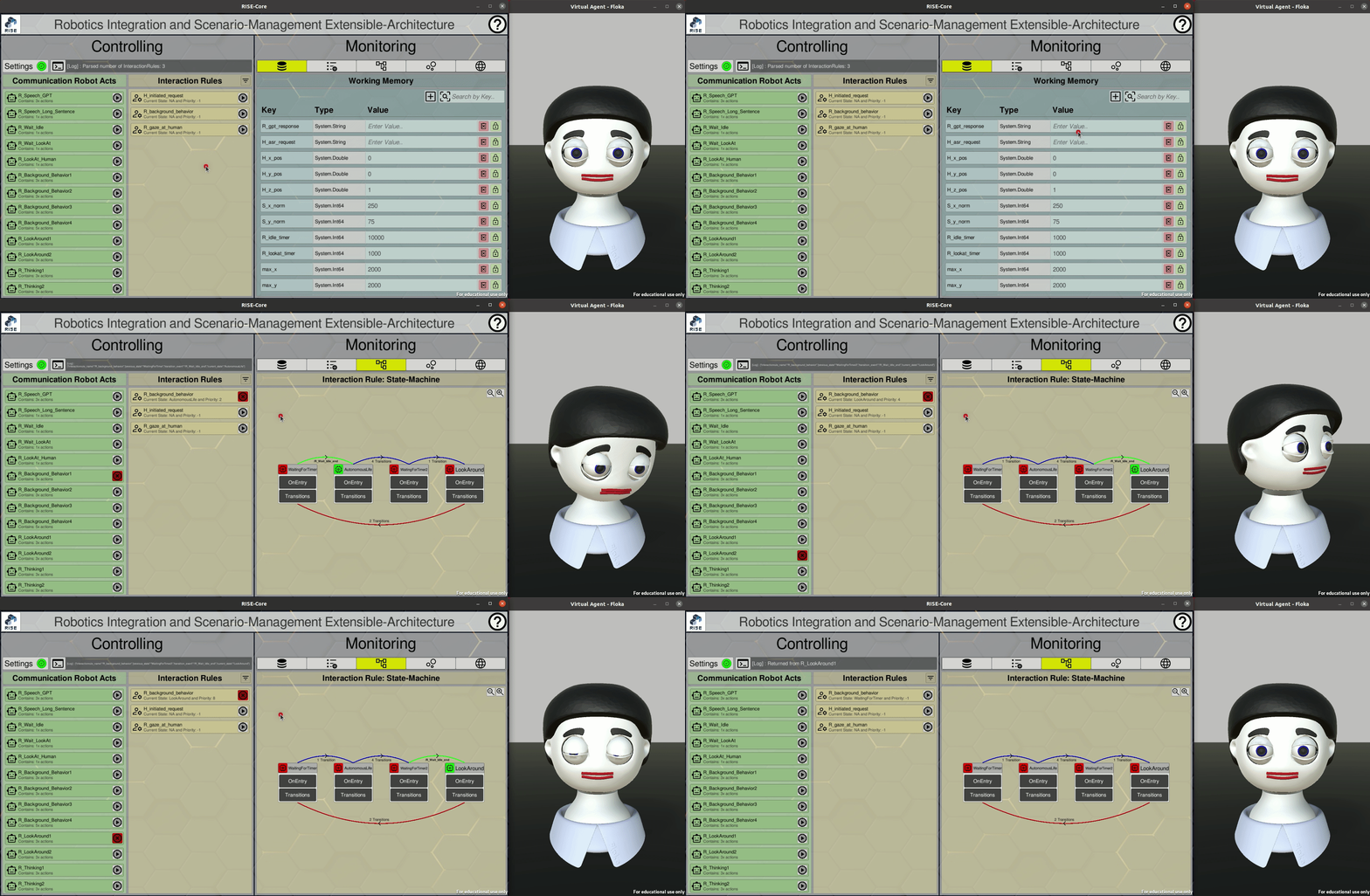
The virtual agent Floka is not included in the Docker image yet. The image currently provides only RISE and a naoqi-wrapper to connect with NAO and Pepper.
How to Start RISE in Docker
The container is currently only working on machines with NVIDIA graphics. For full instructions, see the RISE documentation.
Download the docker image for RISE.
docker pull unibimas/rise:latest
Start the container with following parameters.
# Allow X11 connections from any client to host
xhost +

# Check display number from variable with "echo $DISPLAY"
# Environment variable to pass X11 applications
if [ "$DISPLAY" == "" ]; then
    echo "-> ERROR: No display variable found"
    exit 0
fi
MY_DISPLAY_HOST=":$(cut -d ':' -f2 <<< $DISPLAY)"

HOST_IP=$(hostname -I | grep -oE '192\.([0-9]*\.){2}[0-9]*')


# Start docker container detached
docker run --platform linux/amd64 -d --name rise --net bridge --rm --gpus all --privileged \
    -e NVIDIA_DRIVER_CAPABILITIES=all \
    -e QT_X11_NO_MITSHM=1 \
    -e DISPLAY=$MY_DISPLAY_HOST \
    -v /tmp/.X11-unix:/tmp/.X11-unix \
    "unibimas/rise:latest";
Connect to the running docker container for an interactive terminal session.
docker exec -it rise /bin/bash
Start RISE in with the management tool vdemo.
cd /vol/distribution/bin/
./vdemo_rise-naoqi.sh
Tag summary
Content type
Image
Digest
sha256:eafcb84e2…
Size
1.8 GB
Last updated
6 months ago
docker pull unibimas/rise