vooz2/kinkudos
Private, self-hosted family app for tasks, points, goals, and rewards.
2.7K
vooz2/kinkudos repository overview
KinKudos
A private, self-hosted family app for tasks, points, goals, and rewards.
Children complete everyday tasks and work toward rewards, while parents approve progress and keep the rules clear and fair. KinKudos runs on your own server, so your family data stays under your control.
🚀 Live demo · 📚 Documentation · 🌐 Website · 💻 GitHub · 📦 Releases
✨ See it in action
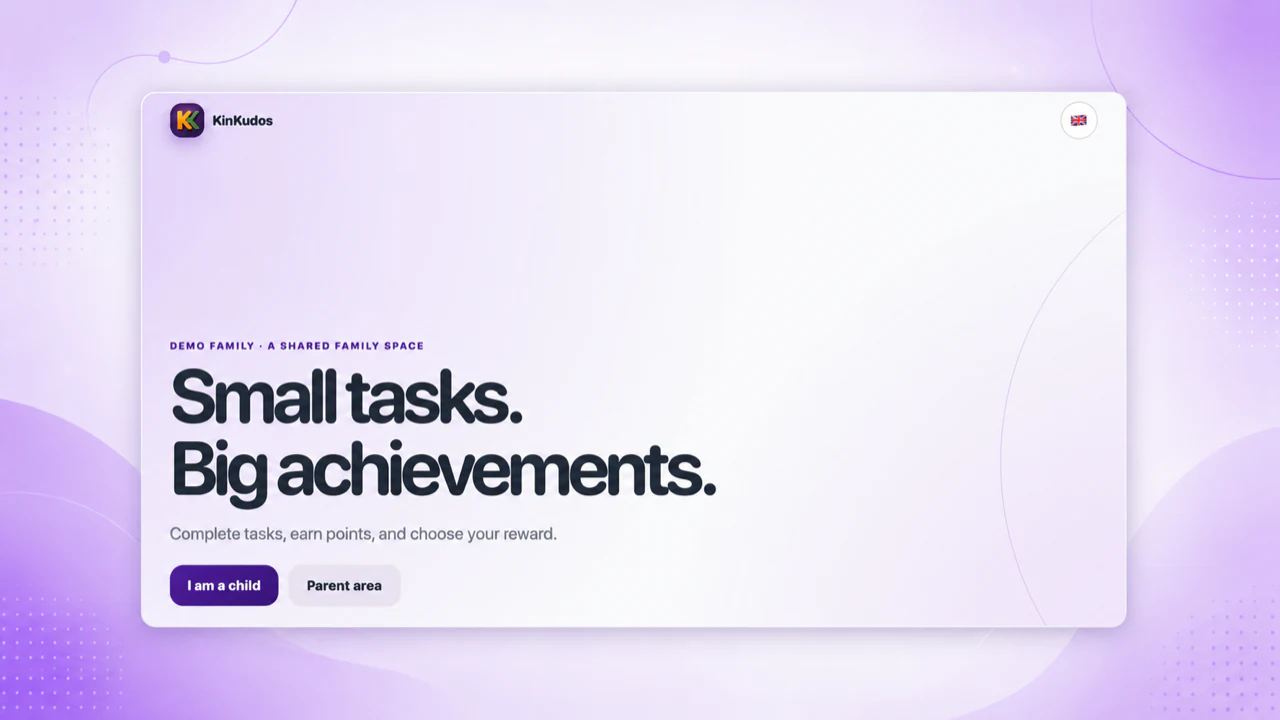
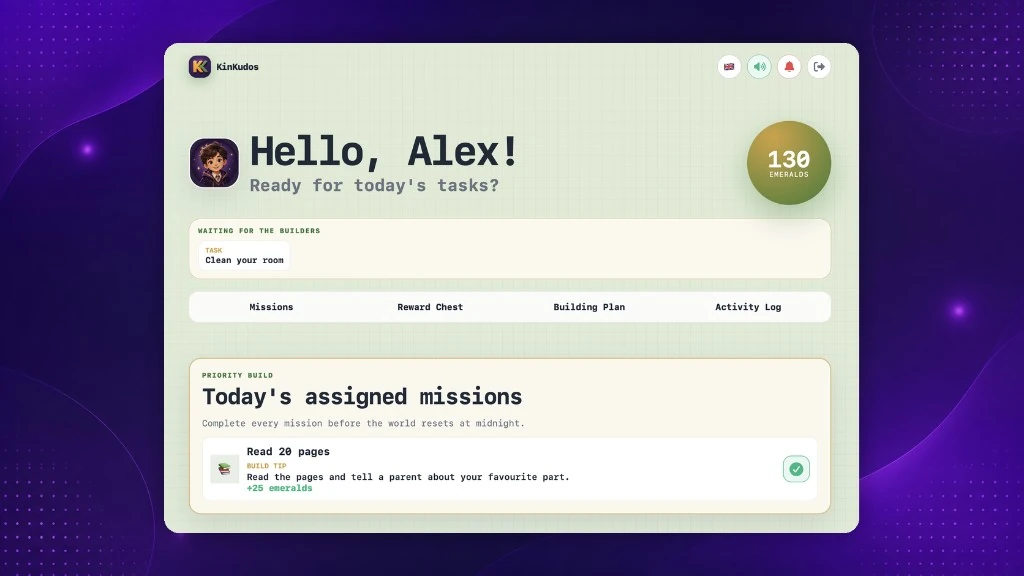
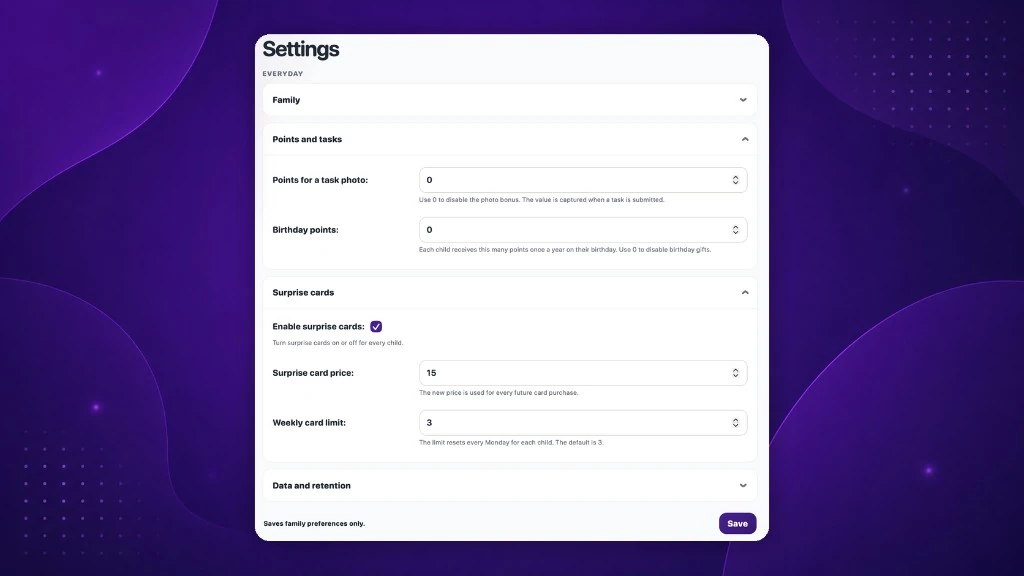
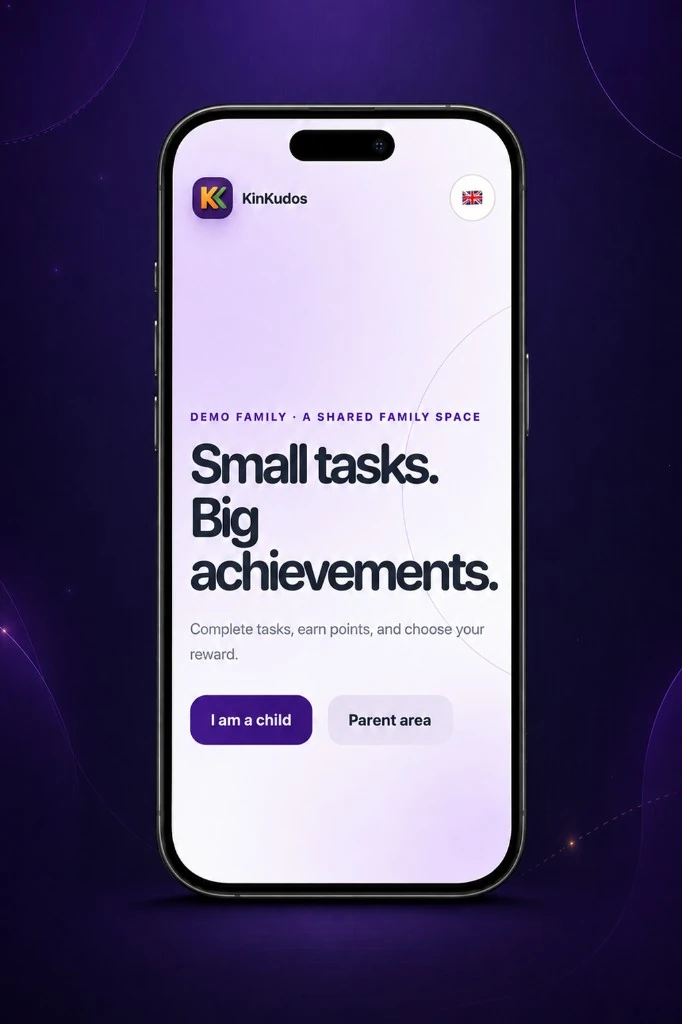
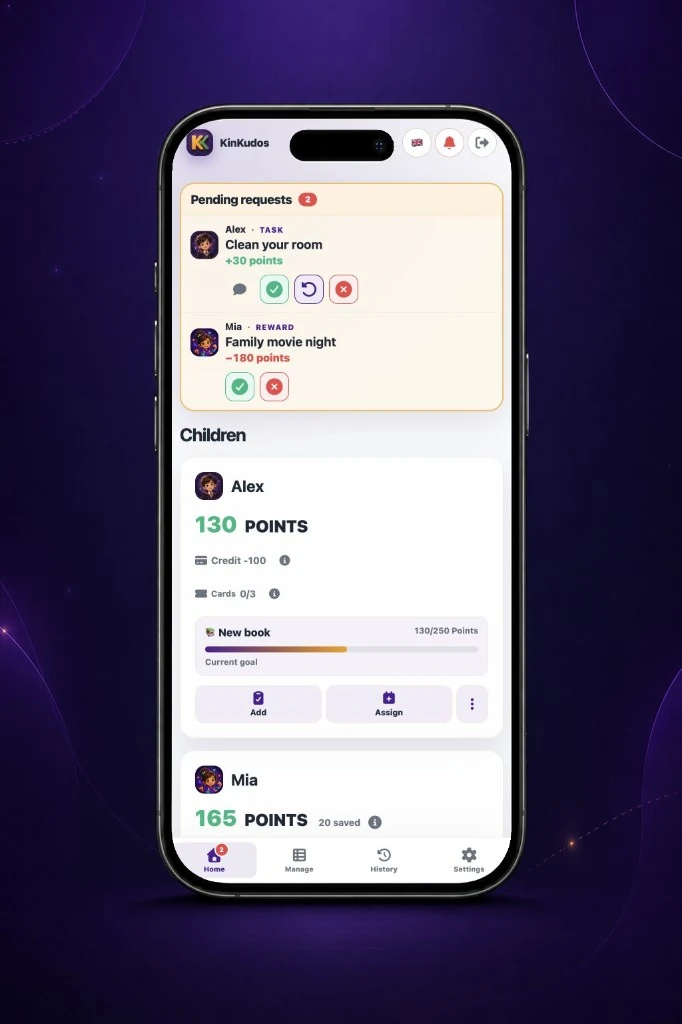
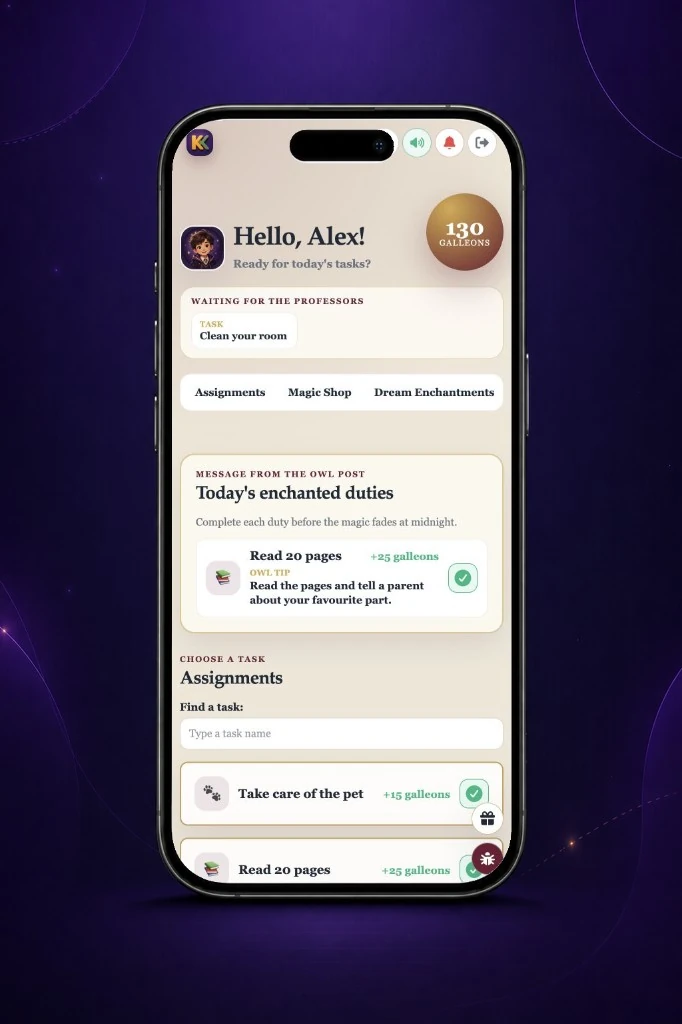

Screenshots contain fictional demonstration data.
🎯 What is KinKudos?
KinKudos turns everyday family routines into visible progress.
Parents can:
- create and assign tasks;
- review completed work;
- manage points, rewards, and savings goals;
- configure family rules and child experiences.
Children can:
- choose or receive tasks;
- submit completed work;
- collect themed points;
- request rewards;
- save toward longer-term goals.
KinKudos is designed for one household per installation. There is no public registration, advertising, profiling, or built-in family analytics.
🐳 Container image
The image is available as:
docker.io/vooz2/kinkudos
Supported platforms:
linux/amd64linux/arm64
KinKudos uses:
- Django 5.2
- Gunicorn
- WhiteNoise
- SQLite in WAL mode
- server-rendered HTML
- vanilla JavaScript PWA
- Web Push with VAPID
No Node.js runtime, SPA framework, or public API is required for normal operation.
🚀 Installation
Do not run the image with a standalone docker run command unless you understand all required environment variables, persistent directories, health checks, and reverse-proxy settings.
KinKudos supports two Docker Compose installation paths.
Guided installer
For a new installation on an AMD64 or ARM64 Linux server with Docker Engine and the Docker Compose plugin:
curl -fsSL https://kinkudos.app/install.sh -o /tmp/kinkudos-install.sh \
  && sh /tmp/kinkudos-install.sh
The guided installer:
- downloads the latest published KinKudos release;
- checks that the archive matches the published SHA256 checksum;
- prepares the required directories and configuration;
- starts KinKudos using Docker Compose;
- can create the first parent account and child profiles.
Review the installer source before running it:
The installer is intended for a new installation. Existing installations must use the documented update process.
Manual Docker Compose setup
For more control, download and configure the supplied Compose files, then start KinKudos from the directory containing your configured compose.yaml:
docker compose up -d --pull always
Docker Compose downloads the configured KinKudos image, creates the required container and network, attaches persistent storage, and starts the application.
Before starting, configure the required environment variables, persistent data location, hostname, HTTPS, and reverse proxy as described in the installation guide.
👉 Check the requirements and install KinKudos
⚙️ Requirements
You need:
- an AMD64 or ARM64 Linux server;
- Docker Engine;
- the Docker Compose plugin;
- a hostname or domain;
- HTTPS through a reverse proxy;
- basic Linux and Docker administration skills.
KinKudos can run behind Caddy, Nginx, Traefik, or another correctly configured HTTPS reverse proxy.
🏷️ Image tags
For predictable deployments, use a versioned image tag:
services:
  app:
    image: vooz2/kinkudos:<version>
Use latest only when you intentionally want the newest published stable image:
services:
  app:
    image: vooz2/kinkudos:latest
To pull the image configured in your Compose file and recreate the application:
docker compose up -d --pull always
Before updating:
- create and verify a backup;
- read the release notes;
- follow the documented update process;
- verify the application after migrations complete.
Useful links:
💾 Persistent data
KinKudos stores family data outside the container.
Persistent data includes:
- the SQLite database;
- uploaded photos;
- application configuration and secrets;
- backup files;
- optional Web Push keys;
- optional SMTP and remote-backup credentials.
Do not store important family data only inside the writable container layer.
Use the directory and volume layout provided by the official Docker Compose configuration and installation guide.
🔐 Security and privacy
KinKudos is designed as a private space for one household.
- Parent accounts use rate-limited password authentication.
- Children use a paired browser or installed PWA together with a rate-limited PIN.
- Point changes are transactional and recorded in a visible history.
- Uploaded photos are resized, converted to WebP, and stripped of EXIF metadata.
- Family data is not sent to a KinKudos-operated cloud service.
- KinKudos contains no advertising or built-in analytics.
- Optional encrypted remote backups support Backblaze B2 and S3-compatible storage.
Self-hosting gives you control, but it also makes you responsible for:
- HTTPS;
- server security;
- software updates;
- access control;
- tested backups.
Read SECURITY.md for vulnerability reporting and security support information.
Never report an unpatched security vulnerability in a public GitHub issue.
📚 Documentation
The complete documentation is available at:
Useful starting points:
🚀 Live demo
Explore KinKudos without installing anything:
- Demo: demo.kinkudos.app
- Parent username:
demo - Parent password:
demo - Child PIN:
1234
The public demo contains fictional data and resets every hour.
📌 Project status and support
KinKudos is actively maintained and used in a real household.
Support is provided on a best-effort basis, without a service-level agreement or guaranteed response time. Only the latest published release is supported.
For reproducible software bugs:
Do not publish passwords, secret keys, private family photos, database files, backup files, personal information, or unredacted logs.
💡 Development transparency
KinKudos began as a practical experiment to solve a real family problem and explore how OpenAI Codex could help turn an idea into a maintainable, tested, and documented open-source application.
The project owner is not a professional software developer. OpenAI Codex has assisted extensively with implementation, refactoring, tests, documentation, and release preparation.
Product direction, requirements, review, validation, infrastructure, releases, and ongoing maintenance remain the responsibility of the project owner.
📄 License
KinKudos is open-source software distributed under the MIT License.
The software is provided as-is, without warranty of any kind.
Tag summary
Content type
Image
Digest
sha256:e0aa59fb3…
Size
103.7 MB
Last updated
about 1 month ago
docker pull vooz2/kinkudos