weleone/cobalt repository overview
cobalt 自托管 API + Web 界面
原项目主页: cobalt.tools
原项目资源: GitHub/cobalt.tools
本版项目资源: GitHub/cobalt
本版前、后端镜像:weleone/cobalt-web、weleone/cobalt
首次启动前先建好 cookies 文件,避免 docker 自动建成目录
(路径相对于 docker-compose.yml 所在目录):
mkdir -p ./config/cobalt/data/cookies
echo '[]' > ./config/cobalt/data/cookies/cookies.json
chmod 666 ./config/cobalt/data/cookies/cookies.json
映射端口根据需要修改
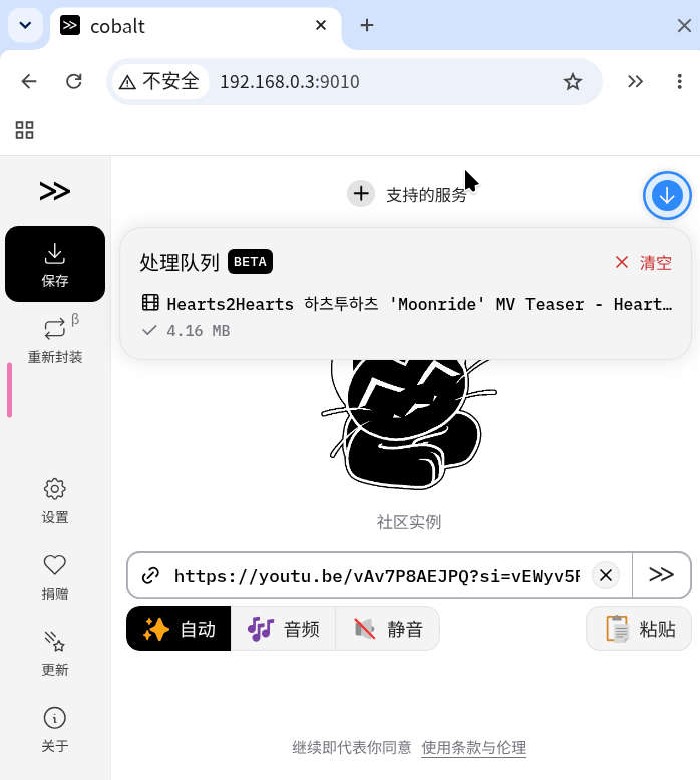
API_URL: "http://your-ip:9009/" ← your-ip 换成服务器的局域网 IP,如 192.168.0.3
docker-compose.yml
services:
  cobalt:
    image: weleone/cobalt:latest
    container_name: cobalt
    init: true
    read_only: true
    restart: on-failure
    ports:
      - 9009:9009
    environment:
      # 必填:浏览器能访问到的 API 地址(纯 HTTP;前面有反向代理做 TLS 时再改 https)
      API_URL: "http://your-ip:9009/"
      # 必填:必须和上面 ports 映射的容器端口一致(应用默认监听 9000)
      API_PORT: "9009"
      # cookies 文件:下面挂载了 volume,必须配这个变量才会被读取
      COOKIE_PATH: "/cookies.json"
      # 单个任务最大处理时长(秒),默认 10800
      DURATION_LIMIT: 86400
    volumes:
      - ./config/cobalt/data/cookies/cookies.json:/cookies.json

  cobalt-web:
    image: weleone/cobalt-web:latest
    container_name: cobalt-web
    init: true
    restart: on-failure
    ports:
      - 9010:80
    environment:
      # 浏览器能访问到的 API 地址,容器启动时注入前端,改这里重启即生效
      API_URL: "http://your-ip:9009/"
    depends_on:
      - cobalt
Tag summary
Content type
Image
Digest
sha256:2b7a45e72…
Size
119.2 MB
Last updated
17 days ago
docker pull weleone/cobalt