wgetmeoh/rust-lang-dev-env
dev container for rust language development
Image
0
80
wgetmeoh/rust-lang-dev-env repository overview
docker dev container for rust language development
Get Start
-
Create compose-dev.yaml in your project root dir or an empty dir, following config bind ./ to /com.docker.devenvironments.code, docker makes /com.docker.devenvironments.code the default working dir.
services: app: entrypoint: - sleep - infinity image: wgetmeoh/rust-lang-dev-env:debian init: true volumes: - type: bind source: ./ target: /com.docker.devenvironments.code -
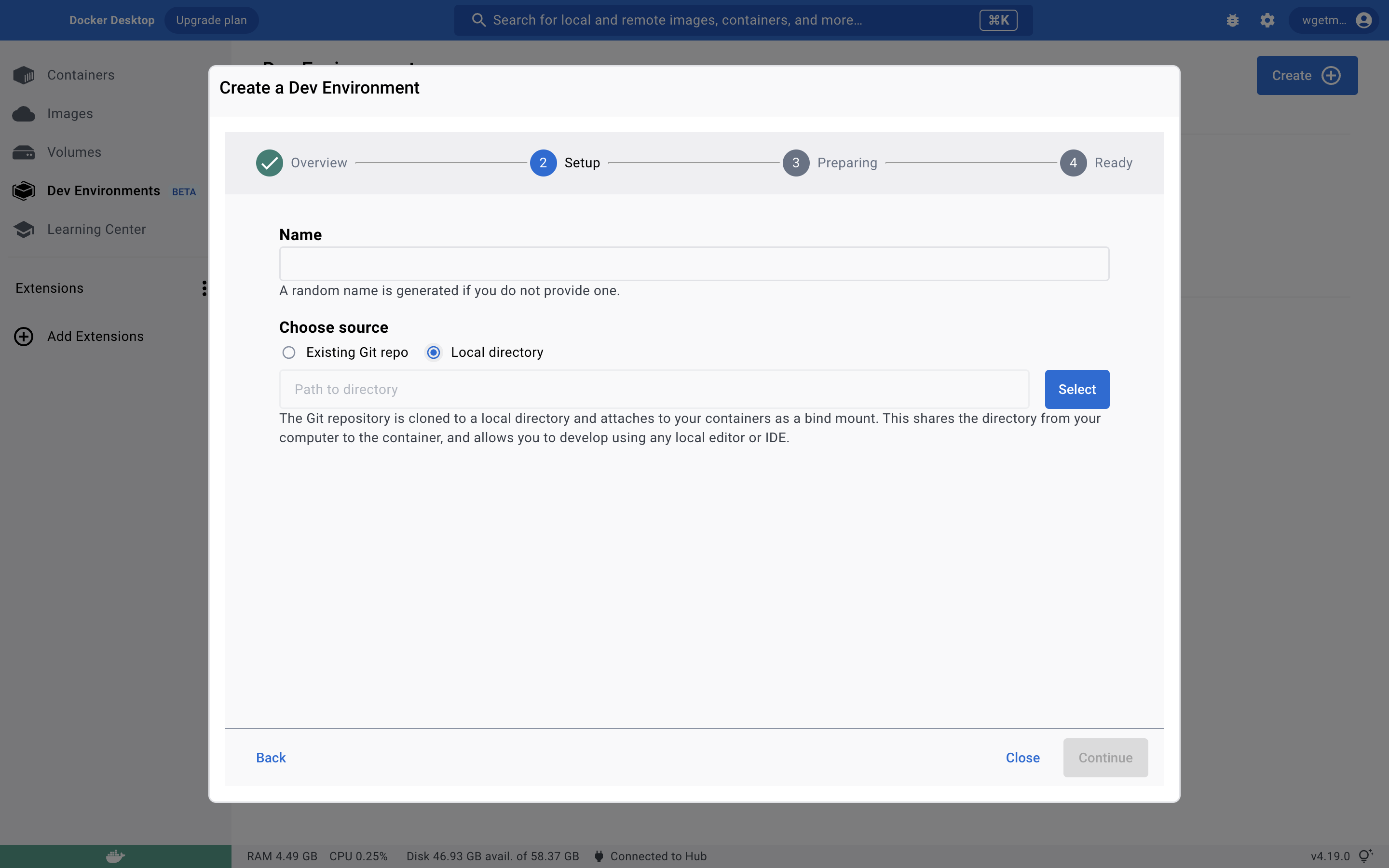
Use docker desktop create dev environment
Note that your project needs to include the compose-dev.yaml that mentioned above.
Container content
This container is from image: dibian:lastest, what I prepare for rust dev environment by following steps.
- install git
- install curl
- install zsh
- install oh-mu-zsh and some plugins
- install gcc
- install rust
- install container vscode extensions: rust-analyzer and codeLLdb
Tag summary
Content type
Image
Digest
sha256:1f30e8540…
Size
626.7 MB
Last updated
over 3 years ago
docker pull wgetmeoh/rust-lang-dev-env:debian