x1nm/idpc repository overview
ID Photo Creator
Create ready-to-print tiled ID photos
Usage
usage: idpc [-h] [-a] [-d [DPI]] [-s [PHOTO_SIZE]] [-S [PAPER_SIZE]]
               [-w [BORDER_WIDTH]]
               INPUT_FILE [OUTPUT_FILE]

positional arguments:
  INPUT_FILE            filename of input photo
  OUTPUT_FILE           output filename, default value is output.jpg

optional arguments:
  -h, --help            show this help message and exit
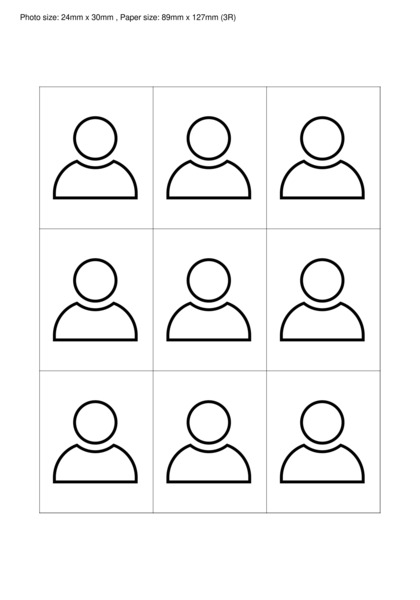
  -a, --annotation      writes photo size and paper size on image
  -d [DPI], --dpi [DPI]
                        dpi, default value is 600
  -s [PHOTO_SIZE], --photo-size [PHOTO_SIZE]
                        photo size (size of photo in printed size)
                        widthxheight in mm, default value is 35x45
  -S [PAPER_SIZE], --paper-size [PAPER_SIZE]
                        paper size (size of paper used for print) widthxheight
                        in mm, default value is 89x127 (3R)
  -w [BORDER_WIDTH], --border-width [BORDER_WIDTH]
                        border width in px, default value is 2
Example
Make sure you have input.jpg under your current directory and run:
docker run --rm -v $PWD:/data x1nm/idpc --annotation --photo-size=24x30 --paper-size=89x127 input.jpg output.jpg
Tag summary
Content type
Image
Digest
sha256:73cbbd91e…
Size
121.1 MB
Last updated
over 3 years ago
docker pull x1nm/idpc