x64gmbh/node64
Node64 by ipv64.net: health checks, reverse proxy, DNS filter, DynDNS, honeypot
1.7K
x64gmbh/node64 repository overview
Node64 by ipv64.net
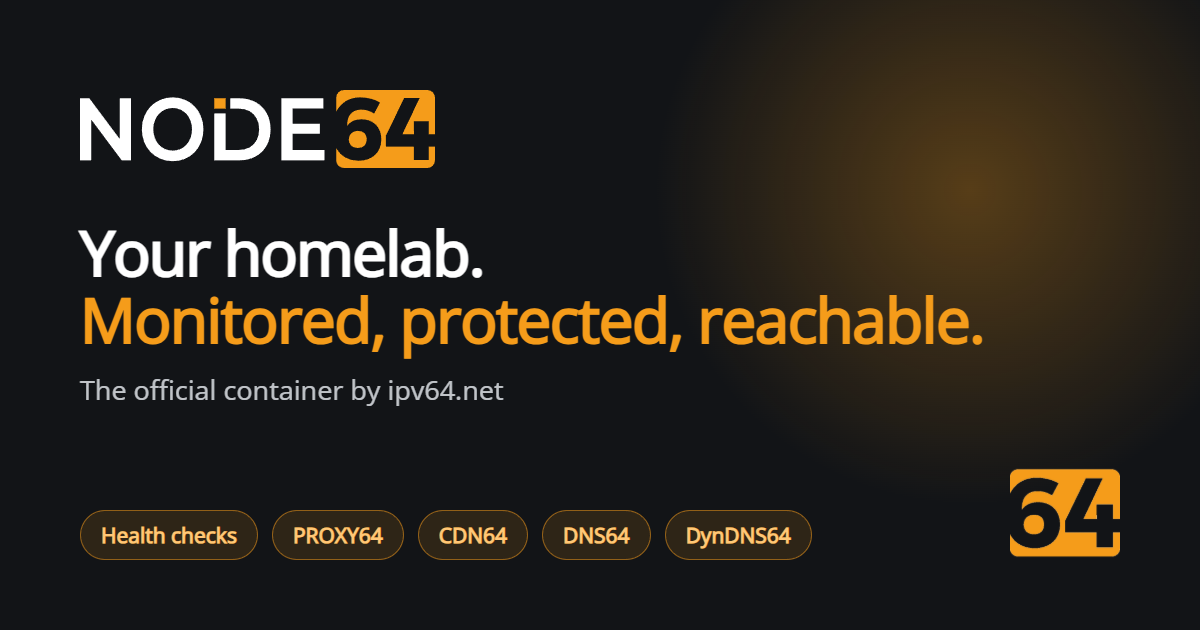
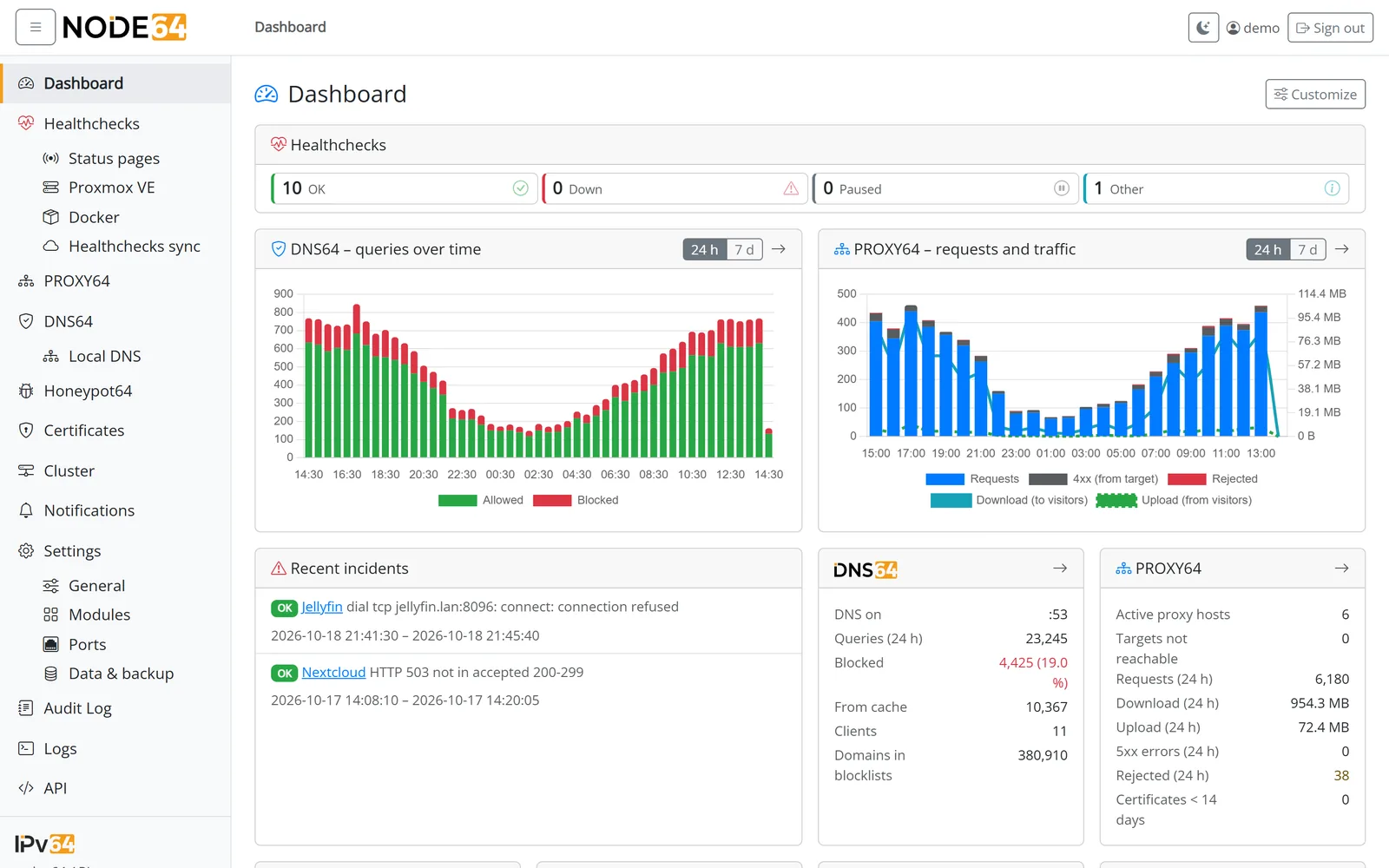
One Docker container for your homelab: health checks with status pages, PROXY64 reverse proxy with Let's Encrypt, DNS64 DNS filter, DynDNS, central certificates and the Honeypot64 sensor. Connected to your free ipv64.net account, Node64 also checks your services online from Germany and makes them reachable via CDN64 without port forwarding (IPv4 and IPv6, even behind DS-Lite and CGNAT).
- Website and documentation: node64.de
- Source code and issues: github.com/ipv64net/node64
- Platforms:
linux/amd64,linux/arm64,linux/arm/v7(e.g. Raspberry Pi)
Quick start
docker run -d --name node64 \
  -p 8080:8080 \
  -v node64-data:/data \
  --restart unless-stopped \
  x64gmbh/node64:latest
Then open http://<host>:8080. On first start a wizard sets the language and the admin account. There is no default
password.
docker compose
services:
  node:
    image: x64gmbh/node64:latest
    container_name: node64
    restart: unless-stopped
    ports:
      - "8080:8080"
    volumes:
      - node64-data:/data
    read_only: true
    tmpfs:
      - /tmp

volumes:
  node64-data:
Tags
| Tag | Meaning |
|---|---|
latest | newest stable version |
1.0, 1.0.0 | a specific stable version |
rc | newest release candidate (for testing) |
The same images are also available at ghcr.io/ipv64net/node64.
Deutsch
Ein Docker-Container fürs Homelab: Healthchecks mit Statusseiten, PROXY64 (Reverse-Proxy mit Let's Encrypt), DNS64 (DNS-Filter), DynDNS, zentrale Zertifikate und der Honeypot64-Sensor. Verbunden mit deinem kostenlosen ipv64.net-Account prüft Node64 deine Dienste zusätzlich online aus Deutschland und macht sie über CDN64 ohne Portfreigabe erreichbar (IPv4 und IPv6, auch hinter DS-Lite und CGNAT).
Start wie oben mit docker run oder docker compose, danach http://<host>:8080 öffnen. Anleitung und Doku auf
node64.de.
Tag summary
Content type
Image
Digest
sha256:37848eac8…
Size
19.1 MB
Last updated
about 6 hours ago
docker pull x64gmbh/node64