zingerbee/netop repository overview
Language : 🇺🇸 English | 🇨🇳 简体中文
netop







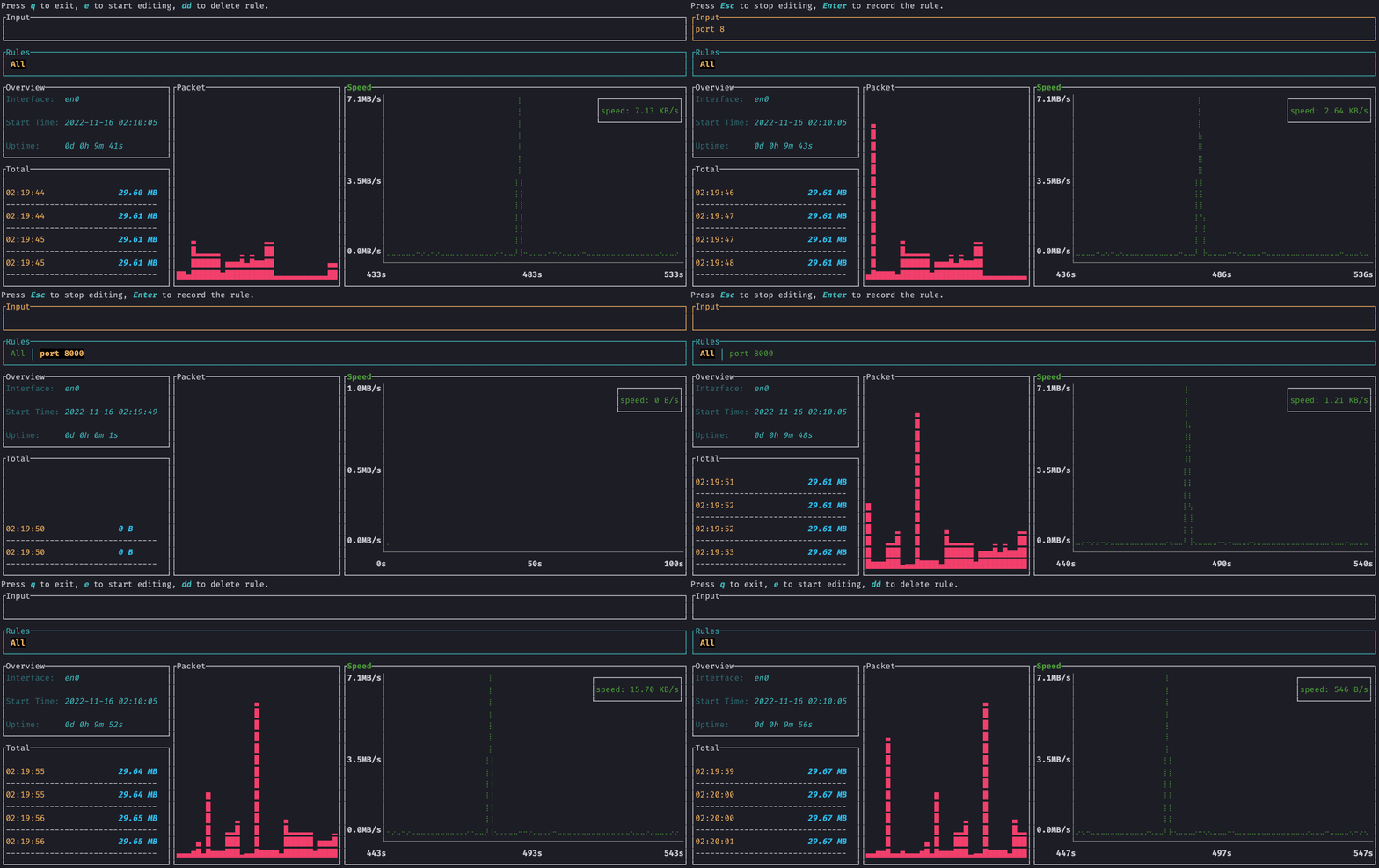
Overview
netop is a terminal command line interface that can customize the filter network traffic rule 🎯
Features
- Use the
bpfrule filter - Multi-rule switching
- Real-time rate
- Total traffic
- Response UI
- Resource occupation is small,
rustWritten - Support
dockerdeployment
Installation
Docker
docker run -it --rm --net=host zingerbee/netop
Cargo
need rust and pcap, detail look at How to build
# install
sudo cargo install netop
# and then run
netop
# or designated network interface card running
netop -n eth0
NetBSD
On NetBSD there's an official package available. To install a pre-compiled binary, simply run
pkgin install netop
Or, if you prefer to build it from source,
cd /usr/pkgsrc/net/netop
make install
How to use
- Press
eto enter edit mode input bpf rule, and then pressenter - Press
Escto exit edit mode - Use the
<-or->to switch between different rules - Not in edit mode, press
ddto delete current rule - Not in edit mode, press
qto quit
View help
netop -h
# docker
docker run -it --rm --net=host zingerbee/netop -h
Output as follows
netop 0.1.0

USAGE:
    netop [OPTIONS]

OPTIONS:
    -h, --help           Print help information
    -n, --name <NAME>    Name of Network Interface Card
    -V, --version        Print version information
Designated network interface card running
The parameter is name of network interface card
*unix: Use
ifconfigto view network interface cards informationwindows: Use
ipconfigto view network interface cards information
netop -n eth0
# docker
docker run -it --rm --net=host zingerbee/netop -n eth0
How to build from source
Development environment
- It is best to be
rootuser,pcaprequires permissions rust>= 1.40.0pcap- Ubuntu、Debian:
apt install libpcap-dev - MacOS: installed by default
- Windows: Download the WinPcap Developer's Pack. Add the /Lib or /Lib/x64 folder to your LIB environment variable.
- Ubuntu、Debian:
sudo cargo install --path .
# or
sudo cargo run
Found an issue or have a proposal
Release Notes
SEE CHANGELOG
Tag summary
Content type
Image
Digest
sha256:d26ecfce4…
Size
70.2 MB
Last updated
almost 3 years ago
docker pull zingerbee/netop