zingerbee/serverbee-web
A cross-platform efficiency tool monitoring, and terminal support for Linux, Win, macOS, even NAS.
10K+
zingerbee/serverbee-web repository overview
Language : 🇺🇸 English | 🇨🇳 简体中文
server_bee-backend




Features
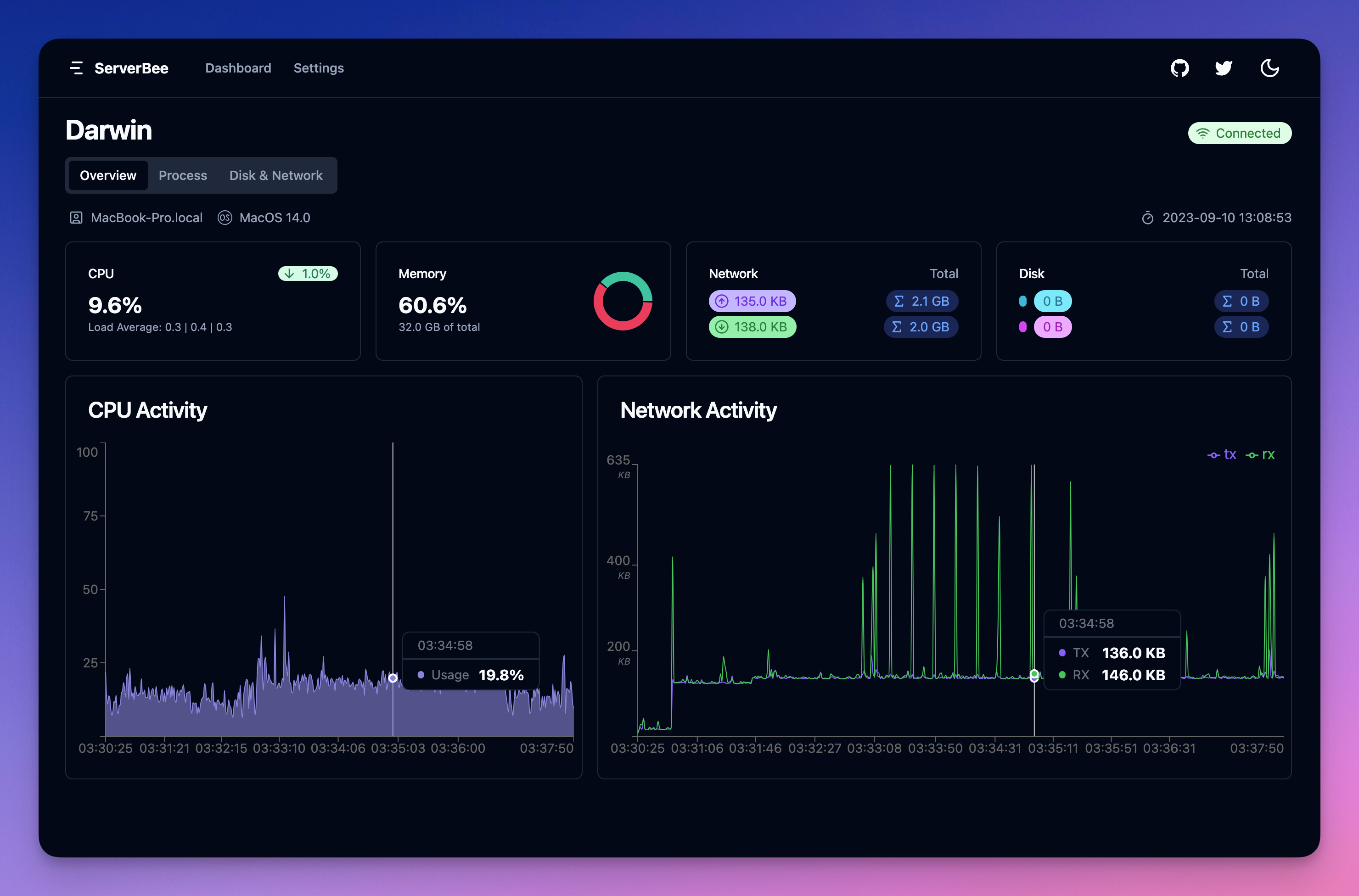
- CPU load
- load average
- memory usage
- uptime / boot time
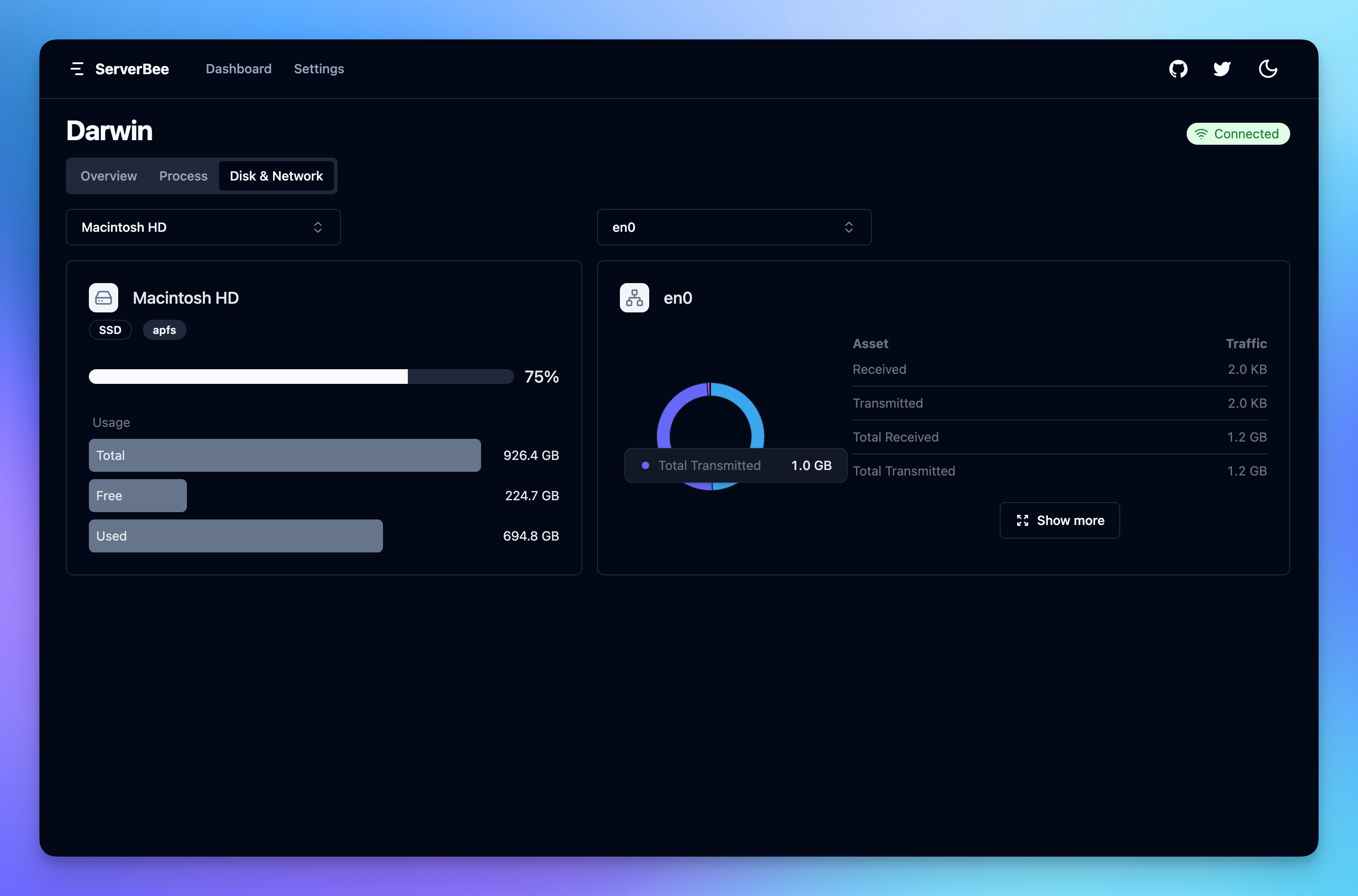
- filesystem mounts (and disk usage)
- disk I/O statistics
- network interfaces
- network traffic statistics
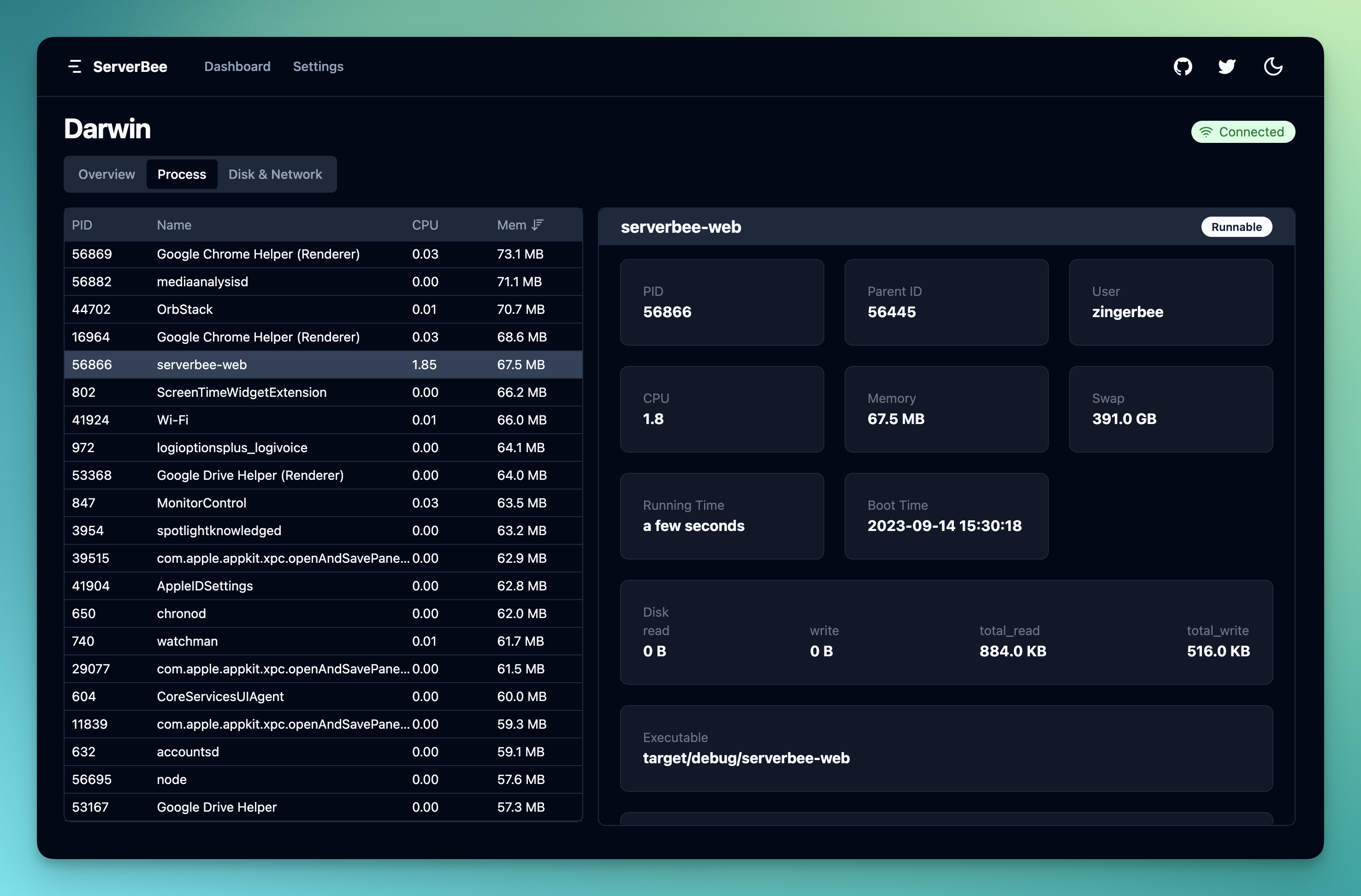
- process list
- detail process
- kill process
- sub process
Dashboard
How to use
Installation
Docker
The installation tutorial is located in the documentation 👉 Docker
docker run -d \
  -v /proc:/proc \
  --privileged=true \
  --restart unless-stopped \
  --network=host \
  --name=serverbee-web \
  zingerbee/serverbee-web -p 9527
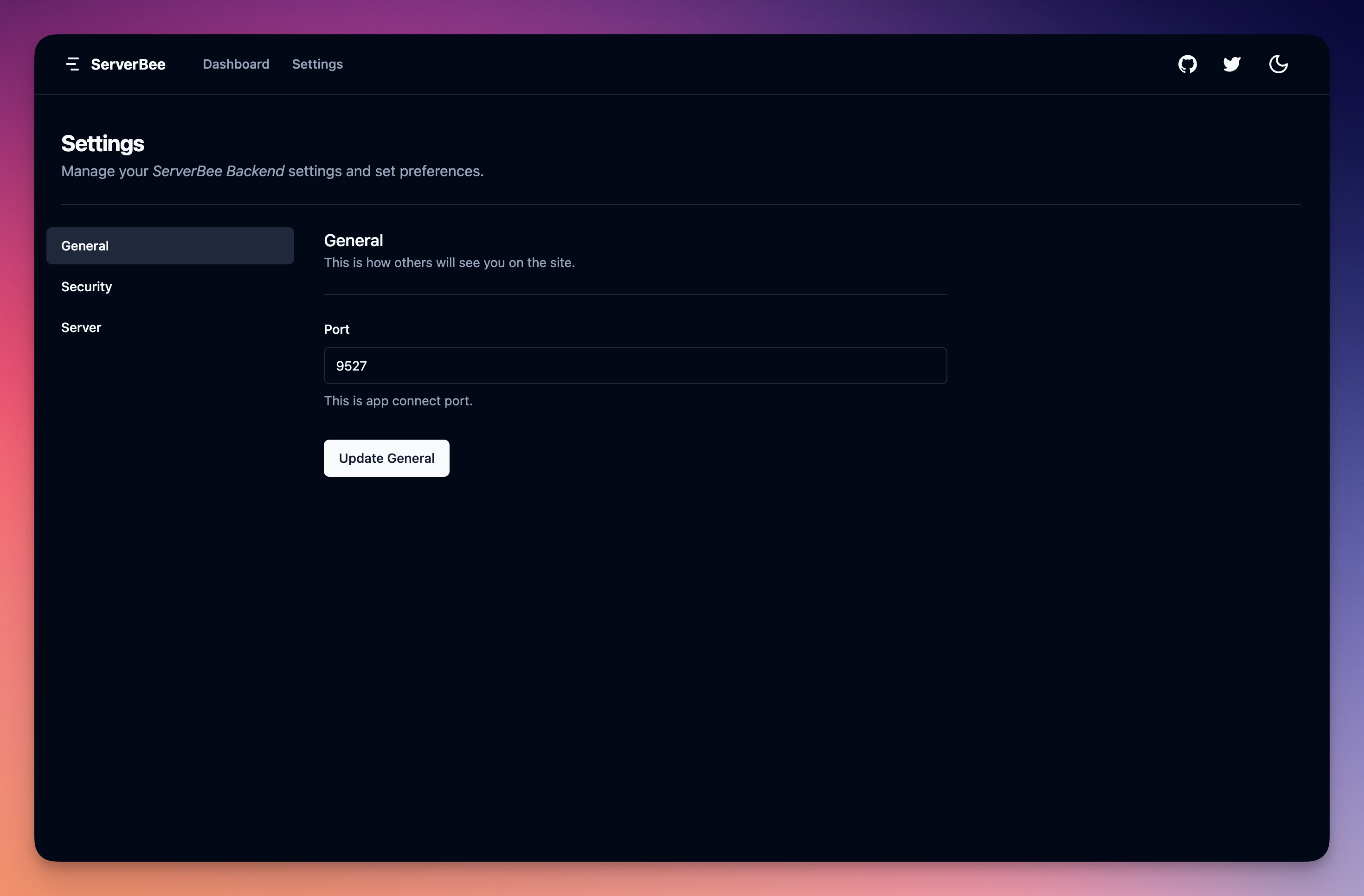
Configuration related API
The following interfaces can only be accessed from localhost
View all configurations
curl http://localhost:9527/local/config
The response is as follows:
{
    "success": true,
    "data": {
        "web_server": {
            "port": 9527
        },
        "server": {
            "token": "token",
            "host": "serverhub.app",
            "disable_ssl": false
        },
        "app": {
            "token": "token"
        }
    }
}
View web_server config
Related configuration of web server, including port number
curl http://localhost:9527/local/config/web_server
The response is as follows:
{
  "success": true,
  "data": {
    "port": 9527
  }
}
Update the web_server configuration
curl -X POST -H "Content-Type: application/json" -d '{"port": 9527}' http://127.0.0.1:9527/local/config/web_server
The response is as follows:
{
  "success": true
}
View app config
App-related configurations, including communication keys
curl http://localhost:9527/local/config/app
The response is as follows:
{
  "success": true,
  "data": {
    "token": "token"
  }
}
Update app config
curl -X POST -H "Content-Type: application/json" -d '{"token": "newToken"}' http://localhost:9527/local/config/app
The response is as follows:
{
  "success": true
}
View server config
Server related configuration, including communication key, server address, whether to disable SSL
curl http://localhost:9527/local/config/server
The response is as follows:
{
  "success": true,
  "data": {
    "token": "token",
    "host": "serverhub.app",
    "disable_ssl": false
  }
}
Update server config
curl -X POST -H "Content-Type: application/json" -d '{"token": "newToken", "host": "serverhub.app", "disable_ssl": false}' http://127.0.0.1:9527/local/config/server
The response is as follows:
{
  "success": true
}
Compile from source
1. Build the front-end source code
Need to install nodejs, pnpm
pnpm -C view install
pnpm -C view build
The build product is in the view/dist directory
2. Build web, deploy module source code
Need to install rust
cargo build --release
and then you can find the binary file in target/release
Found an issue or have a proposal
Release Notes
SEE CHANGELOG
Read More
Tag summary
Content type
Image
Digest
sha256:266ca1a4b…
Size
10.6 MB
Last updated
over 2 years ago
docker pull zingerbee/serverbee-web