alexcoppe/circos repository overview
Dockerized CIRCOS
Usage:
Docker Pull Command:
docker pull alexcoppe/circos
Example:
To run an example from the circos package, download the original CIRCOS package and decompress it:
wget http://circos.ca/distribution/circos-0.69-9.tgz
tar xzvf circos-0.69-9.tgz
Copy the data and the etc directory from the CIRCOS distribution to the current directory:
cp -R  circos-0.69-9/example/data .
cp -R  circos-0.69-9/example/etc .
Copyt the CIRCOS configuration file to your current directory:
cp circos-0.69-9/example/etc/circos.conf .
Run the docker container:
docker run --rm -it -v $(pwd):/data alexcoppe/circos -conf /data/circos.conf -outputdir /data
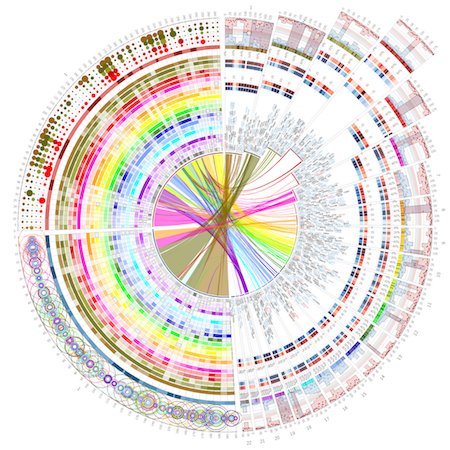
The command takes approximately 30 seconds to finish, you will find to image in the current directory: circos.png (below) and circos.svg
Tag summary
Content type
Image
Digest
Size
77.4 MB
Last updated
over 6 years ago
docker pull alexcoppe/circos