jacknlliu/ros
ROS desktop-full docker images with Qt C++ debug tool-chain for any Linux distributions.
2.7K
jacknlliu/ros repository overview
ros-docker-images

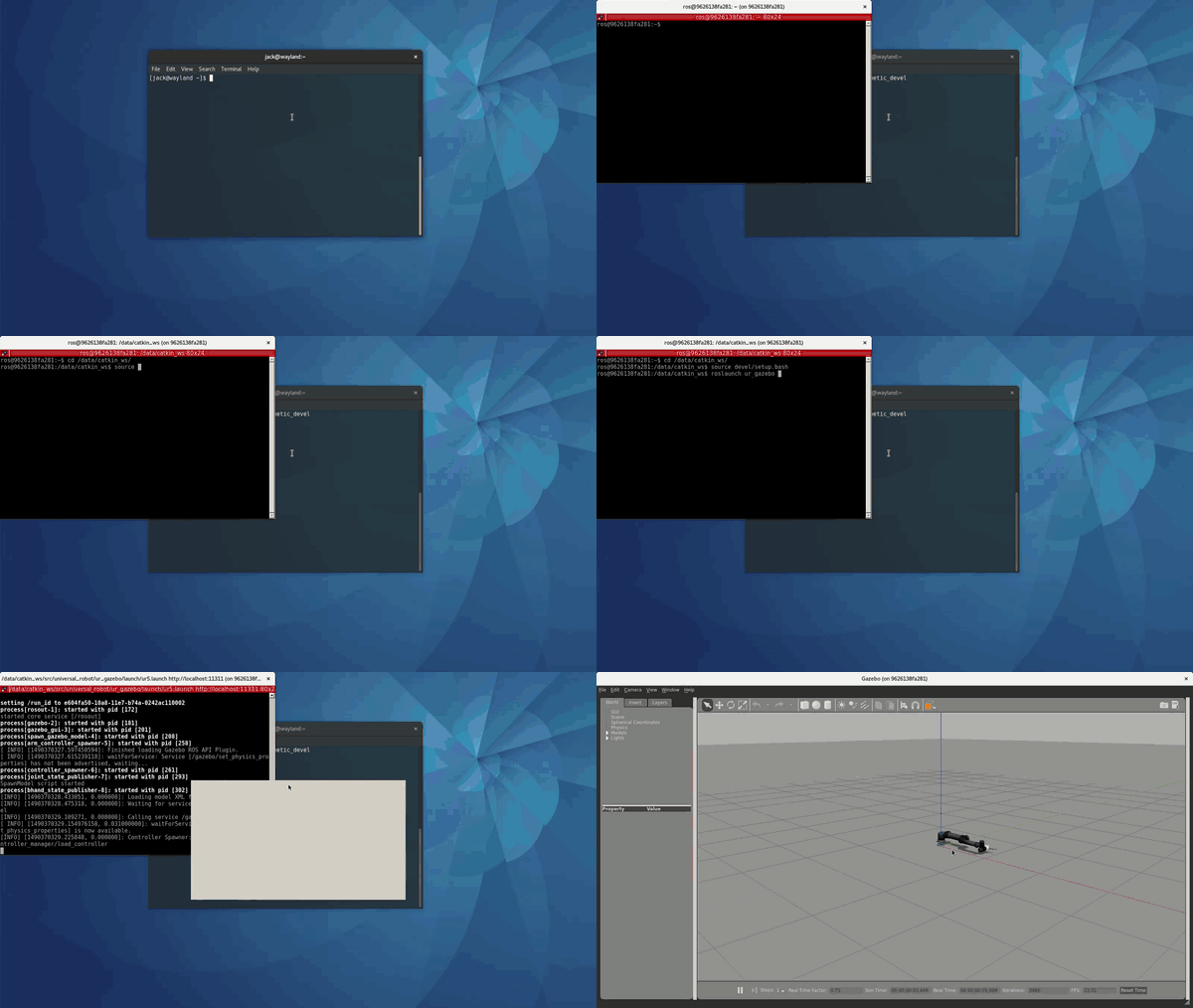
ROS desktop-full docker images with Qt C++ debug tool-chain for Fedora and other Linux users who do not use Ubuntu.
This project aims to build an All-in-One development environment for robot learning including robotics and deep reinforcement learning and a portable platform for intelligent robot applications.
Features
- integrated with open source AMD and Intel GPU driver, and NVIDIA driver manually installation instruction
- support
gazebosimulation - including
QtCreatorand RoboWare as ROS IDE which supports build and debug your ROS packages - including terminator, a multi-windows supported free terminal emulator
- including ros-desktop-full packages, currently support
indigoandkineticversion - including a light weight file manager GUI application pcmanfm
Usage
- Pull docker image
$ docker pull jacknlliu/ros:kinetic-ide-init
See it on docker hub.
- set X access on your host for docker containers
$ xhost +
- Run
docker run --privileged  \
 --security-opt label=disable  \
 --security-opt seccomp=unconfined  \
 --env="DISPLAY" --env QT_X11_NO_MITSHM=1  \
 --volume="/tmp/.X11-unix:/tmp/.X11-unix:rw"  \
 --volume="/home/<your_user_name>/Workspace:/data:rw"  \
 --volume="/path/to/gazebo_models:/home/ros/.gazebo/models:rw"  \
 --name="ros_kinetic"  \
 jacknlliu/ros:kinetic-ide-init terminator
NOTE:
/home/<your_user_name>/Workspace defines your workspace according to your own workspace to share between your host and docker container,
/path/to/gazebo_models defines your gazebo models directory path.
Run the above command just in the first time, later please just run the container with its name, this will keep things easy.
$ docker start ros_kinetic
- Troubleshooting with NVIDIA video card
If you use NVIDIA video card, you should follow this instruction.
Pay What You Want
If this project really help you, you can pay for it.
Just scan the following QR code using Alipay mobile application, and any amount will be OK.

enjoy it!
TODO List
- add NVIDIA driver Installation instruction.
This work has been done, and it will move to release after some more polish.Open An issue and a wiki page for tracking. - add nvidia driver installation tips in docker container startup.
- update ros indigo image
- add robot grasping standalone image
- update demo gif picture with robot grasping task. This is a long term item.
- add Chinese document
- add RoboWare IDE
-
add reinforcement learning libraries, including rllab. For machine learning part, it will be another standalone image, and it will be a module network application with ROS middleware.A standalone image integrated tensorflow, opeai/roboschool, and ros base, see here. Cheer! -
add machine learning libraries -
add deep learning, including tensorflow - add mobile robot standalone image for robot SLAM and robot vision research
Known Issues and Limitations
- It's a little large image.
- common issues about NVIDIA GPU driver
Reference
LICENSE
This project is distributed under MIT License.
Tag summary
Content type
Image
Digest
Size
2.1 GB
Last updated
over 7 years ago
docker pull jacknlliu/ros:kinetic-gazebo7-ide