roqueribeiro1988/roqueos-server-ubuntu repository overview
RoqueOS Server Ubuntu

🐧 Ubuntu Container for RoqueOS Terminal
Isolated Linux environment for each user session



🖥️ Supported Platforms
| Architecture | Devices |
|---|---|
| linux/amd64 | PCs, servers, cloud VMs |
| linux/arm64 | Raspberry Pi 4/5, Mac M1/M2/M3/M4, AWS Graviton |
Docker will automatically pull the correct image for your architecture.
🌟 What is RoqueOS Server Ubuntu?
RoqueOS Server Ubuntu is a specialized Ubuntu-based Docker image designed to provide isolated terminal sessions for RoqueOS users. When a user opens the Terminal app in RoqueOS, this container is spawned to provide a secure, isolated Linux environment.
⚠️ Note: This image is automatically used by RoqueOS Server. You typically don't need to pull or run this image manually.
✨ Features
🔒 User Isolation
- Each user gets their own container instance
- Complete isolation between users
- Resource limits (CPU, memory) per container
- Automatic cleanup on session end
🛠️ Pre-installed Tools
The container comes with essential development tools:
| Category | Tools |
|---|---|
| Version Control | git |
| Editors | vim, nano |
| Network | curl, wget, netcat, ping |
| Languages | Python 3, Node.js (optional) |
| Utilities | htop, tree, zip, unzip, jq |
| Shell | bash, zsh |
💾 Persistent Home Directory
- User files persist across sessions
- Home directory mounted from host
- Survives container restarts
💻 Code-Server Support
- VS Code in the browser
- Full IDE experience
- Extensions support
- Integrated terminal
🚀 How It Works
┌─────────────────────────────────────────────────────────────┐
│                      RoqueOS Frontend                        │
│                    (https://roqueos.com.br)                  │
└─────────────────────────────────────────────────────────────┘
                              │
                              │ WebSocket
                              ▼
┌─────────────────────────────────────────────────────────────┐
│                      RoqueOS Server                          │
│              (roqueribeiro1988/roqueos-server)               │
└─────────────────────────────────────────────────────────────┘
                              │
                              │ Docker API
                              ▼
┌─────────────────────────────────────────────────────────────┐
│                  RoqueOS Server Ubuntu                       │
│           (roqueribeiro1988/roqueos-server-ubuntu)           │
│                                                              │
│  ┌─────────────┐  ┌─────────────┐  ┌─────────────┐          │
│  │   User A    │  │   User B    │  │   User C    │          │
│  │  Container  │  │  Container  │  │  Container  │          │
│  └─────────────┘  └─────────────┘  └─────────────┘          │
└─────────────────────────────────────────────────────────────┘
- User opens Terminal in RoqueOS
- RoqueOS Server creates a new container from this image
- WebSocket connection streams terminal I/O
- Container is stopped after idle timeout
- User data persists in mounted volume
📦 Pre-pulling the Image
While RoqueOS Server automatically pulls this image when needed, you can pre-pull it to speed up first terminal access:
docker pull roqueribeiro1988/roqueos-server-ubuntu:latest
⚙️ Configuration via RoqueOS Server
The Ubuntu container behavior is configured through RoqueOS Server environment variables:
| Variable | Default | Description |
|---|---|---|
UBUNTU_IMAGE | roqueribeiro1988/roqueos-server-ubuntu:latest | Image to use for terminal containers |
CONTAINER_MEMORY_LIMIT | 2048m | Memory limit per container |
CONTAINER_CPU_LIMIT | 2.0 | CPU cores limit per container |
SESSION_IDLE_TTL_MS | 300000 | Idle timeout before container stops (5 min) |
STORAGE_BASE_PATH | /data/roqueos/users | Where user home directories are stored |
🔧 Container Specifications
Base Image
- Ubuntu 22.04 LTS (Jammy Jellyfish)
- Multi-arch:
linux/amd64+linux/arm64
Default User
- Username:
roqueos - Home:
/home/roqueos - Shell:
/bin/bash
Exposed Ports
| Port | Service |
|---|---|
| 8080 | Code-Server (VS Code) |
Resource Defaults
| Resource | Limit |
|---|---|
| Memory | 2GB |
| CPU | 2 cores |
| Disk | Unlimited (host volume) |
🛠️ Installed Packages
System Utilities
apt-utils, ca-certificates, locales, sudo, tzdata
Development Tools
build-essential, git, curl, wget, vim, nano
Network Tools
net-tools, iputils-ping, dnsutils, netcat-openbsd
File Management
zip, unzip, tar, gzip, bzip2, xz-utils
Text Processing
jq, sed, awk, grep
Monitoring
htop, procps
🖼️ Screenshots
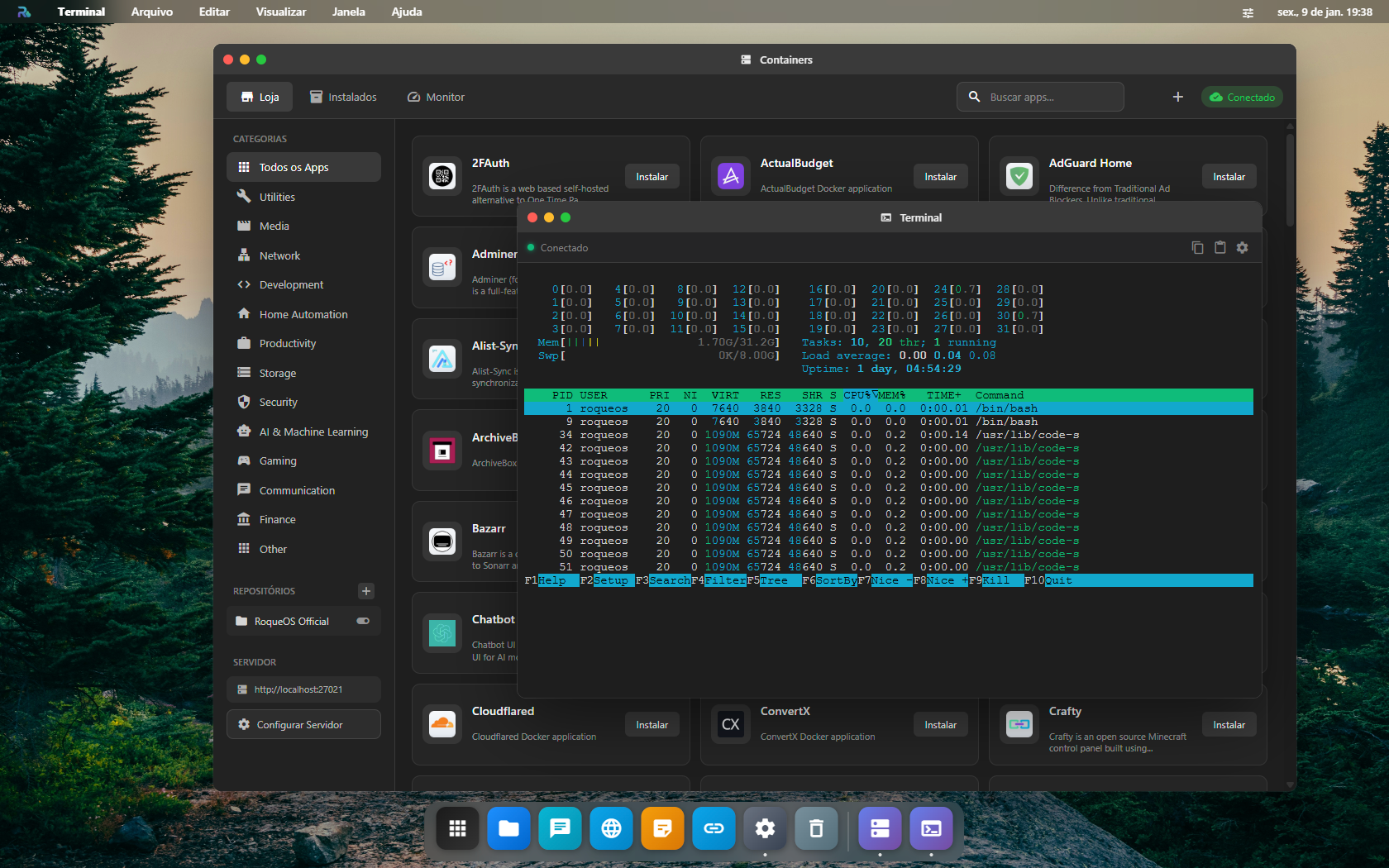
Terminal with htop
The terminal provides a full Linux shell experience directly in your browser with tools like htop pre-installed.
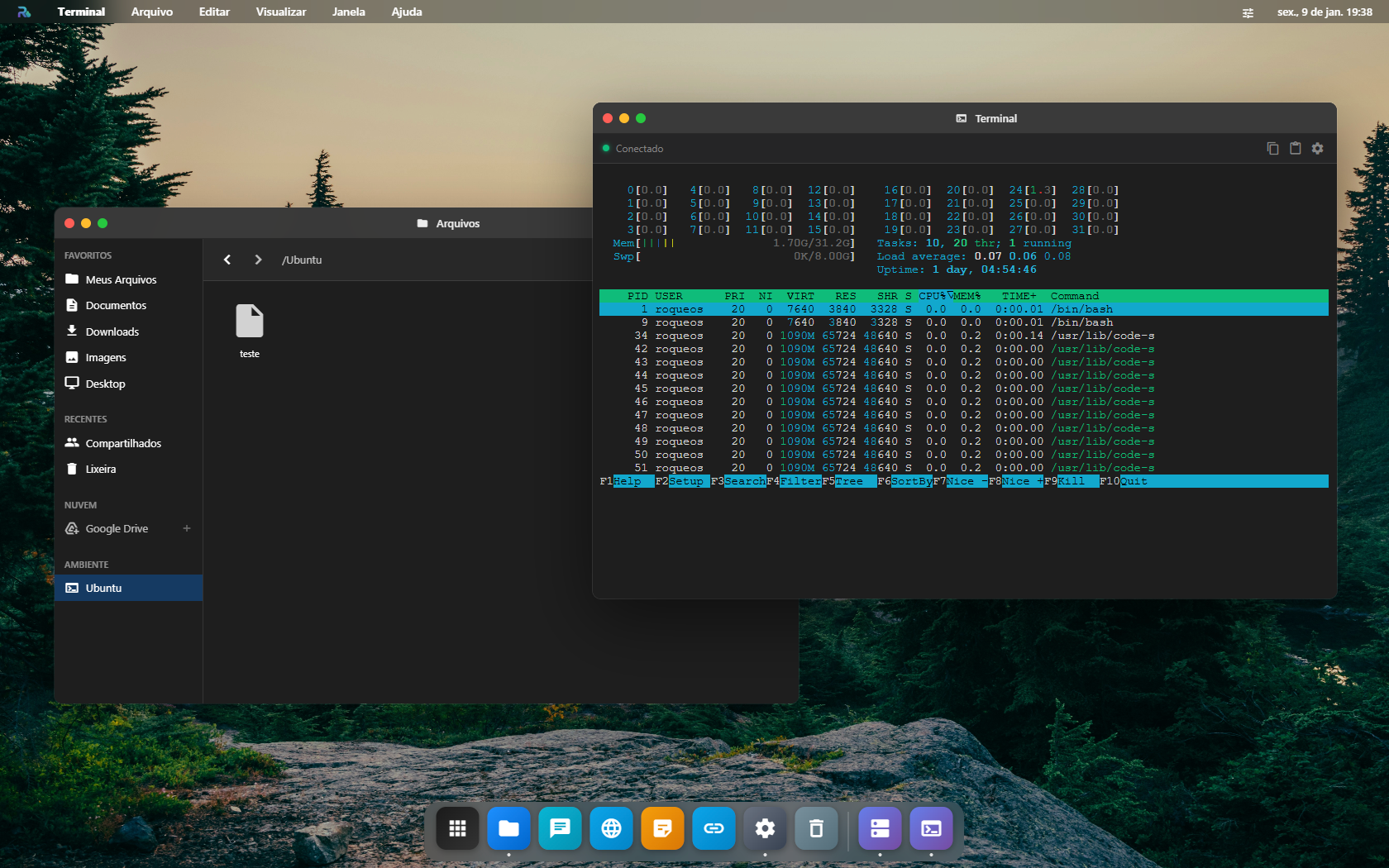
Terminal and File Manager Integration
Files created in the terminal are accessible via the File Manager, and vice versa.
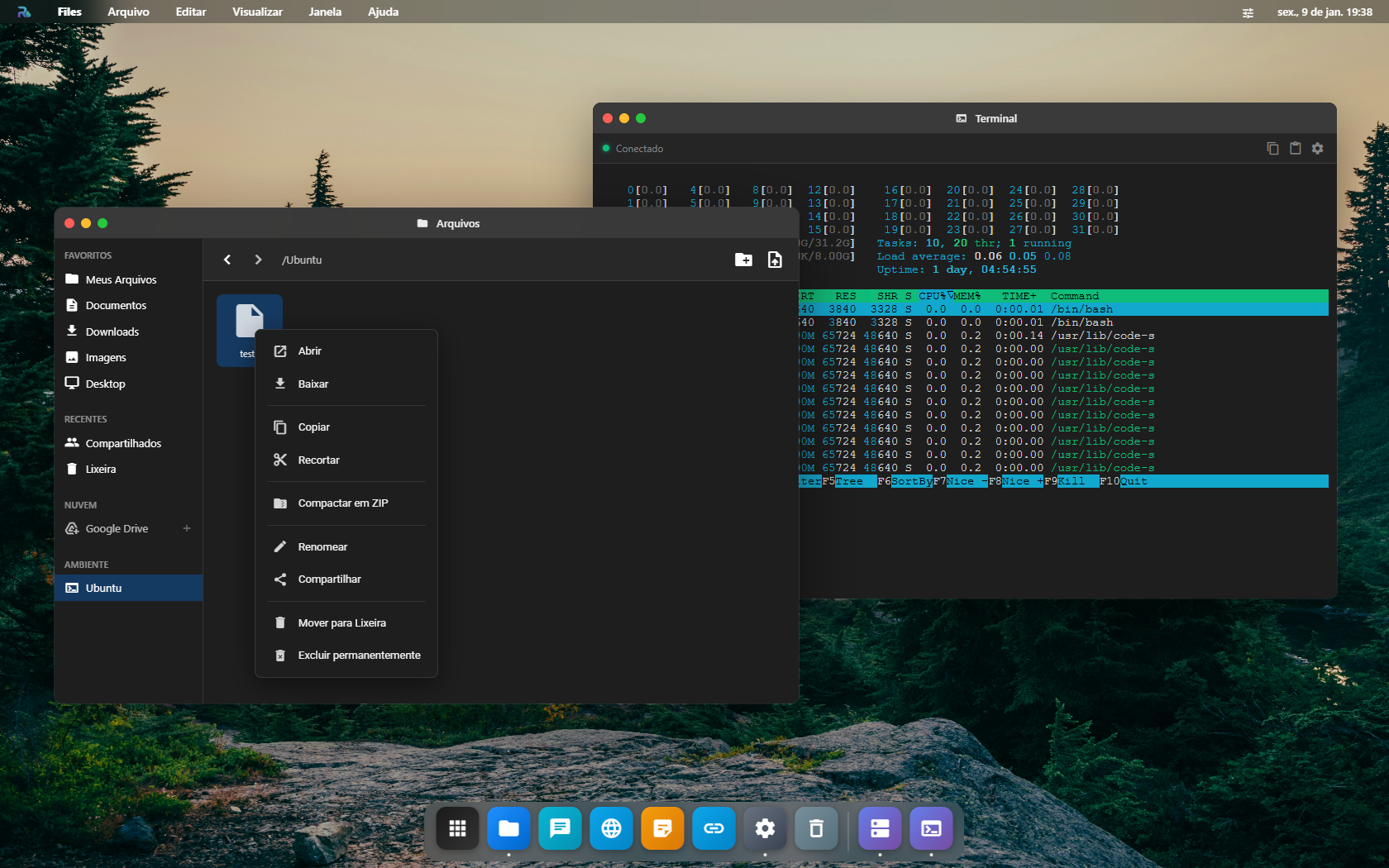
File Manager with Context Menu
Full file management capabilities with right-click context menu.
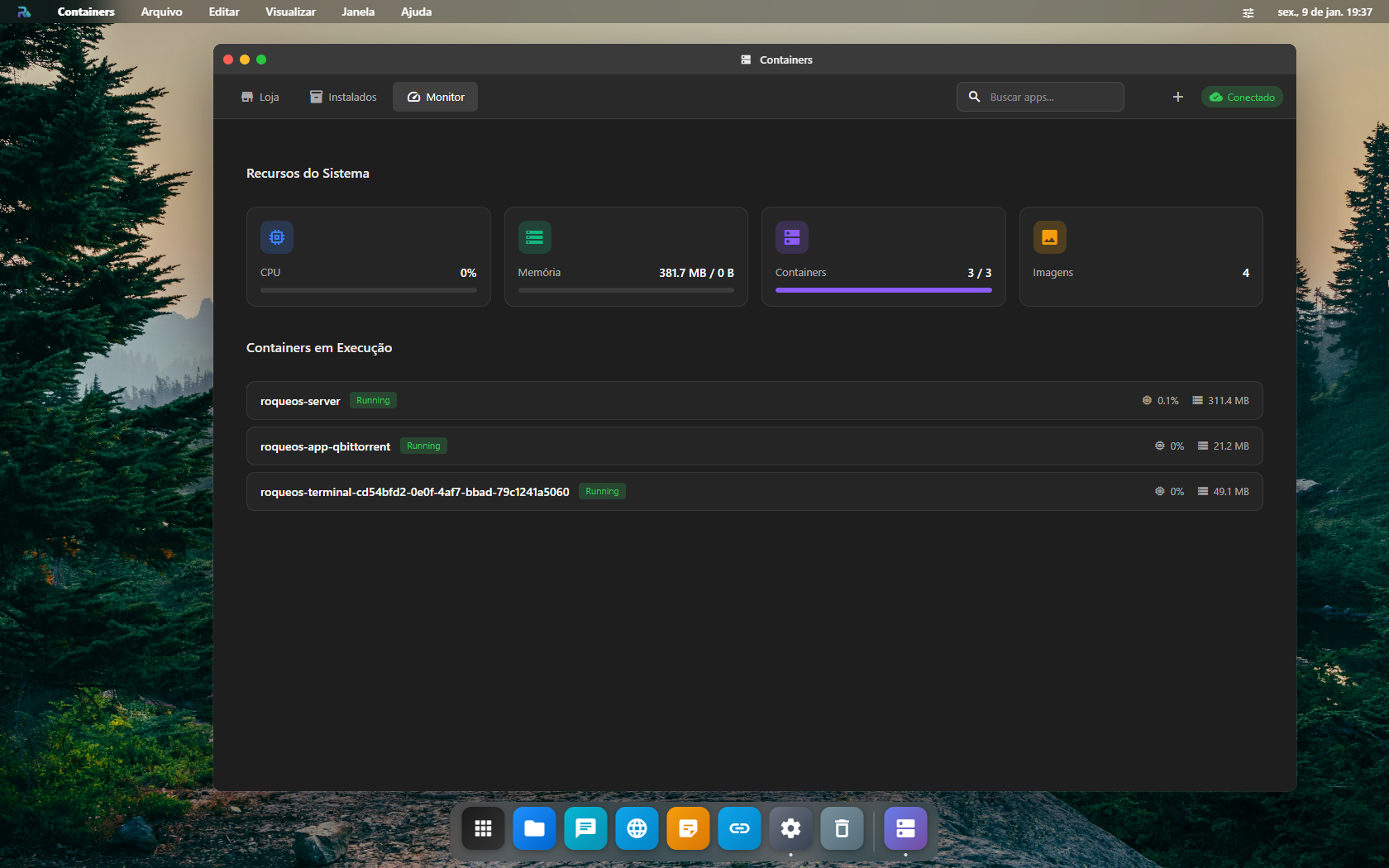
System Resource Monitor
Monitor CPU, memory, and container usage in real-time.
🔧 Troubleshooting
Terminal not connecting?
# Check if the image is available
docker images | grep roqueos-server-ubuntu

# Pull the latest version
docker pull roqueribeiro1988/roqueos-server-ubuntu:latest

# Test container creation manually
docker run --rm -it roqueribeiro1988/roqueos-server-ubuntu:latest bash
Container running out of memory?
Increase the memory limit in RoqueOS Server:
environment:
  - CONTAINER_MEMORY_LIMIT=4096m
Slow container startup?
Pre-pull the image on your server:
docker pull roqueribeiro1988/roqueos-server-ubuntu:latest
Need additional packages?
You can install packages within your session:
sudo apt update
sudo apt install <package-name>
Note: Packages installed this way won't persist after container restart. For permanent additions, consider creating a custom image.
🏗️ Building Custom Image
If you need additional packages permanently installed, you can create a custom image:
FROM roqueribeiro1988/roqueos-server-ubuntu:latest

# Install additional packages
RUN apt-get update && apt-get install -y \
    nodejs \
    npm \
    python3-pip \
    && rm -rf /var/lib/apt/lists/*

# Add custom configuration
COPY .bashrc /home/roqueos/.bashrc
Then configure RoqueOS Server to use your custom image:
environment:
  - UBUNTU_IMAGE=your-registry/your-custom-image:latest
📦 Related Images
| Image | Description | Link |
|---|---|---|
roqueribeiro1988/roqueos-server | Main RoqueOS Server | Docker Hub |
roqueribeiro1988/roqueos-server-ubuntu | Ubuntu container (this image) | Docker Hub |
🔗 Links
- RoqueOS Frontend: https://roqueos.com.br
- RoqueOS Server: Docker Hub
- App Catalog: github.com/roqueribeiro/roqueos-containers-list
📄 License
MIT License - Copyright (c) 2024 Roque Ribeiro
Made with ❤️ by Roque Ribeiro
Tag summary
Content type
Image
Digest
sha256:07797354f…
Size
579.4 MB
Last updated
2 months ago
docker pull roqueribeiro1988/roqueos-server-ubuntu